Nhanganyaya
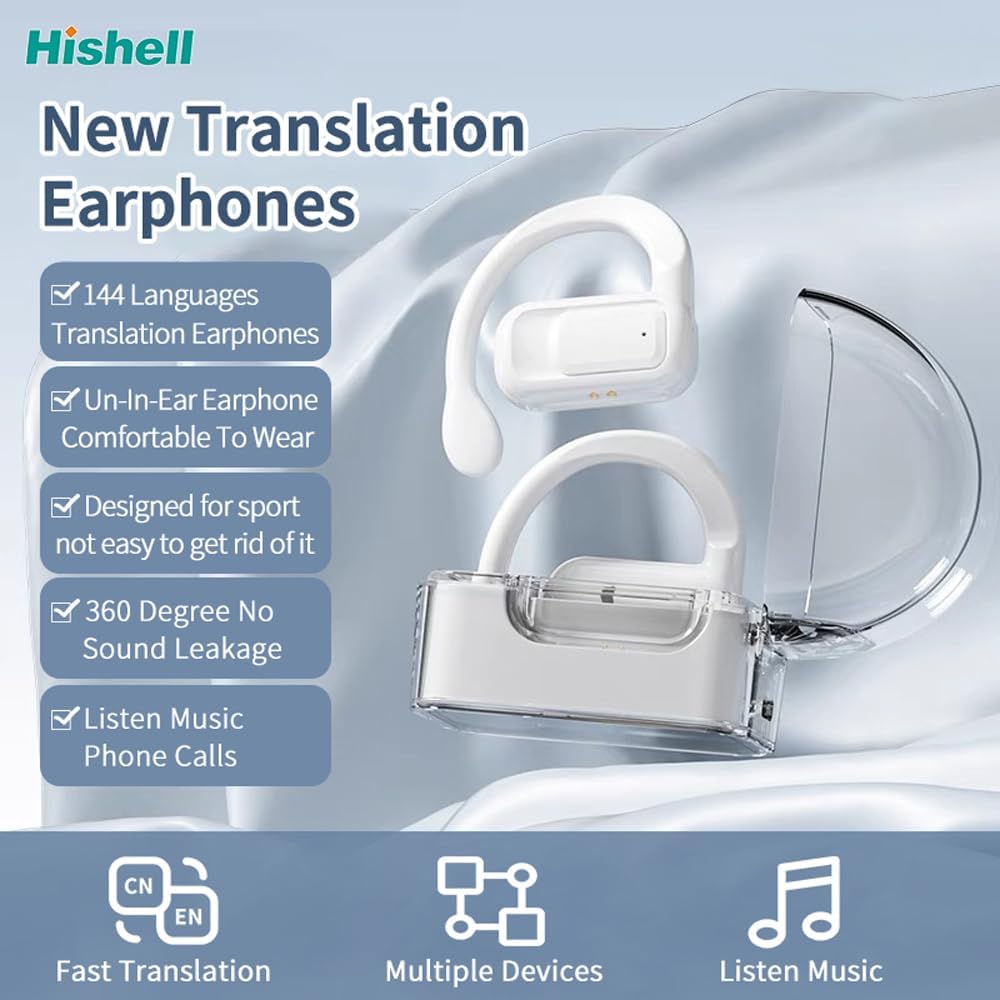
Thank you for choosing the HISHELL Language Translator Earbuds. These open-ear headphones are designed to provide seamless real-time language translation across 144 online languages, powered by 6 top translation engines. Beyond translation, they also function as versatile devices for music streaming and phone calls. This manual will guide you through the setup, operation, and maintenance of your new device to ensure an optimal user experience.

Image: The HISHELL Language Translator Earbuds, showing both earbuds and their transparent charging case.
Chii chiri muBhokisi
- 2 x Language Translator Earphones
- 1 x Charging Compartment
- 1 x Data Cable (USB-C)
- 1 x Headset User Manual
- 1 x APP Translation User Manual

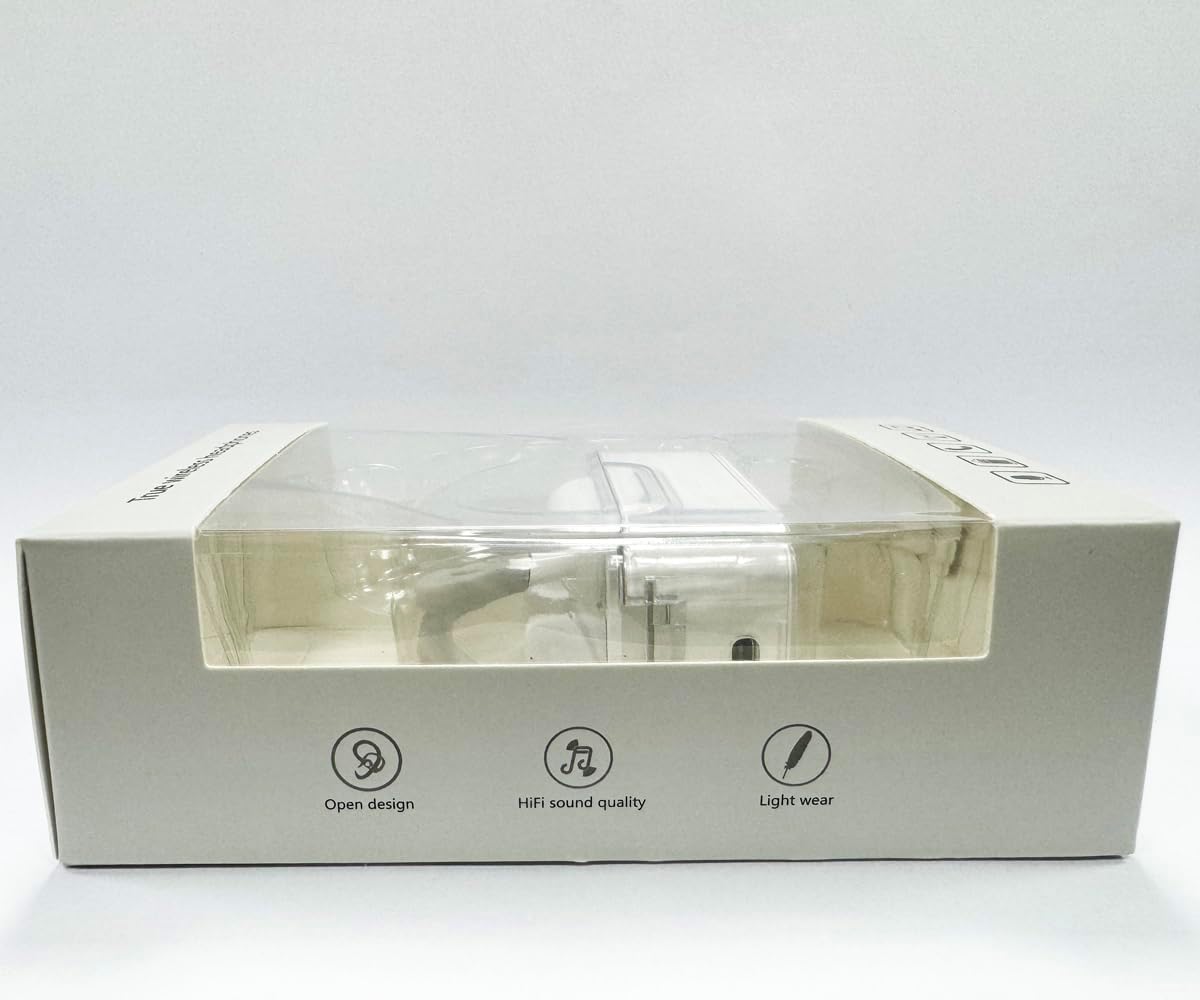
Mufananidzo: Mberi view of the product packaging, displaying the earbuds inside.
Gadzirira
1. Kuchaja maEarbuds uye Case
Before first use, fully charge the earbuds and the charging case. Connect the provided USB-C data cable to the charging port on the case and plug the other end into a USB power source (e.g., computer, wall adapter). The indicator lights on the case will show charging status.
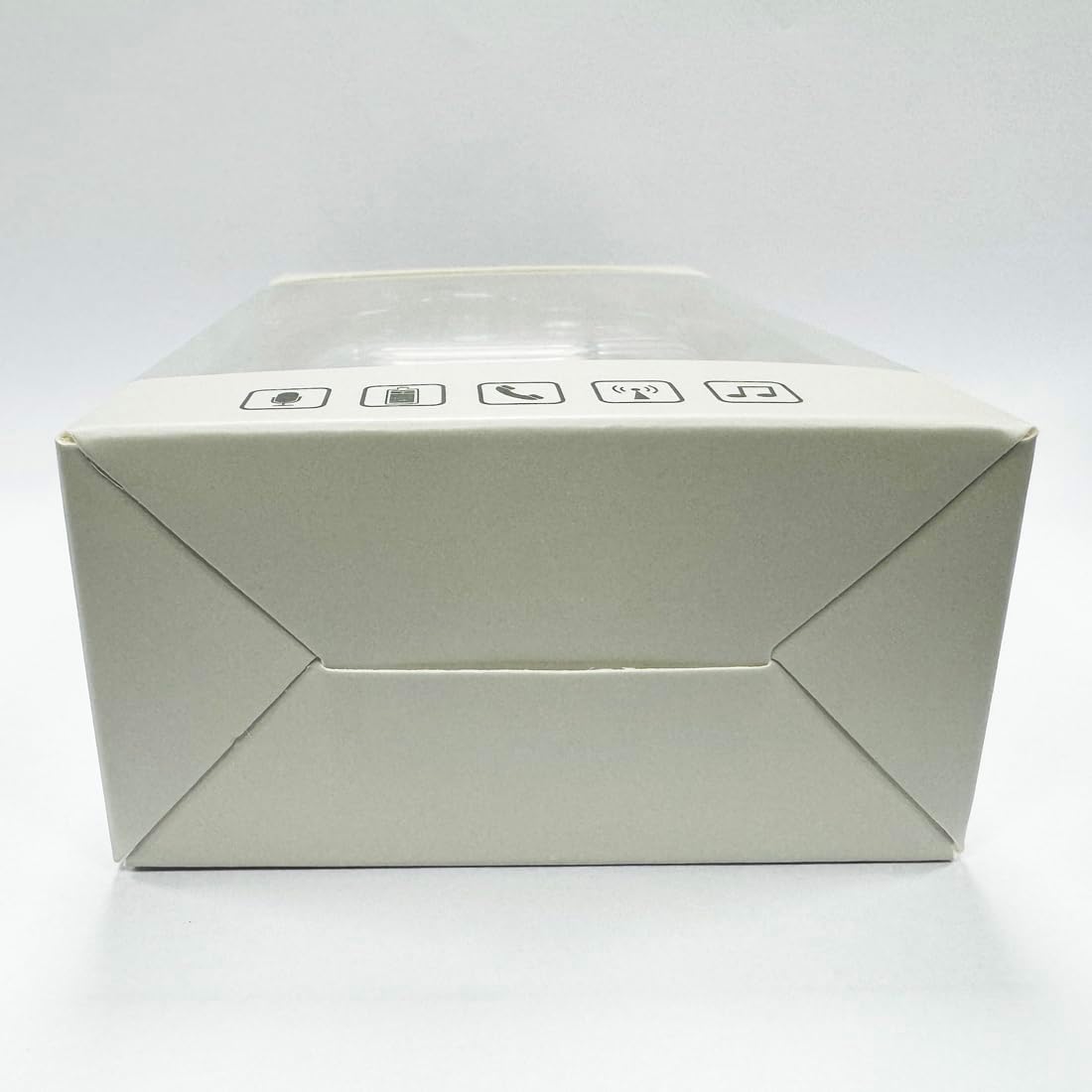
Mufananidzo: Pazasi view of the charging case, highlighting the USB-C charging port.
2. Kuiswa kweApp
To utilize the translation features, you must download the dedicated HISHELL translation app on your smartphone (iOS or Android). Scan the QR code provided in the APP Translation User Manual or search for "HISHELL Translator" in your device's app store.
3. Bluetooth Kubatanidza
- Iva nechokwadi chekuti mahedhifoni aiswa chaji uye abviswa mubhokisi rekuchaja. Anopinda otomatiki mumodhi yekuwiriranisa.
- On your smartphone, go to Bluetooth settings and turn Bluetooth on.
- Select "HISHELL BL02" (or similar name) from the list of available devices.
- Kana yangobatanidzwa, ruzha rwekusimbisa runorira, uye mahedhifoni anenge agadzirira kushandiswa.
Operating Instruction
The HISHELL Language Translator Earbuds offer three primary translation modes, along with standard audio functions.
Dudziro Modes

Image: Visual representation of the three distinct translation modes available with the earbuds.
- Bata Modhi:
Two people each wear one earphone. Click or double-click the earphone to translate in real-time. This mode is suitable for acquaintances who are willing to wear your earphone.

Image: Two individuals using the translator earbuds in a conversational setting.
- Mutauri Modi:
One person wears the earphones, and the other person holds the mobile phone. The phone's speaker will output the translation. This mode is suitable for strangers or situations where it's inconvenient for the other person to wear an earphone.
- Yemahara Yekutaura Modhi:
Both users wear an earphone. The device translates in real-time, allowing for natural, continuous conversation without needing to press buttons. This mode facilitates smooth and uninterrupted communication.
Music and Call Functions
In addition to translation, the earbuds function as standard Bluetooth headphones:
- Kuridza Mumhanzi: Once connected via Bluetooth, you can stream audio from your device. Use your phone's media controls for play/pause, skip tracks, and volume adjustment.
- Nharembozha: The earbuds support hands-free calling. Answer/end calls directly through the earbuds (refer to the APP Translation User Manual for specific touch controls). The binaural HD microphone ensures clear communication.

Mufananidzo: Eksamples of individuals comfortably wearing the open-ear translator earbuds.
Maintenance
Kuchenesa
- Pukuta maearbud nekesi yekuchaja nejira rakapfava, rakaoma, risina lint.
- Usashandise abrasive cleaners, doro, kana makemikari zvinonyungudutsa.
- Dzivisa kuwana mwando mune chero mazaru.
Storage
Kana isiri kushandiswa, chengeta maearbuds mukesi yavo yekuchaja kuti uzvidzivirire uye ugare wakachajwa. Chengetedza munzvimbo inotonhorera, yakaoma kure nechiedza chezuva uye tembiricha yakanyanyisa.
Kugadzirisa matambudziko
| Dambudziko | Zvinogona Kukonzera | Solution |
|---|---|---|
| Maearbuds haasi kubatanidza | Low battery; out of range; not in pairing mode; previous connection issue. | Ensure earbuds are charged. Place them closer to your device. Re-insert into case and remove to re-enter pairing mode. Forget device in Bluetooth settings and re-pair. |
| Translation not accurate or delayed | Poor internet connection; background noise; speaking too fast/unclearly; incorrect language selection. | Ensure stable internet connection. Speak clearly and at a moderate pace. Reduce background noise. Verify correct source and target languages in the app. |
| Hapana ruzha kubva munzeve | Inzwi rakaderera zvakanyanya; isina kubatana; media yakamira. | Increase volume on your device. Check Bluetooth connection. Ensure media is playing. |
| Kuchaja kesi kwete kubhadharisa | Tambo/adapta isina kunaka; nzvimbo yekuchaja yakasviba. | Try a different USB-C cable and power adapter. Clean the charging port gently with a dry cotton swab. |
For further assistance, please refer to the APP Translation User Manual or contact customer support.
Zvinotsanangurwa
| Feature | Detail |
|---|---|
| Model Number | BL02 |
| Package Dimensions | 5.16 x 3.15 x 1.69 inches |
| Item Weight | 2.12 ounces |
| Mabhatiri | 1 Lithium Polymer bhatiri (inosanganisirwa) |
| Kushandura Mitauro | Mitauro yepamhepo 144 |
| Translation Engines | Powered by 6 top translation engines |
| Maikorofoni | Binaural HD microphone |
| Hupenyu hwebhatiri (Kuteerera) | Approx. 3 maawa |
| Standby Time | Approx. 240 maawa |
| Kuchaja Port | USB-C |


Mufananidzo: Zvakasiyana-siyana views of the HISHELL charging case, showing its dimensions and design.
Warranty uye Support
Warranty Information
HISHELL products typically come with a standard manufacturer's warranty. Please refer to the warranty card included in your product packaging or visit the official HISHELL websaiti kuti uwane mitemo yakadzama yewarandi nemamiriro ezvinhu anoenderana nedunhu rako uye zuva rekutenga.
Mutengi Support
If you encounter any issues or have questions not covered in this manual, please contact HISHELL customer support. You can usually find contact information (email, phone, or support portal) on the official HISHELL websaiti kana kuburikidza nemutengesi kwawakatenga chigadzirwa.


