1. Ruzivo Rwakakosha Chekuchengetedza
Please read all safety instructions carefully before using your Xiaomi TV S Mini LED 75" 2025. Keep this manual for future reference.
- Kunobva Simba: Connect the TV only to an AC power source as indicated on the label.
- Kufefetedza Ita shuwa kuti pave nemhepo yakakwana yakatenderedza TV. Usavhare kuvhurika kwemhepo.
- Mvura uye Unyoro: Usaise TV pamvura kana hunyoro. Usaise zvinhu zvakazara nemvura paTV.
- Kuchenesa: Bvisa TV usati waichenesa. Shandisa jira rakapfava, rakaoma. Dzivisa zvinochenesa zvine mvura.
- Sevhisi: Usaedze kushandira chigadzirwa ichi iwe pachako. Tumira masevhisi ese kuvashandi vanokwanisa.
- Kuiswa: Place the TV on a stable, level surface or mount it securely to a wall using a compatible VESA mount.
2. Package Zviri mukati
Tarisa uone kuti zvinhu zvese zviripo mupakeji:
- Xiaomi TV S Mini LED 75" 2025
- Remote Control
- Power Cable
- Zvikamu zveTV Stand (kana zvichibatanidzwa)
- Mushandisi Chinyorwa (gwaro iri)
3. Setup Guide
3.1 Kuburitsa TV
Carefully remove the TV from its packaging. It is recommended to have two people for this process due to the size and weight of the 75-inch model.
3.2 Installing the TV Stand (Optional)
If you are not wall-mounting the TV, attach the included stand components according to the separate stand installation guide. Ensure all screws are tightened securely.
3.3 Kukwirisa madziro (Sarudzo)
The Xiaomi TV S Mini LED 75" 2025 supports VESA wall mounts with a pattern of 400 x 300 mm. Use appropriate wall-mounting hardware and consult a professional for installation to prevent injury or damage.
3.4 Kubatanidza Peripherals
Connect your devices to the TV's input ports. Refer to the back panel image for port locations.
Mufananidzo: Rear view of the TV displaying available connection ports.
- Simba: Batanidza tambo yemagetsi kuTV uye ipapo kune chinobuda magetsi.
- HDMI: Connect Blu-ray players, game consoles, or other HDMI devices.
- USB: Batanidza USB midziyo yekuchengetera yekutamba midhiya.
- Ethernet Kuti uve newaya yeinternet.
- Antenna/Cable: Batanidza antenna yako kana tambo yeTV yekuisa.
3.5 Kuvhura Pakutanga uye Kugadzirisa Kekutanga
After connecting all cables, plug in the TV and press the power button on the remote control. Follow the on-screen instructions to complete the initial setup, including network connection, Google account login, and channel scanning.

Mufananidzo: Mberi view of the Xiaomi TV S Mini LED 75" 2025.
4. Operating Instructions
4.1 Remote Kudzora Pamusoroview
Iyo inosanganisirwa remote control inopa mukana kune ese TV mabasa. Zvijaire nemabhatani dhizaini kuitira nyore kufamba.
4.2 Basic Mabasa
- Simba: Dhinda kuvhura kana kudzima TV.
- Vhoriyamu: Use the +/- buttons to adjust the sound level.
- Channel: Shandisa mabhatani eCH +/- kuchinja machaneli.
- Input: Select the desired input source (HDMI, AV, etc.).
- Kumba: Access the Google TV home screen.
4.3 Zvinhu zveTV Yakangwara (Google TV)
Your Xiaomi TV runs on Google TV, offering a personalized entertainment experience.

Image: Google TV interface with app icons and content suggestions.
- Apps: Dhawunirodha uye isa zvikumbiro kubva kuGoogle Play Store.
- Izwi Mubatsiri: Shandisa Google Assistant yakavakirwa mukati kuti ushandise mirairo yezwi.
- Zvirikurudziro: Google TV provides personalized recommendations based on your viewtsika.

Image: Using the Hey Google voice assistant to search for content.
4.4 Display Settings
Gadzirisa marongero emifananidzo kuti ugadzirise yako viewing experience.
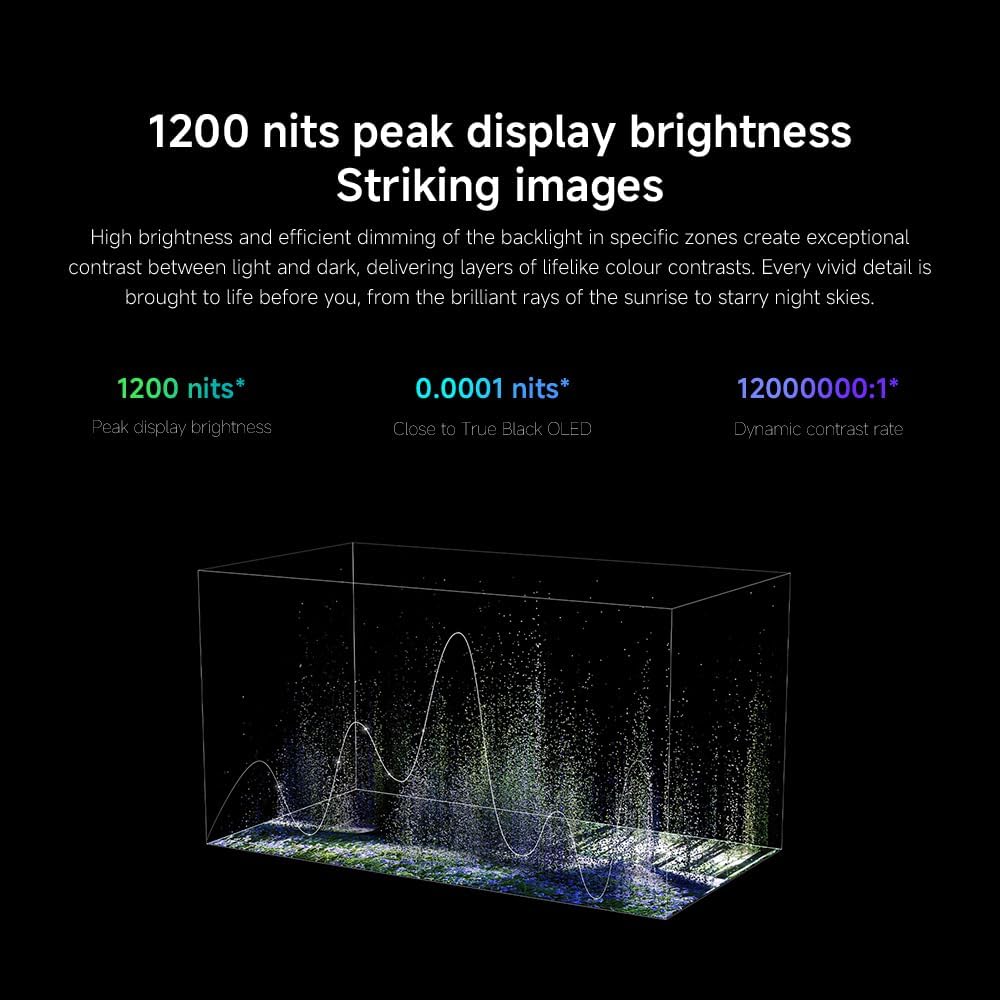
Mufananidzo: Pamusoroview of the TV's advanced display technologies.
- Mifananidzo Modes: Select from various preset modes (e.g., Standard, Vivid, Movie, Game) or customize your own.
- Kupenya/Kusiyanisa: Fine-tune these settings for optimal visual clarity. The TV features 1200 nits peak brightness for stunning visuals.
- Ruvara: Adjust color saturation and tint. The QD-MiniLED display offers accurate color reproduction.
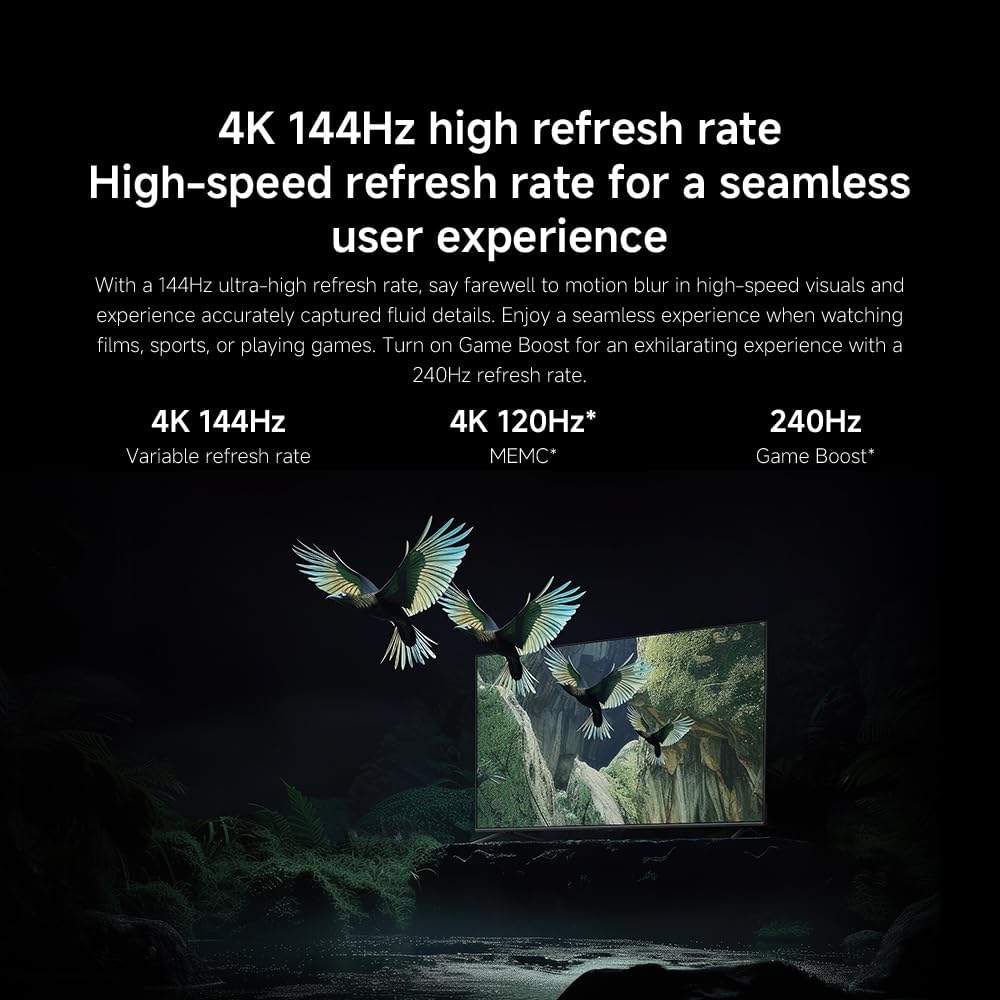
- Refresh Rate: The TV supports a 144Hz refresh rate for ultra-smooth motion.
- AI Engine: The powerful AI engine enhances image quality automatically.

Image: Visual representation of the 144Hz refresh rate for seamless motion.
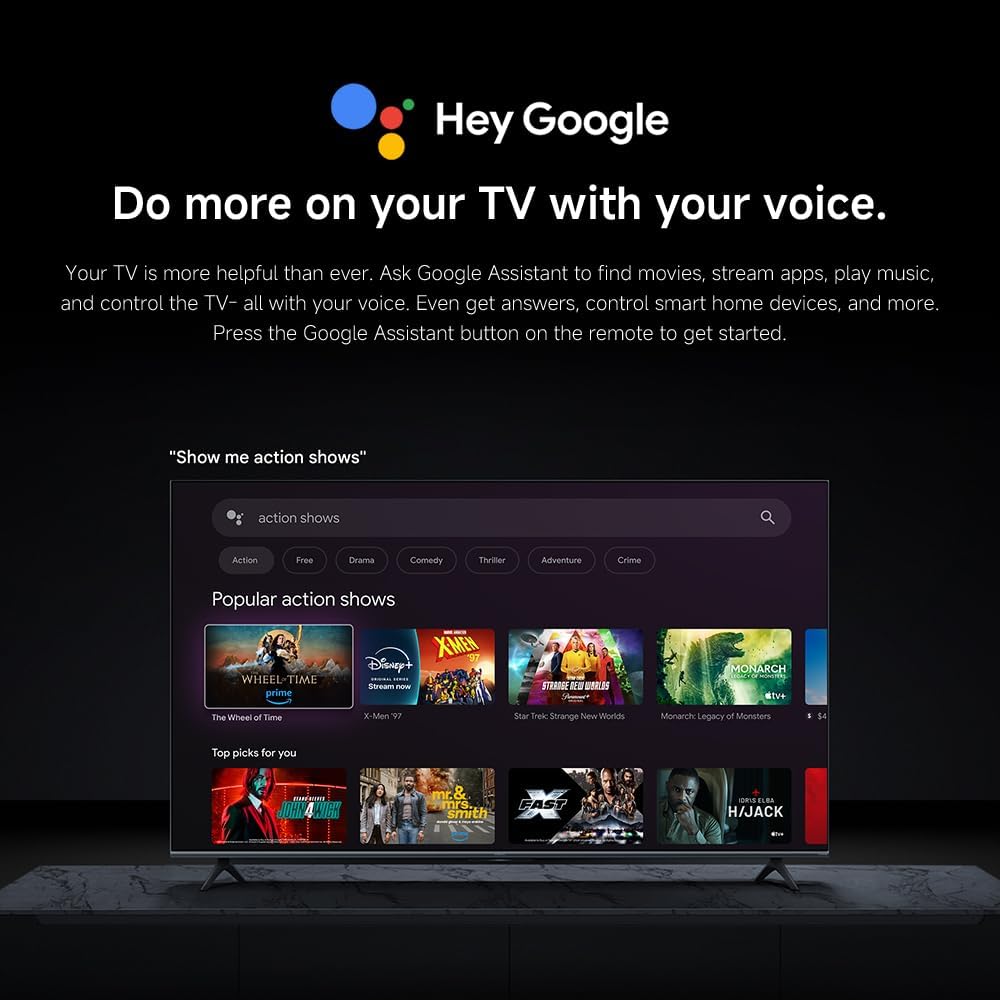
Image: The Quad cortex A73 processor, responsible for AI image enhancement and performance.
4.5 Audio Settings
Configure audio output and sound enhancements.

Image: Depiction of the TV's quality audio-visual experience.
- Mamiriro Ekurira: Choose from preset sound modes (e.g., Standard, Movie, Music) or customize.
- Dolby Atmos: Enable Dolby Atmos for an immersive audio experience.
4.6 Kubatana
The TV offers various connectivity options.
- Bluetooth: Connect Bluetooth-enabled devices such as headphones or speakers.
- Wi-Fi: Batanidza kune network yako isina waya yepamba kuti uwane internet.
- Apple AirPlay: Tevedzera zvirimo zvakananga kubva kune yako Apple zvishandiso.
Image: Apple AirPlay functionality for streaming from Apple devices.
5. Kuchengeta
5.1 Kuchenesa Screen
Kuti uchenese sikirini, tanga wabvisa TV. Pukuta sikirini zvinyoro nyoro nejira rakapfava, risina ruvara. Kana paine mavanga akaomarara, pukuta zvishomaampen the cloth with water or a specialized screen cleaner, then wipe dry immediately. Do not spray liquid directly onto the screen.
5.2 Zvigadziriso zveSoftware
The TV may receive software updates periodically to improve performance and add new features. Ensure your TV is connected to the internet to receive these updates. You can check for updates manually in the TV's settings menu.
6. Kugadzirisa matambudziko
Kana ukasangana nematambudziko neTV yako, tarisa kune anotevera akajairika mhinduro:
| Dambudziko | Possible Solution |
|---|---|
| Hapana simba | Tarisa kana tambo yemagetsi yakabatana zvakanaka neTV nepachinoburitsa magetsi. Iva nechokwadi chekuti chinoburitsa magetsi chinoshanda. |
| Hapana mufananidzo, asi inzwi riripo | Wona kuti mabviro akakodzera asarudzwa. Tarisa matambo ekubatanidza kune ekunze zvishandiso. |
| Hapana ruzha, asi mufananidzo uripo | Check volume level and mute status. Ensure audio cables are connected correctly. |
| Remote control haisi kushanda | Replace batteries. Ensure no obstructions between the remote and the TV. |
| Hunhu hwemifananidzo husina kunaka | Adjust picture settings (brightness, contrast, sharpness). Check antenna or cable connection. Ensure content source is high quality. |
| Smart TV features unresponsive | Check internet connection. Restart the TV by unplugging it for a few minutes and plugging it back in. |
If the issue persists after trying these steps, contact customer support.
7. Zvinotsanangurwa
Key technical specifications for the Xiaomi TV S Mini LED 75" 2025:
| Feature | Tsanangudzo |
|---|---|
| Brand | XIAOMI |
| Model Number | 59292 |
| Screen Size | 75 inches |
| Display Technology | 4K UHD, LED, QD-MiniLED |
| Resolution | 4K (3840 x 2160) |
| Refresh Rate | 144 Hz |
| Peak Kupenya | 1200 nits |
| Operating System | Google TV |
| processor | Quad Cortex A73 |
| RAM | 3 GB |
| Storage | 32 GB |
| Sravana Sameeralu Serial 4th Audio Technology | Dolby Atmos |
| Kubatana | Bluetooth, Wi-Fi, Apple AirPlay |
| Zviyero zvechigadzirwa (ne stand) | 42.5D x 166.8W x 102.8H masendimita |
| Uremu hwechigadzirwa (pamwe nemira) | 31 kg |
| VESA Wall Mount | 400 x 300 mm |
| Inosanganisirwa Zvikamu | TV, remote control, power cable |
8. Warranty uye Tsigiro
Your Xiaomi TV S Mini LED 75" 2025 is covered by a manufacturer's warranty. Please refer to the warranty card included in your package for specific terms and conditions. For technical support, service inquiries, or to purchase accessories, please visit the official Xiaomi websaiti kana kubata nzvimbo dzavo dzebasa dzakatenderwa.
Zvekushandisa Pamhepo: For additional information, FAQs, and software downloads, visit the official Xiaomi support page.


