1. Nhanganyaya
The UGREEN USB C to HDMI Cable with 100W Power Delivery (PD) Adapter is designed to connect USB-C enabled devices to HDMI displays, offering 4K@60Hz video output and simultaneous fast charging. This 2-in-1 solution is ideal for extending your device's display to a larger screen while ensuring it remains powered.
2. Zvigadzirwa zveChigadzirwa
- 4K@60Hz Video Output: Supports resolutions up to 4K at 60Hz, 2K at 120Hz, and 1080P at 240Hz for clear and smooth visuals.
- 100W Power Delivery: Features a dedicated USB-C PD port for fast charging your source device up to 100W while simultaneously displaying video.
- Advanced Audio & Visual Support: Compatible with 3D, HDR, HDCP 2.2/1.4, DTS 7.1, and Dolby audio for an immersive experience.
- Ratidza Modes: Supports both Mirror Mode (duplicate screen) and Extend Mode (separate content on external screen).
- Plug & Tamba: No additional drivers or software required for operation.
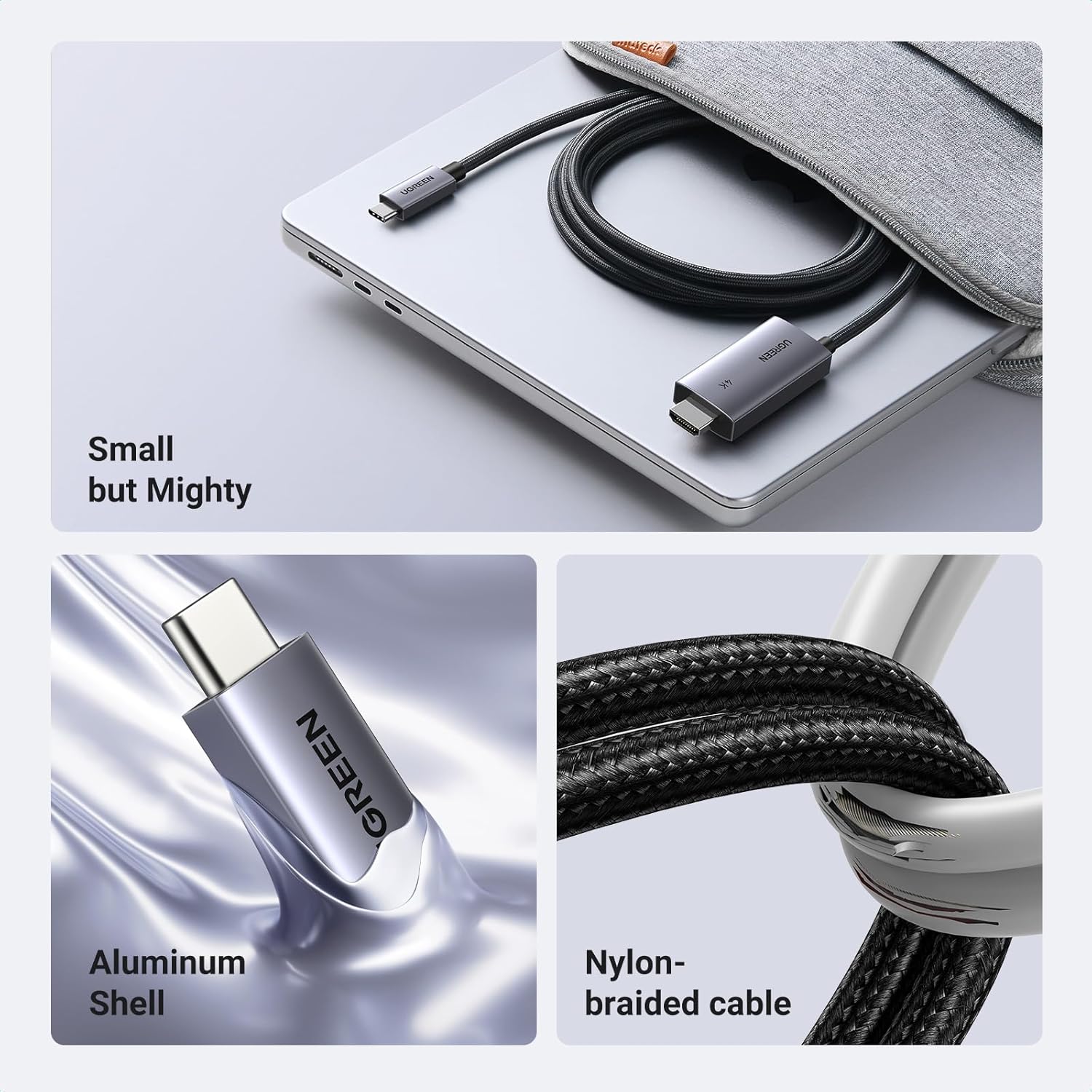
- Durable Design: Constructed with an aluminum shell for heat dissipation and a nylon braided cable for enhanced durability and anti-corrosion properties.
- Unidirectional Signal Flow: Transmits signals only from USB-C source devices to HDMI displays.
3. Package Zviri mukati
- 1 x UGREEN USB C to HDMI Cable with 100W PD Adapter (Model CM675)
- 1 x Chinyorwa cheMushandisi
4. Zvinotsanangurwa
| Feature | Detail |
|---|---|
| Model Number | CM675 |
| Resolution Support | Up to 4K@60Hz, 2K@120Hz, 1080P@240Hz |
| Power Delivery | Kusvika ku100W (kuburikidza nechiteshi che USB-C PD chakatsaurirwa) |
| Audio/Video Standards | 3D, HDR, HDCP 2.2/1.4, DTS 7.1, Dolby |
| Connector Type | USB Type C (input), HDMI (output), USB Type C PD (charging) |
| Cable Length | 6.6 tsoka (2 m) |
| Material | Aluminum shell, Nylon braided cable |
| Color | Gireyi |
| Product Dimensions | 3.94 x 3.94 x 1.97 inches |
| Item Weight | 3.53 ounces |
5. Kugarisana
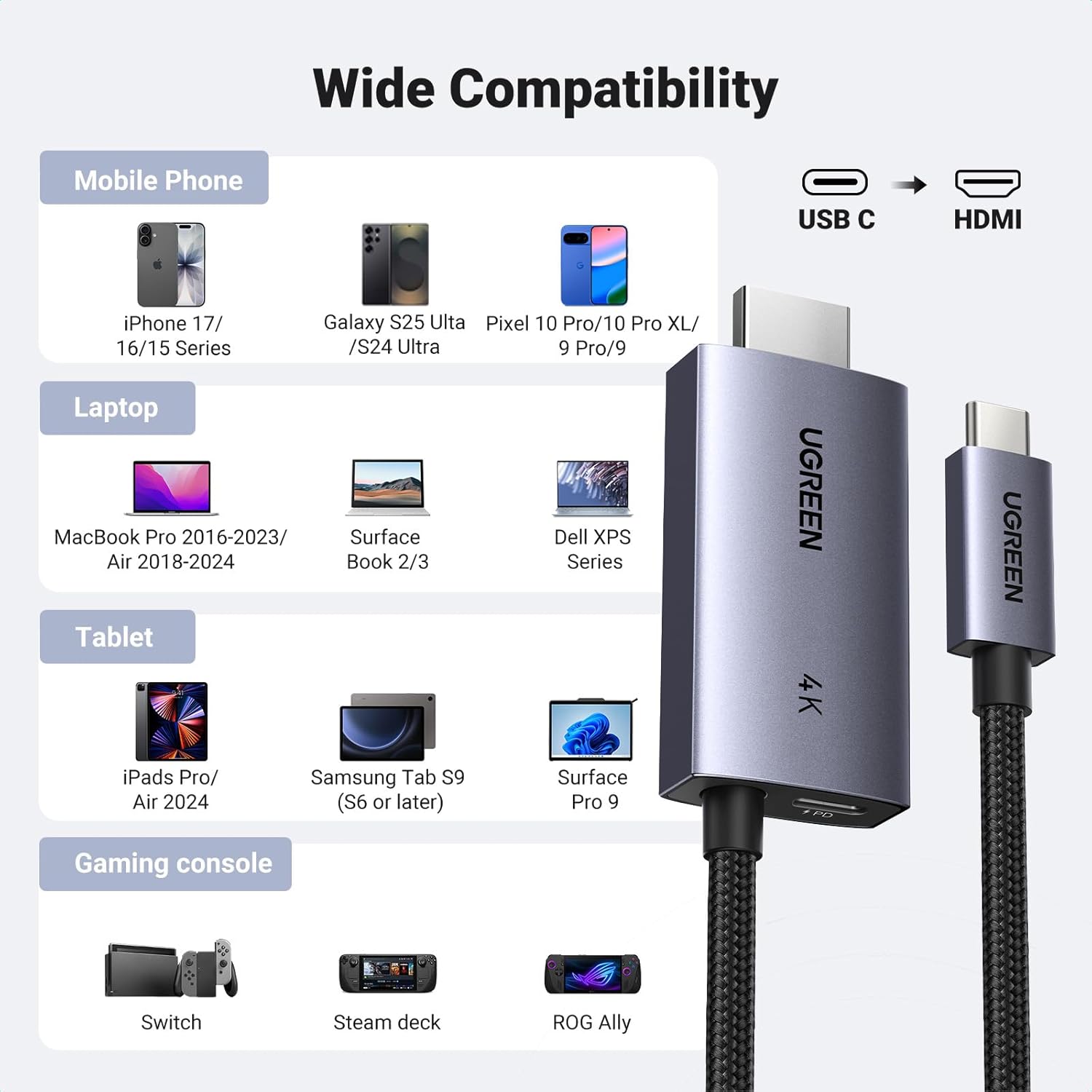
This cable is compatible with USB-C ports that support the "DP Alt Mode" video output function, as well as Thunderbolt 3 & 4 ports. It connects to any display device with an HDMI port (e.g., HDTVs, monitors, projectors).
Zvishandiso Zvinoenderana Zvinosanganisira:
- Nharembozha: iPhone 17 Pro Max/17 Pro/Air/17/16 Pro Max/16 Pro/16 Plus/16, Galaxy S25/24 Ultra, Note 20, LG V40, Pixel 9/9 Pro/10/10 Pro/10 Pro XL.
- Laptops: MacBook Pro/Air 2024, XPS 17/15, Dell, HP Chromebook, Surface Book.
- Mahwendefa: iPad Pro/Air 2024, Samsung Tablet S9 (S6 or later), Surface Pro 9.
- Gaming Consoles: Valve Steam Deck, Nintendo Switch, ROG Ally.
6. Setup Guide
Follow these steps to connect your device to an HDMI display using the UGREEN USB C to HDMI Cable:
- Batanidza HDMI: Plug the HDMI connector of the UGREEN cable into the HDMI input port of your TV, monitor, or projector.
- Connect USB-C Source: Plug the USB-C connector of the UGREEN cable into the USB-C port of your source device (e.g., laptop, tablet, phone).
- Batanidza Simba (Isarudzo asi Inokurudzirwa): For simultaneous charging, insert your USB-C charging cable (not included) into the dedicated USB-C PD port on the HDMI adapter end of the UGREEN cable. Then, connect the charging cable to a power source (e.g., wall adapter, power bank).
- Sarudza Input: On your display device, select the correct HDMI input source.
7. Operating Instructions
Ratidza Modes:
- Mirror Mode: Your device's screen will be duplicated on the external HDMI display. This is useful for presentations or sharing content.
- Extend Mode: The external HDMI display will act as a separate screen, allowing you to display different content or extend your desktop workspace. This mode is ideal for multitasking.
To switch between display modes, access your device's display settings (e.g., System Preferences on macOS, Display Settings on Windows, or similar options on mobile devices).
Kuchaja Basa:
The dedicated USB-C PD port allows you to charge your source device (laptop, tablet, phone) at up to 100W while simultaneously using the HDMI display. Ensure you use a compatible USB-C charging cable and power adapter (not included) to utilize this feature.


8. Kuchengeta
To ensure the longevity and optimal performance of your UGREEN USB C to HDMI Cable:
- Dzivisa kukotamisa tambo zvakanyanya kana kushandisa simba rakawandisa kune zvinobatanidza.
- Store the cable in a clean, dry environment when not in use.
- Clean the connectors periodically with a soft, dry cloth to remove dust or debris.
- Do not expose the cable to extreme temperatures or direct sunlight.
9. Kugadzirisa matambudziko
Hapana Chiratidzo paChiratidzo:
- Ensure both the USB-C and HDMI connectors are fully inserted into their respective ports.
- Verify that your source device's USB-C port supports "DP Alt Mode" for video output.
- Check the input source selection on your TV/monitor to ensure the correct HDMI port is selected.
- Try connecting the cable to a different HDMI port on your display or a different display altogether.
- Tangazve yako source mudziyo.
Kuchaja Kusingashande:
- Ensure you are using a compatible USB-C charging cable and a power adapter that supports Power Delivery (PD).
- Verify that the charging cable is securely connected to the UGREEN adapter's PD port and the power source.
- Confirm that your power adapter provides sufficient wattage (up to 100W supported by the adapter).
Kupenya kana Kusagadzikana kweChiratidziro:
- Ensure the cable is not damaged and connections are secure.
- Try reducing the display resolution or refresh rate in your device's display settings.
- Ensure your display device and source device drivers are up to date.
10. Zvakakosha Zvinyorwa
- Tambo iyi unidirectional, meaning it only transmits signals from a USB-C source device to an HDMI display. It cannot be used in reverse (HDMI to USB-C).
- The USB-C PD charging cable and wall adapter are isina kubatanidzwa nechigadzirwa ichi.
- For optimal 4K@60Hz performance, ensure your source device and display both support this resolution and refresh rate.
11. Warranty uye Tsigiro
UGREEN products come with a standard manufacturer's warranty. For specific warranty details, technical support, or customer service inquiries, please visit the official UGREEN website or contact their customer support team. You can also refer to the UGREEN store on Amazon for additional product information and support resources.
UGREEN Official Store: Shanyira UGREEN Store


