1. Nhanganyaya
This manual provides essential instructions for the safe operation and maintenance of your SuperRC L500 Pro 4K GPS Drone. Please read this manual thoroughly before operating the drone to ensure proper usage and to prevent damage or injury. Keep this manual for future reference.
2. Mirayiridzo Yekuchengetedza
Operating a drone requires responsibility. Adhere to all local regulations and guidelines for drone usage. Failure to do so may result in legal penalties or property damage.
- Pre-Flight Check: Always inspect the drone, remote controller, and batteries for any damage before each flight. Ensure propellers are securely attached.
- Nzvimbo Yendege: Fly in open areas, away from people, animals, buildings, and power lines. Avoid flying in strong winds, rain, or fog. Maintain a clear line of sight with the drone.
- Kuchengetedzwa kweBhatiri: Shandisa mabhatiri nemachaja anotenderwa chete. Usachaja zvakanyanya kana kuboora mabhatiri. Rega kushandisa kana mabhatiri akaratidza zviratidzo zvekuzvimba kana kukuvara.
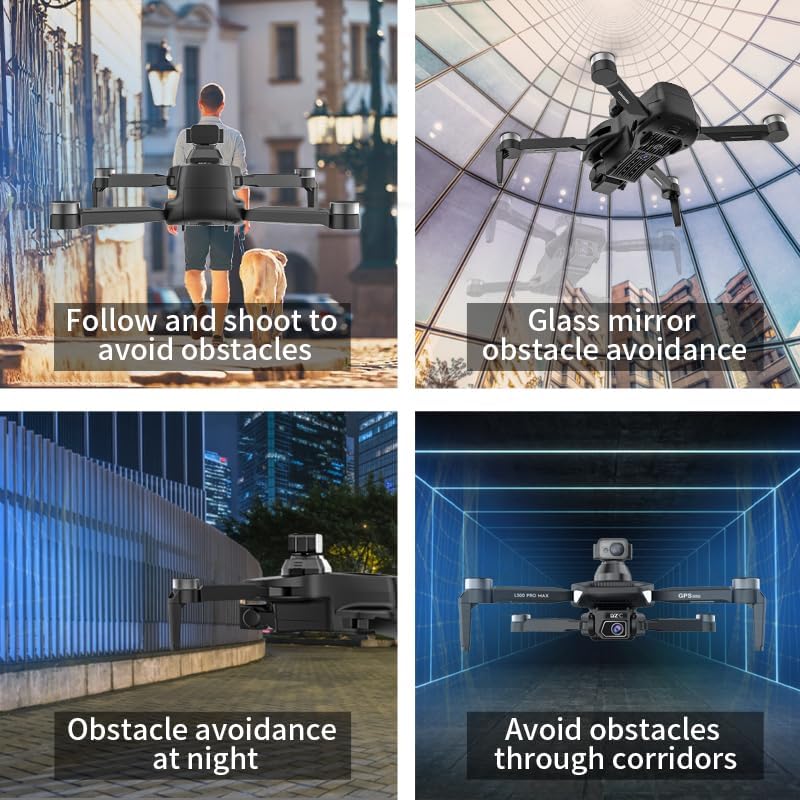
- Kunzvenga Zvipingamupinyi: While the drone features 360° laser obstacle avoidance, it is not foolproof. Always exercise caution and maintain awareness of your surroundings.
- Zera Recommendation: This product is intended for adults.
3. Package Zviri mukati
Ona kuti zvinhu zvese zviripo mupasuru yako:
- SuperRC L500 Pro Drone
- Remote Controller
- Kutakura Nyaya
- Propellers (Spare set included)
- Zvikururu
- Screwdriver
- USB Type-C Cable
- Mabhatiri eLithium Ion (akabatanidzwa maviri)
- Mushandisi Manual (Gwaro iri)

4. Drone Components
Familiarize yourself with the key parts of your SuperRC L500 Pro drone:
- Maoko Anopeta: Yekuchengetedza compact uye yekufambisa.
- Brushless Motors: Provide stable and quiet flight.
- Vaperekedzi: Gadzira lift yekubhururuka.
- Makamera maviri e4K HD: Front-facing and downward-facing cameras for aerial photography and video. Electrically adjustable shooting angles.
- 360° Laser Obstacle Avoidance Sensor: Inoona zvipingamupinyi kumativi ese.
- GPS Module: Enables precise outdoor positioning and intelligent flight modes.
- Optical Flow Sensor: Provides stable hovering for indoor flight.
- Modular Battery: Easy to install and replace.


5. Remote Controller
The remote controller allows you to operate the drone and access its features. It features a smartphone holder for live video feed and app control.
Refer to the included quick start guide for a detailed diagram of the remote controller buttons and their functions.

6. Kuiswa kweBattery uye Kuchaja
6.1 Drone Bhatiri
- Insert the modular battery into the drone's battery compartment until it clicks into place.
- Kuti ubvise, tinya bhatani rekusunungura (kana riripo) wobva wabvisa bhatiri.
- Charge the battery using the provided USB Type-C cable and a compatible USB power adapter (not included). The charging indicator will show the charging status.
6.2 Remote Controller Battery
The remote controller typically uses internal rechargeable batteries or standard AA batteries. Refer to the remote controller's specific instructions for battery type and charging/installation procedures.
7. Kutanga Setup
- Chaja Mabhatiri: Ita shuwa kuti ese mabhatiri e drone neremote controller akachajwa zvizere.
- Unfold Drone: Carefully unfold the drone arms until they lock into position.
- Isa maPropellers: If not pre-installed, attach propellers according to the markings (A/B) on the propellers and motor arms. Ensure they are secure.
- Power On: Place the drone on a flat, level surface. Power on the drone, then power on the remote controller.
- Kubatanidza: The drone and remote controller should automatically pair. If not, follow the pairing instructions in the quick start guide.
- App Connection: Download the SuperRC drone app to your smartphone. Connect your phone to the drone's Wi-Fi network (usually named "SuperRC-XXXX"). Open the app to view iyo live feed uye kuwana epamusoro maficha.
- Kuongororwa kweGPS: For outdoor flights, ensure the drone acquires sufficient GPS satellites before takeoff. Perform compass calibration as instructed by the app or quick start guide.
8. Operating Instructions
8.1 Kubhururuka Kwekutanga
- Imwe-Kiyi Kusimuka/Kudzika: Press the dedicated button on the remote or in the app for automatic takeoff and landing.
- Manual Control: Use the joysticks on the remote controller to control altitude, direction, and rotation.
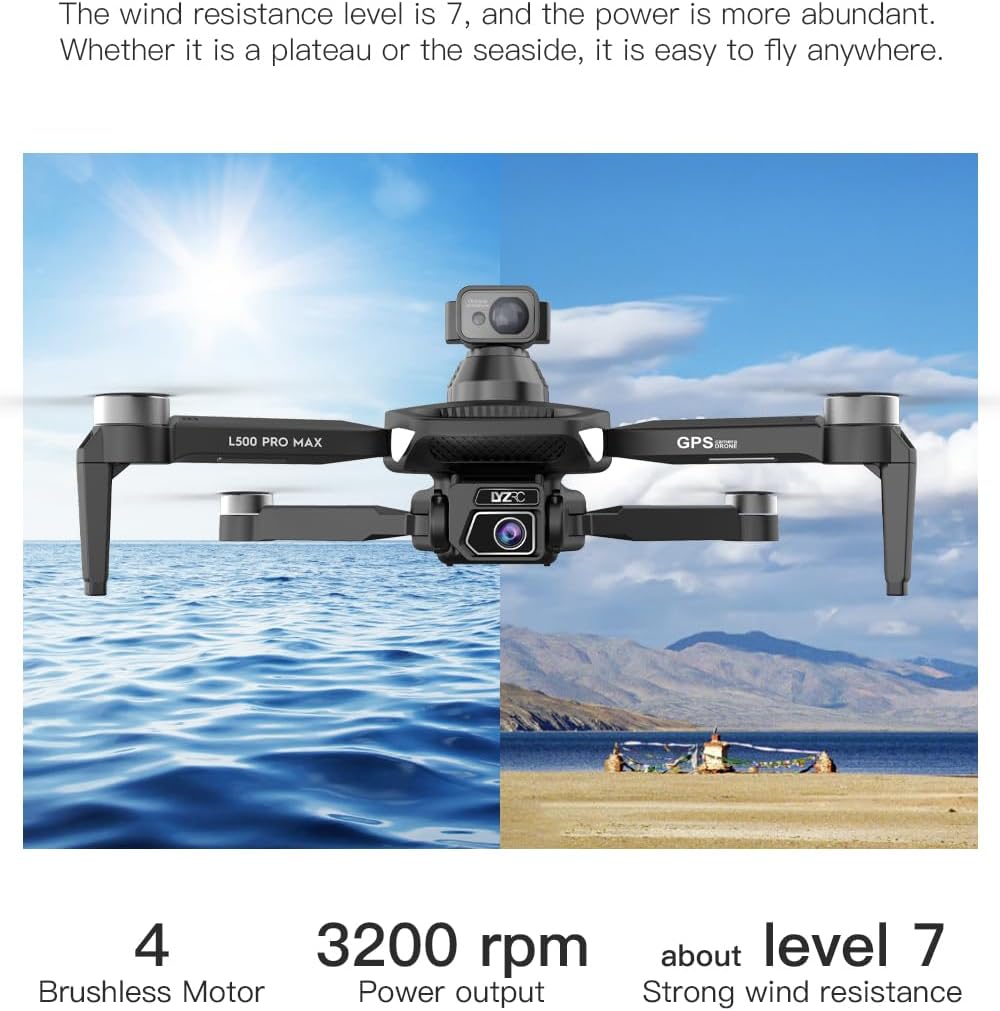
- GPS Mode (Outdoor): Provides stable flight and precise positioning, resisting wind.
- Optical Flow Mode (Indoor): Uses a downward-facing camera for stable hovering in environments without GPS signal.
8.2 Zvipingamupinyi Kunzvenga
The 360° laser obstacle avoidance system helps prevent collisions by detecting objects in front, rear, left, and right directions. The drone will automatically adjust its flight path to avoid detected obstacles.
8.3 Kushanda kwekamera
- Makamera maviri e4K HD: Switch between the front and bottom cameras via the remote controller or app.
- Electrically Adjustable Angles: Adjust the camera's tilt angle remotely for optimal shots.
- Mufananidzo/Vhidhiyo Capture: Use the dedicated buttons on the remote or in the app to take photos or start/stop video recording.
8.4 Akangwara Ndege Modes
- Waypoint Navigation: Plan a custom flight path by tapping points on the map in the app. The drone will follow the designated route.
- GPS Follow/Smart Follow: The drone can automatically follow a moving subject (e.g., a person or vehicle) using GPS and visual tracking.
- Orbit Flight: The drone will circle a designated point or subject, capturing 360° footage.
- Image Track: Similar to follow mode, but focuses on tracking a specific image or object.
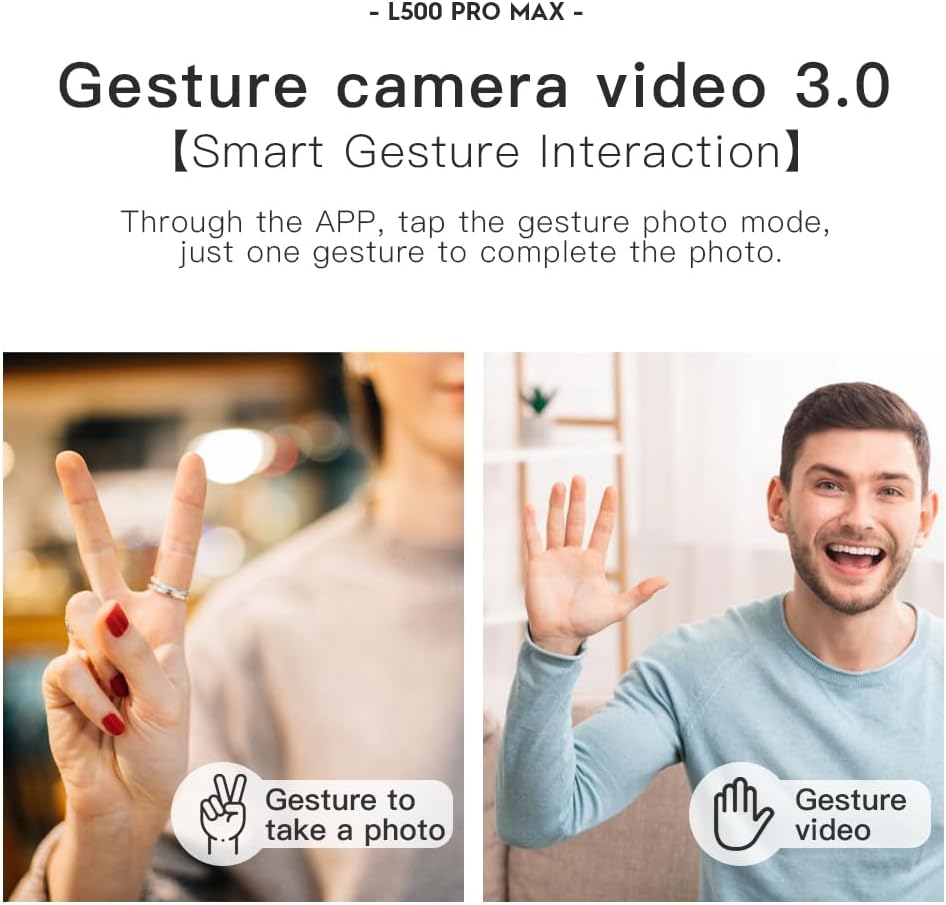
- Gesture Control: Use specific hand gestures to trigger photo or video capture.
- 4 Intelligent Return Modes:
- Lost Signal Return: Drone returns to takeoff point if signal is lost.
- Kudzosa Battery Yakaderera: Drone returns automatically when battery is low.
- Over-Distance Return: Drone returns if it flies beyond the set range.
- One-Tap Return: Manually initiate return to home with a single button press.
9. Kuchengeta
- Kuchenesa: Use a soft, dry cloth to clean the drone and remote controller. Avoid water or harsh chemicals.
- Propeller Inspection: Regularly check propellers for cracks, bends, or damage. Replace damaged propellers immediately using the provided screwdriver and spare parts.
- Kuchengeta: Store the drone and accessories in the carrying case in a cool, dry place, away from direct sunlight. Remove batteries if storing for extended periods.
- Battery Care: Do not store batteries fully charged or completely depleted. Charge them to about 50-60% for long-term storage.
10. Kugadzirisa matambudziko
| Dambudziko | Zvinogona Kukonzera | Solution |
|---|---|---|
| Drone haibati simba. | Bhatiri harina kuchajwa kana kuiswa zvisirizvo. | Ita shuwa kuti bhatiri razara uye rakaiswa zvakanaka. |
| Drone haipindure kure. | Not paired, low remote battery, or interference. | Re-pair drone and remote. Charge remote battery. Move to an area with less interference. |
| Unstable flight/Drifting. | Improper calibration, strong wind, or damaged propellers. | Perform compass calibration. Fly in calm conditions. Check and replace damaged propellers. |
| Hapana vhidhiyo yemavhidhiyo aripo. | Phone not connected to drone Wi-Fi, or app issue. | Connect phone to drone's Wi-Fi. Restart app and drone. |
| Kudzivisa zvipingamupinyi kusashanda. | Sensor blocked or system malfunction. | Ensure sensors are clean and unobstructed. Contact support if issue persists. |
11. Zvinotsanangurwa
| Feature | Detail |
|---|---|
| Brand | SuperRC |
| Model Name | L500Pro |
| Vhidhiyo Capture Resolution | 1080p (Output), 4K HD (Camera) |
| Kubatana Technology | Wi-Fi (5G Intelligent System) |
| Control Type | Remote Control, App Control |
| Special Features | 360° Laser Obstacle Avoidance, Dual Camera, Brushless Motor, GPS Auto Return, Optical Flow Positioning |
| Item Weight | 211.6 magiramu (7.5 ounces) |
| Battery Capacity | 2200 mamiriyoniamp Maawa (Lithium Ion) |
| Nguva Yendege | Up to 25 minutes (approx.) |
| Product Dimensions | 12.5"L x 11.4"W x 3.9"H |
| Material | Plastiki |
12. Warranty uye Tsigiro
For warranty information, technical support, or service inquiries, please refer to the contact information provided with your purchase or visit the official SuperRC website. Chengetedza humbowo hwako hwekutenga kune warranty claim.
Unogonawo kushanyira SuperRC Store on Amazon kune rumwe ruzivo rwechigadzirwa uye zviwanikwa zvekutsigira.


