1. Nhanganyaya
This manual provides essential information for the safe and efficient use of your MESWAO 15.6 Inch Pro Android 14 Tablet. Please read this manual thoroughly before operating the device and retain it for future reference.
2. Safety Information
- Usaisa piritsi racho kune tembiricha yakanyanyisa, zuva rakananga, kana hunyoro hwepamusoro.
- Dzivisa kudonhedza kana kuisa piritsi panjodzi huru.
- Use only the provided power adapter and Type-C cable for charging.
- Chengetedza piritsi iri kure nemvura uye zvimwe zvinwiwa.
- Usaedze kupatsanura kana kugadzirisa tablet iwe pachako. Bata rutsigiro rwevatengi kuti uwane rubatsiro.
- Ensure proper ventilation when using the tablet for extended periods.
3. Package Zviri mukati
Tarisa uone kuti zvinhu zvese zviripo mupakeji:
- 1 x MESWAO 15.6 inch Android Tablet
- 1 x Power Adapter
- 1 x Rudzi C Cable
- 1 x Chinyorwa cheMushandisi
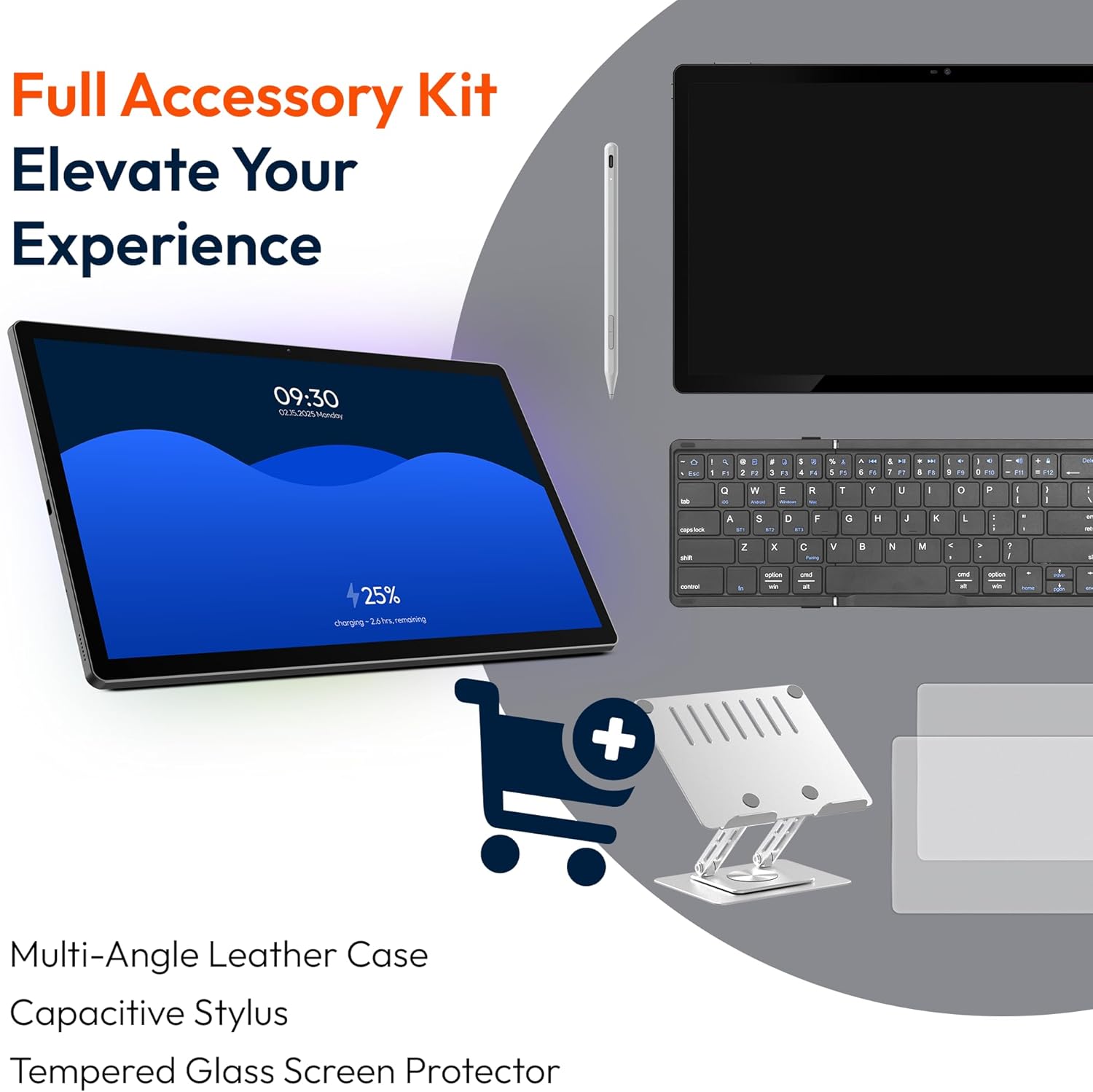
- 1 x Type-C kune USB adapta
- 1 x Stuck pin
4. Mudziyo Pamusoroview
Familiarize yourself with the physical components of your MESWAO tablet.
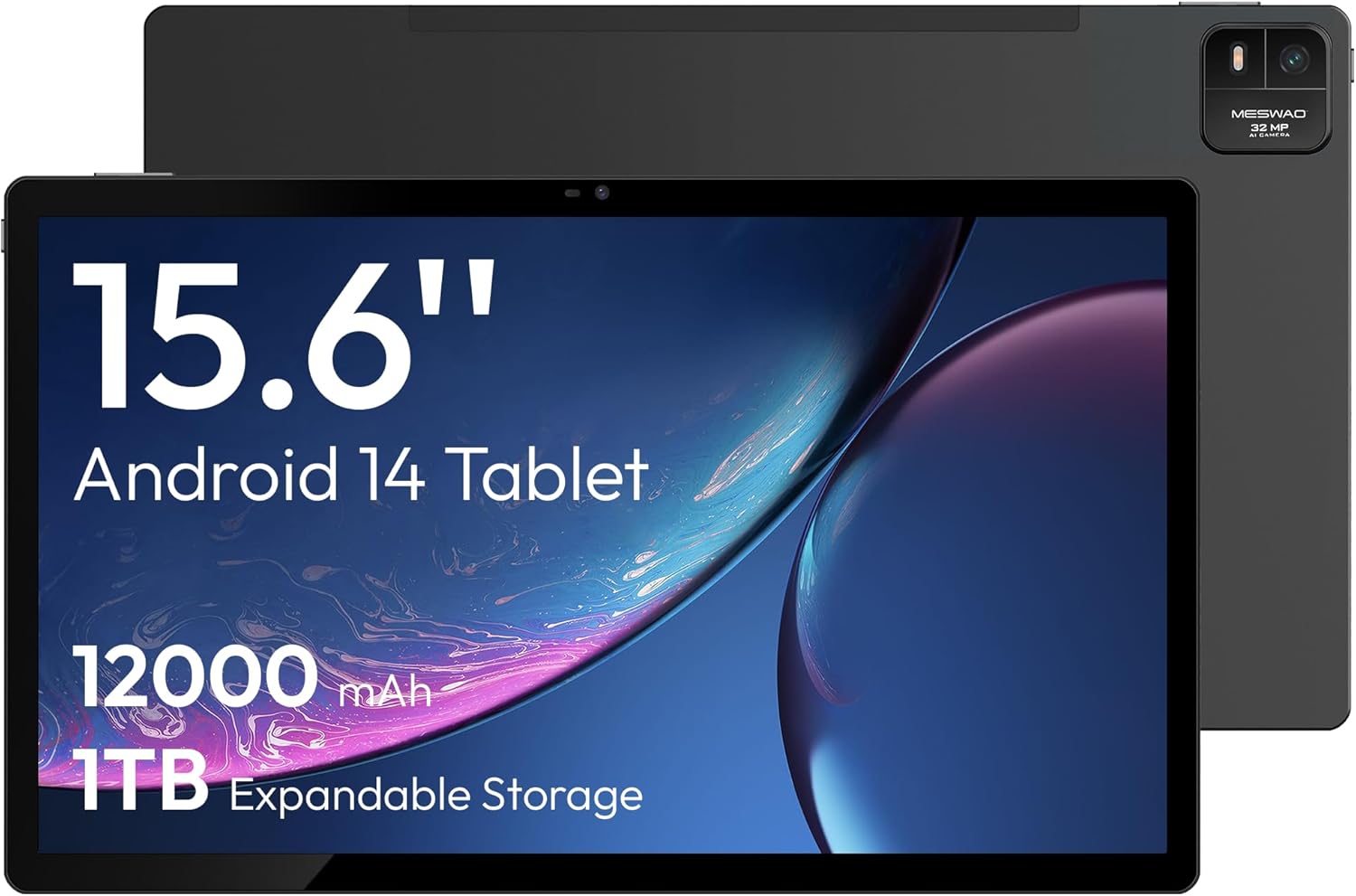
Mufananidzo 4.1: Mberi view of the MESWAO 15.6-inch Android 14 Tablet, highlighting the large display and key specifications such as 12000mAh battery and 1TB expandable storage.
Mufananidzo 4.2: Side uye kumashure view of the tablet, indicating the location of the quad speakers, Type-C port, TF card slot, power button, volume controls, and front/rear cameras.
Zvikamu Zvikuru:
- 15.6-inch FHD IPS Display: Large screen for immersive viewing.
- Front Camera: Yemavhidhiyo mafoni uye selfies.
- Kumashure Kamera (32MP): Zvekutora mafoto nemavhidhiyo.
- Bhatani reSimba: To turn the tablet on/off or put it to sleep.
- Mabhatani eVolume: Kugadzirisa mwero weruzha.
- Type-C Port: Yekuchaja uye kutumira data.
- TF Kadhi Slot: For expandable storage (MicroSD card).
- Quad Speakers: Zvekuburitsa audio.
5. Setup
5.1 Kutanga Kuchaja
Before first use, fully charge the tablet. Connect the provided Type-C cable to the tablet's Type-C port and the power adapter to a wall outlet. The tablet supports 30W fast charging.

Mufananidzo 5.1: The tablet connected to its charger, showing the charging indicator on the screen.
5.2 Simba On/Kudzima
- Kubatidza: Dhinda uye ubatisise bhatani reMasimba kusvikira iyo skrini yasimuka.
- Kudzima: Dzvanya uye bata bhatani reMasimba, wobva wasarudza 'Simba' kubva pane zvingasarudzwa pachiratidziri.
- Kurara/Kumuka: Muchidimbu tinya Simba bhatani.
5.3 Magadzirirwo ekutanga
Upon first power-on, follow the on-screen prompts to set up your Android 14 operating system. This includes selecting your language, connecting to Wi-Fi, and signing in with your Google account.
5.4 Wi-Fi Connection
- Enda ku Settings > Network & internet > Wi-Fi.
- Toggle Wi-Fi On.
- Sarudza network yako yaunoda kubva pane iyo rondedzero.
- Isa password kana ukakurudzirwa uye tinya Connect. The tablet supports dual-band Wi-Fi (2.4GHz and 5GHz).
5.5 Kuisa MicroSD Kadhi
To expand storage up to 1TB, insert a MicroSD card:
- Locate the TF card slot on the side of the tablet.
- Use the provided stuck pin to gently press into the small hole next to the slot to eject the tray.
- Place the MicroSD card into the tray with the gold contacts facing down.
- Nyatsodzorera tireyi muhwendefa.

Mufananidzo 5.2: Illustration of the tablet's internal storage and the option for expandable storage via MicroSD card.
6. Kushandisa Tablet
6.1 Basic Navigation
The Android 14 operating system uses touch gestures for navigation:
- Top: Sarudza chinhu kana kuvhura a app.
- Rova zvakasimba: Dzvanya nemasikirini kana zvinyorwa.
- Nzwara: Zoom mukati kana kunze pamifananidzo uye web mapeji.
- Yakareba Press: Svika mamenu emamiriro ezvinhu kana kufambisa zvidhori.
6.2 Ratidza Zvimiro
The 15.6-inch FHD IPS display offers a resolution of 1920 x 1080 pixels, providing clear and vibrant visuals for various applications.

Mufananidzo 6.1: Comparison of the MESWAO 15.6-inch display size to an A4 sheet of paper and a smaller tablet, emphasizing its expansive viewnzvimbo.
6.3 Kuita
Powered by the Helio G99 octa-core processor and 8GB RAM, the tablet delivers efficient performance for multitasking, gaming, and media consumption.

Mufananidzo 6.2: An illustration of the Helio G99 Octa-Core chipset, detailing its technical specifications and performance benefits.
6.4 Kushandisa Kamera
The tablet features a 32MP rear camera and a 5MP front camera. Open the Camera app to capture photos and videos.
6.5 Audio
The quad speakers provide clear audio. You can connect Bluetooth headphones or use the Type-C port for audio output with a suitable adapter.
6.6 Zvinhu zveAndroid 14
The tablet runs on Android 14, offering features such as:
- Smooth Multitasking: Efficiently switch between applications.
- Kudzora Kwevabereki: Manage content and usage for children.
- Enhanced Privacy & UI: Improved security and user interface experience.

Mufananidzo 6.3: The Android 14 operating system interface, showcasing various applications and system features.
7. Kuchengeta
7.1 Kuchenesa Chishandiso
Shandisa jira rakapfava, risina lint kuchenesa skrini uye muviri wehwendefa. Dzivisa kushandisa makemikari ane hasha kana abrasive zvinhu.
7.2 Zvigadziriso zveSoftware
Regularly check for system updates to ensure optimal performance and security. Go to Settings > System > System update.
7.3 Kuchengeta Battery
Kuwedzera hupenyu hwebhatiri:
- Dzivisa kuburitsa bhatiri zvakazara nguva zhinji.
- Do not expose the tablet to high temperatures.
- Bvisa charger kana bhatiri razara.
8. Kugadzirisa matambudziko
8.1 Tablet isiri Kubatidzwa
- Ita shuwa kuti bhatiri rachajwa. Batanidza charger womira maminetsi mashoma usati waedza kubatidza.
- Dzvanya uye bata bhatani reSimba kweinenge 10-15 masekonzi kumanikidza kutangazve.
8.2 Matambudziko eWi-Fi
- Tangazve yako Wi-Fi router.
- Kanganwa nezve network iri mumagadzirirwo etablet wobva wabatanidzazve.
- Iva nechokwadi chekuti tablet iri pedyo neWi-Fi signal.
8.3 Kunonoka Kuita
- Vhara zvisingaite zvemashure maapplication.
- Bvisa data rekuchengetedza maapplication.
- Iva nechokwadi chekuchengetera nzvimbo yemahara.
8.4 Sikirini Isingateereri
- Tangazve tablet.
- Ita shuwa kuti skrini yakachena uye haina tsvina.
9. Zvinotsanangurwa
| Feature | Tsanangudzo |
|---|---|
| Model Name | MES-B3 |
| Operating System | Android 14 |
| Kukura Kwekuratidza | 15.6 inches |
| Screen Resolution | 1920 x 1080 pixels (FHD) |
| processor | MediaTek Helio G99 Octa-Core |
| Graphics Coprocessor | Mali-G75 |
| RAM | 8GB |
| Kuchengetera Kwemukati (ROM) | 256GB |
| Expandable Storage | Kusvika ku1TB kuburikidza nekadhi reMicroSD |
| Rear Camera | 32MP |
| Front Camera | 5MP |
| Battery Capacity | 12000mAh |
| Kuchaja | 30W Inokurumidza Kuchaja |
| Wireless Kubatana | Dual-Band Wi-Fi (802.11a/b/ac/ad/ax), Bluetooth |
| Item Weight | 4.55 makirogiramu |
| Product Dimensions | 14.49 x 8.66 x 0.39 inches |
10. Warranty uye Tsigiro
10.1 Ruzivo rweWaranti
Your MESWAO tablet comes with a 12-mwedzi waranti covering manufacturing defects. Please retain your proof of purchase for warranty claims.
10.2 Mutengi Tsigiro
For technical assistance, troubleshooting, or warranty inquiries, please contact MESWAO customer support. Our support team is available to assist you.
- 24-Hour Mutengi Tsigiro: Assistance is available around the clock.
- Local After-sales Centers: Service centers are available in regions including the US, Germany, Japan, and more.
- Quick Response Flow: Issues reported receive a team response within 24 hours, aiming for prompt problem resolution or replacement.


