1. Nhanganyaya
Welcome to the ACwO Dwots 111 Wireless Earbuds user manual. These earbuds are designed to provide a superior audio experience with advanced features like 10mm Spatial Drivers, Noise Cancellation Mics, and dedicated audio modes. Please read this manual carefully to ensure proper use and maintenance of your device.

Image: ACwO Dwots 111 Crimson Red earbuds in their charging case, showcasing dhizaini yakanaka.
2. Chii chiri muBhokisi
Your ACwO Dwots 111 package includes the following items:
- ACwO Dwots 111 Wireless Earbuds (Left and Right)
- Kuchaja Case
- USB Kuchaja Cable
- User Manual
- Warranty Card
- Eartips (masaizi akasiyana)
3. Chigadzirwa Pamusoroview
The ACwO Dwots 111 earbuds feature a compact and ergonomic design for comfortable wear. The charging case provides extended battery life and protects your earbuds when not in use.

Image: The ACwO Dwots 111 earbuds resting in their open charging case, highlighting the internal design and charging contacts.
Zvinokosha:
- Spatial Audio Drivers: For an immersive sound experience.
- Kusvika maawa 75 ehupenyu hwebhatiri: Extended playtime with the charging case.
- Dedicated Cinematic & Bass Mode: Optimize audio for movies or deep bass.
- 4 Noise Cancellation Mics: Ensures clear calls even in noisy environments.
- Bluetooth V5.4: Kune yakagadzikana uye inoshanda isina waya yekubatanidza.
- IPX5 Kuramba Mvura: Dziviriro kubva kudikitira uye kupfapfaidzwa zvishoma.

Image: Visual representation of key features including Spatial Audio, 75-hour battery life, Cinematic & Bass Modes, and 4 Noise Cancellation Mics.
4. Setup
4.1 Kuchaja maEarbuds uye Case
Usati watanga kushandisa, chaja zvizere maearbud nekesi yekuchaja.
- Batanidza tambo yekuchaja yeUSB kune chinobatidza chiri pabhokisi uye kune simba remagetsi.
- Iwo ma LED zviratidzo pane iyo kesi inoratidza iyo yekuchaja mamiriro.
- Kana zvangozara, zviratidzo zvinochinja kana kudzima.
Kuchaja kwakazara kunopa kusvika maawa makumi mana nemasere enguva yekutamba yakazara nekesi yekuchaja.
4.2 Kubatanidza neChishandiso Chako
The ACwO Dwots 111 earbuds feature Instant Auto Connect for quick pairing.
- Vhura kesi yekuchaja. Maearbuds anozopinda otomatiki maitiro ekubatanidza.
- Pamudziyo wako (smartphone, piritsi, laptop), shandisa Bluetooth.
- Tsvaga available Bluetooth devices and select "ACwO DWOTS 111" from the list.
- Kana wangobatanidzwa, uchanzwa toni yekusimbisa.
The earbuds support Bluetooth V5.4 for stable and low-energy connections up to 10 meters.
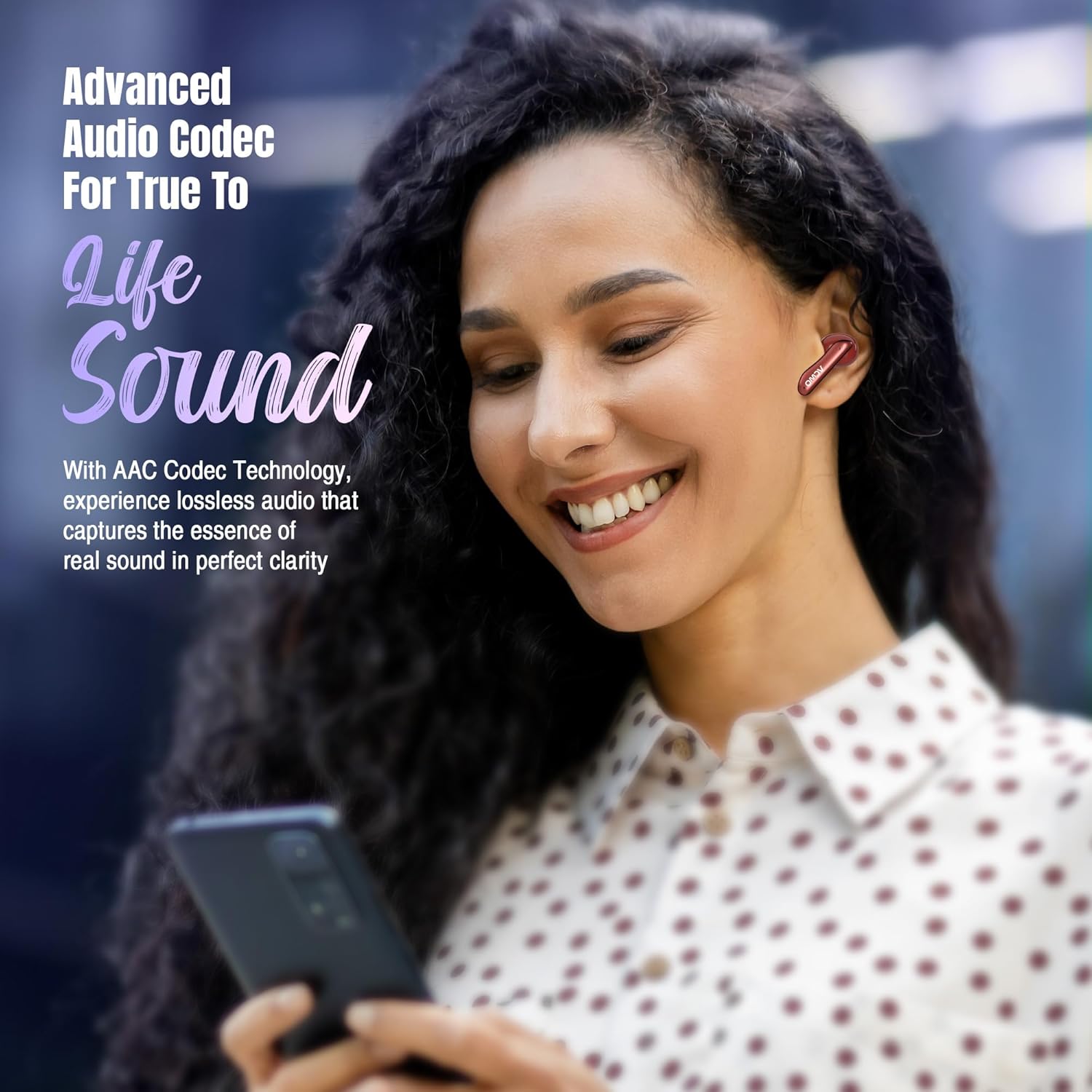
Image: A smartphone displaying a successful Bluetooth connection to the ACwO Dwots 111, illustrating the ease of pairing with Bluetooth v5.4.
4.3 Kupfeka maEarbuds
Kuti ruzha rwuve rwemhando yepamusoro uye runyaradzo, iva nechokwadi chekuti rwuri kuenderana zvakanaka.
- Sarudza eartips inonyatsokodzera nzeve dzako.
- Gently insert each earbud into your ear canal and twist slightly to secure.
- The earbuds are designed to be sleek, light, and comfortable for all-day wear.

Image: A hand gently holding the ACwO Dwots 111 earbuds and their case, illustrating their sleek, light, and comfortable design for extended wear.
5. Operating Instructions
The ACwO Dwots 111 earbuds feature intuitive touch controls for various functions.
5.1 Kubata Kudzora
| Chiito | Function |
|---|---|
| Single Tap | Tamba/Misa Mimhanzi, Pindura/ Pedzisa Kufona |
| Tokonya Kaviri (Nzeve Yeruboshwe) | Previous Track |
| Tokonya Kaviri (Nyeve yekurudyi) | Next Track |
| Triple Tap | Activate Voice Assistant (Google Mubatsiri/Siri) |
| Long Press (2 masekonzi) | Switch between Cinematic Mode and Bass Mode |
| Long Press (Earbud) during call | Ramba Kufona |
5.2 Audio Modes
Enhance your listening experience with dedicated audio modes:
- Maitiro eMafirimu: Provides a surround sound experience, bringing movies and games to life.
- Bass Mode: Delivers heart-thumping lows for a deep, dynamic audio experience.
To switch between modes, long press the multi-function touch area on either earbud for 2 seconds.

Image: An ACwO Dwots 111 earbud overlaid on a movie screen, visually representing the immersive experience of the Dedicated Cinematic Mode.

Image: A detailed illustration of the 10mm BasS Boom X Hi-Fi drivers alongside an ACwO Dwots 111 earbud, demonstrating the powerful audio delivery in Dedicated Bass Mode.
5.3 Call Management
The Dwots 111 earbuds are equipped with 4 Noise Cancellation Mics, enhanced by AI-ENC and SONIC SHIELD technology, ensuring crystal-clear voice quality during calls.
- Pindura Call: Top kamwe chete kana earbud.
- Pedzisa Kufona: Top kamwe chete kana earbud.
- Ramba Kufona: Dzvanya kwenguva refu chero earbud.
5.4 Izwi Mubatsiri
Access your device's voice assistant (Google Assistant or Siri) by triple tapping either earbud.

Image: A comprehensive collage highlighting various features such as charging indicators, IPX5 water and sweat resistance, compatibility with Google Assistant and Siri, low latency (50ms), iOS and Android compatibility, and instant auto-connect.
6. Kuchengeta
6.1 Kuchenesa
- Garai kuchenesa maearbud nekesi yekuchaja nejira rakapfava, rakaoma, risina lint.
- Usashandise makemikari ane hasha kana abrasive zvinhu.
- Chenesa ma contacts ekuchaja ari pama earbuds nekesi kuti uve nechokwadi chekuti achaja zvakanaka.
6.2 Kuramba Mvura
The ACwO Dwots 111 earbuds are IPX5 water resistant, meaning they are protected against low-pressure water jets from any direction. This makes them suitable for workouts and light rain.
- Usanyudze maearbuds mumvura.
- Ensure the earbuds are dry before placing them back in the charging case to prevent damage.
7. Kugadzirisa matambudziko
If you encounter any issues with your ACwO Dwots 111 earbuds, please refer to the following common solutions:
| Dambudziko | Possible Solution |
|---|---|
| Maearbuds haasi kubatanidza | Ita shuwa kuti maearbuds akachajwa. Dzima uye vhura Bluetooth pane chako kifaa. Kanganwa mudziyo muzvirongwa zveBluetooth uye gadzirisazve. |
| Hapana ruzha kubva kune imwe earbud | Place both earbuds back in the case, close, then reopen. Check earbud battery level. |
| Kudzikira vhoriyamu kana kutadza kunaka kweruzha | Adjust volume on your device. Ensure eartips provide a good seal. Clean earbud mesh. |
| Nyaya dzekuchaja | Ensure charging cable is securely connected. Clean charging contacts on earbuds and case. Try a different charging cable or power adapter. |
| Maearbuds anodzima nguva zhinji | Ensure no obstacles between earbuds and device. Stay within 10 meters Bluetooth range. |
8. Zvinotsanangurwa
| Feature | Detail |
|---|---|
| Model Name | DWOTS111 |
| Kubatana Technology | Wireless (Bluetooth) |
| Bluetooth Version | 5.4 |
| Bluetooth Range | 10 Mamita |
| Audio Driver Size | Mamirimita gumi |
| Audio Driver Type | Dynamic Driver |
| Frequency Range | 20 Hz - 20,000 Hz |
| Impedance | 32 Ohm |
| Hupenyu hwebhatiri | Kusvikira kumaawa makumi mana nemasere (ine kesi yekuchaja) |
| Noise Control | Passive Noise Cancellation (4 Noise Cancellation Mics for calls) |
| Mvura Resistance Level | IPX5 (Isingatende mvura) |
| Control Type | Kubata Kudzora, Kudzora Izwi |
| Inowirirana Devices | Mafoni, Mahwendefa, Laptops, Desktops |
| Material | Plastiki |
| Item Weight | 35 magiramu |
| Product Dimensions | 3.8 x 5.3 x 1.8 cm |
9. Warranty uye Tsigiro
Your ACwO Dwots 111 earbuds come with a warranty. Please refer to the included Warranty Card for details on coverage and terms.
Tsigiro yeVatengi:
For any queries, technical assistance, or warranty claims, please contact ACwO customer support:
- Email: help@acwo.com
- Nhamba Yekutsigira Mutengi: +91 9320420001
Mugadziri: ACwO Lifestyle Pvt Ltd, Plot No. 58-60, 1st Floor, Apple Industrial Hub, Pelhar, Dist. Palghar, Maharashtra - 401208
Packer: ACWO LIFESTYLE PRIVATE LIMITED Borivali, Mumbai, Maharashtra - 400092, India


