1. Nhanganyaya
Thank you for choosing the Biyoso X61 5.4 Bluetooth Earbuds. This manual provides essential information for setting up, operating, and maintaining your new wireless earphones. Please read it carefully to ensure optimal performance and longevity of your device.
Chii chiri muBhokisi:
- 1 pair of Biyoso X61 Earbuds
- 1 USB-C yekuchaja kesi
- 1 USB-C Kuchaja Cable
- 1 User Manual
2. Chigadzirwa Pamusoroview
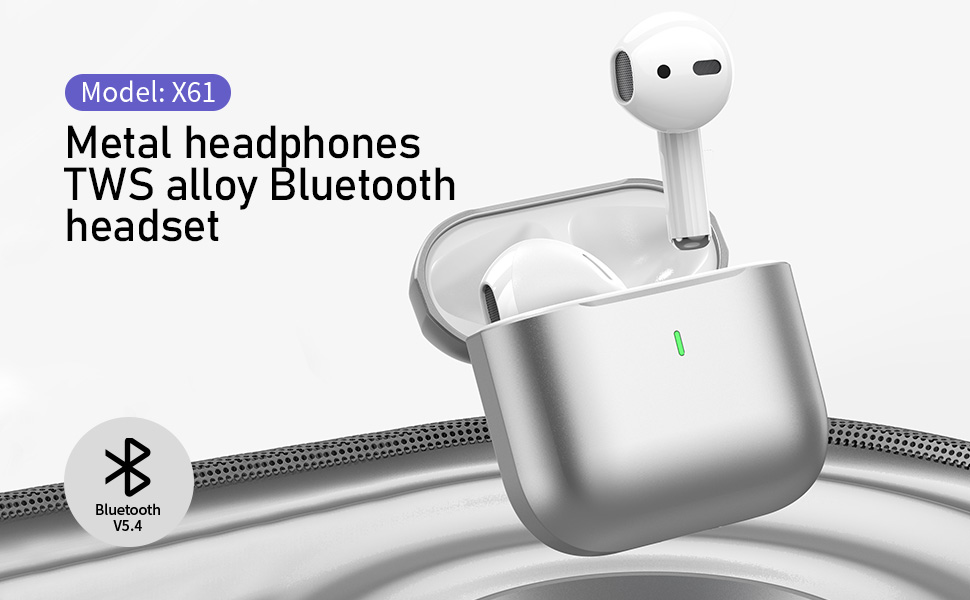
The Biyoso X61 earbuds feature Bluetooth 5.4 technology for stable connectivity and HiFi stereo sound. They are designed for comfortable semi-in-ear wear and offer intuitive touch controls for managing audio and calls.
Zvinokosha:
- TWS Bluetooth 5.4: Ensures stable, fast transmission with minimal signal loss.
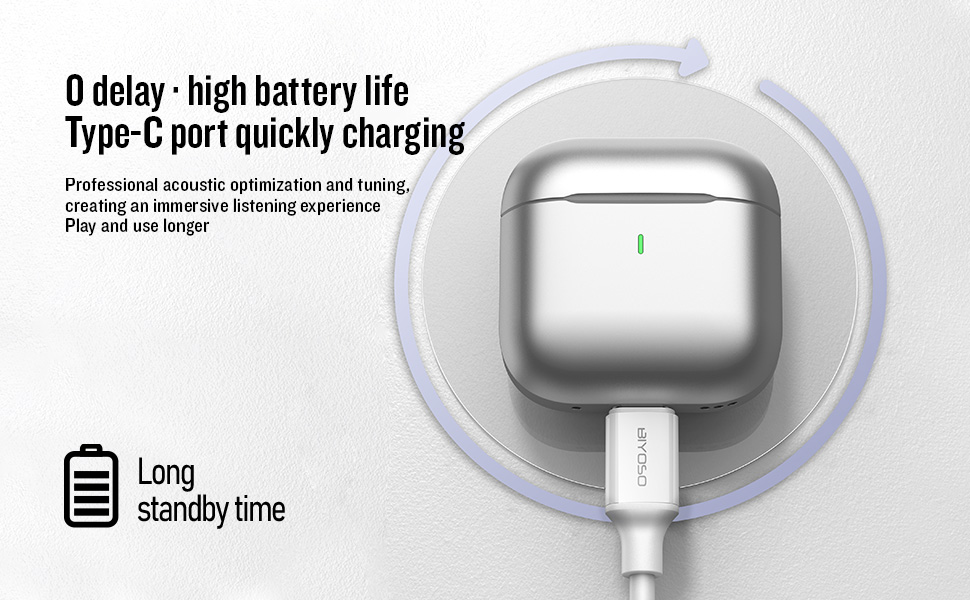
- Hupenyu Hurefu Hwebhatiri: Up to 4.5 hours of listening time per charge, with the charging case providing up to 20 hours total.
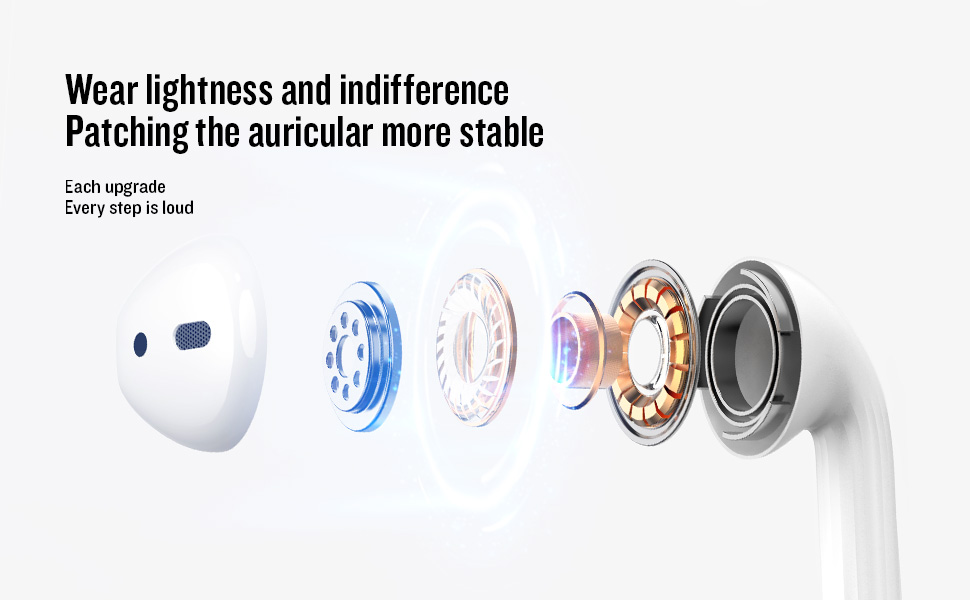
- Semi-In-Ear Design: Offers comfortable wear and non-destructive high-definition sound.
- IPX5 Kuramba Mvura: Protects against dust, sweat, and water splashes.
- Intuitive Touch Control: Manage playback, volume, and calls directly from the earbuds.
3. Setup
3.1 Kuchaja maEarbuds uye Case
Before first use, fully charge the earbuds and the charging case. Connect the provided USB-C cable to the charging port on the case and a power source. The charging case battery full time is approximately 1.2 hours.
3.2 Kubatanidza neChishandiso Chako
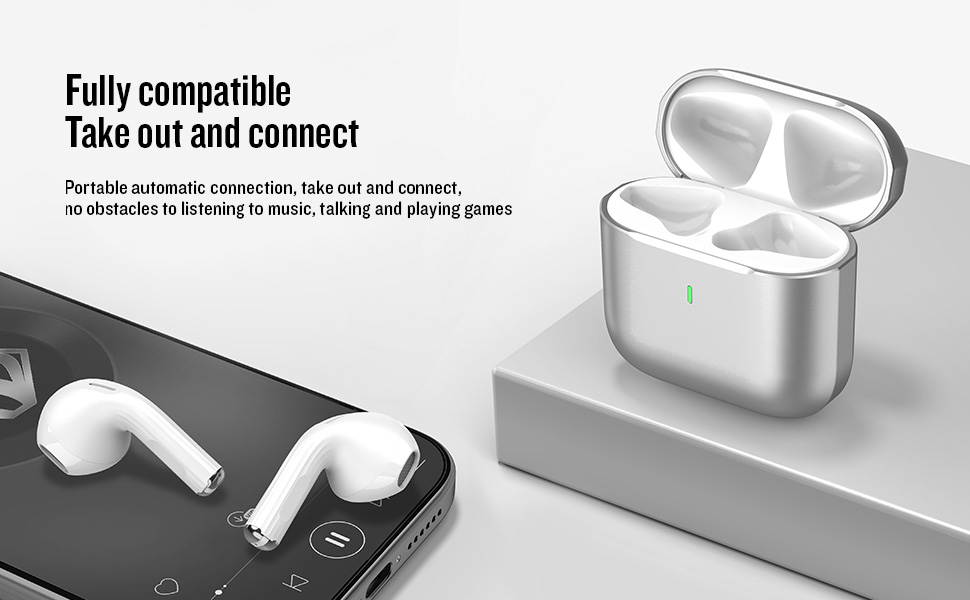
- Batidza/Kudzima: Open the charging case cover to automatically power on the earbuds. Close the cover to power them off.
- Pairing Mode: The earbuds will automatically enter pairing mode when the case is opened.
- Batanidza: On your device, enable Bluetooth and search for "BIYOSO X61" in the list of available devices. Select it to connect.
- Kubatanidzazve otomatiki: Once paired, the earbuds will automatically connect to your device when removed from the charging case.
3.3 Product Introduction Video
Watch this official product introduction video for a visual guide to the Biyoso X61 Earbuds.
Video 3.1: Official Biyoso X61 Earbuds Product Introduction. This video provides an overview of the earbuds' features and basic usage.
4. Operating Instructions
4.1 Kubata Kudzora
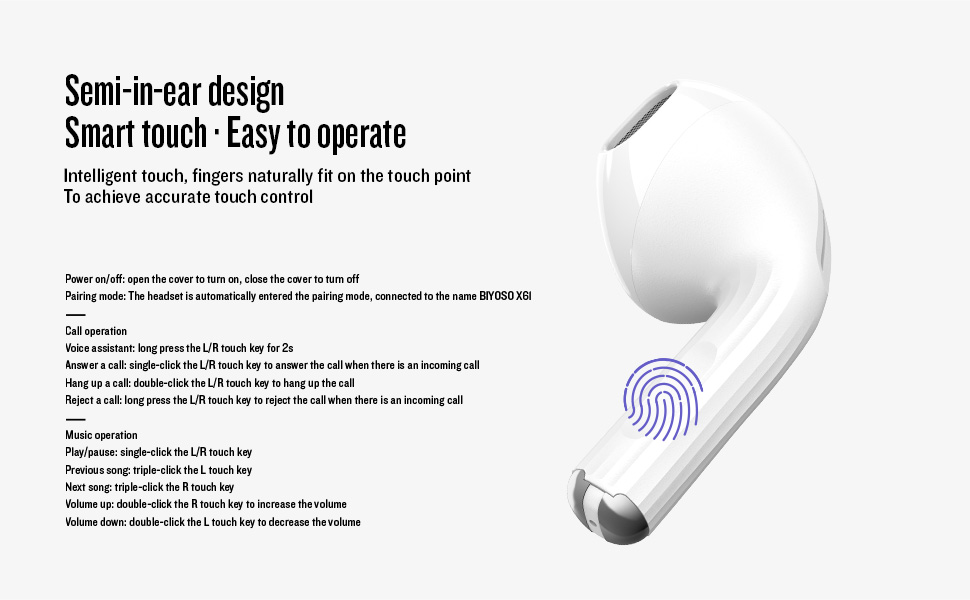
The Biyoso X61 earbuds feature intuitive touch controls on the stem for easy management of audio and calls.
Call Operation:
- Izwi Mubatsiri: Long press the L/R touch key for 2 seconds.
- Pindura Kufona: Single-click the L/R touch key.
- Dzima Call: Double-click the L/R touch key.
- Ramba Kufona: Long press the L/R touch key.
Music Operation:
- Tamba/Kumbomira: Single-click the L/R touch key.
- Rwiyo Rwapfuura: Triple-click the L touch key.
- Rwiyo Runotevera: Triple-click the R touch key.
- Vhoriyamu Kumusoro: Double-click the R touch key.
- Vhoriyamu Pasi: Double-click the L touch key.
- Chinja Kuteerera Modes: Hold the stem.
4.2 Kupfeka maEarbuds
Gently insert the earbuds into your ears. The semi-in-ear design provides a comfortable and secure fit for various activities.
5. Kuchengeta
5.1 Kuchenesa
Regularly clean your earbuds and charging case to ensure optimal performance and hygiene. Use a soft, dry, lint-free cloth. Do not use abrasive materials or harsh chemicals.
5.2 Kuchengeta
Kana usiri kushandisa, chengeta ma earbuds mubhokisi rawo rekuchaja kuti uzvidzivirire kubva kuguruva nekukuvadzwa. Chengeta bhokisi racho munzvimbo inotonhorera, yakaoma kure nekupisa kwakanyanya.
5.3 Kuramba Mvura
The Biyoso X61 earbuds and charging case are IPX5 rated, meaning they are resistant to dust, sweat, and water splashes. They are not designed for submersion in water. Avoid exposing them to heavy rain or showering with them.
6. Kugadzirisa matambudziko
If you encounter any issues with your Biyoso X61 earbuds, please refer to the following common solutions:
- Hapana Ruzha / Husina Hunhu Hwakanaka:
- Ita shuwa kuti maearbuds akagara zvakanaka munzeve dzako.
- Tarisa huwandu hwevhoriyamu pane zvese mudziyo wako uye munzeve.
- Ita shuwa kuti maearbud akachajwa zvizere.
- Batanidzazve maearbuds kumudziyo wako.
- Maearbuds haana Kubatanidzwa:
- Ita shuwa kuti Bluetooth yakabatidzwa pane chako kifaa.
- Ensure earbuds are removed from the charging case.
- Dzima Bluetooth pane mamwe madivayisi ari pedyo kuti usakanganiswa.
- Edza kugadzirisa ma earbuds patsva (tarisa bhuku rekushandisa rakazara kuti uwane mirairo chaiyo yekugadzirisa zvakare kana zvichidikanwa).
- Nyaya dzekuchaja:
- Tarisa kuti USB-C tambo yakabatana zvakachengetedzeka kune ese ari maviri kesi uye magetsi sosi.
- Ita shuwa kuti macontacts ekuchaja ari pamaearbuds uye mukati mekesi akachena uye akaoma.
- Edza imwe USB-C tambo kana adapta yemagetsi.
Kana dambudziko rikaramba riripo, tapota taura nerutsigiro rwevatengi.
7. Zvinotsanangurwa
| Feature | Tsanangudzo |
|---|---|
| Model Name | X61 |
| Brand | Biyoso |
| Kubatana Technology | Wireless (Bluetooth 5.4) |
| Wireless Communication Technology | Bluetooth |
| Bluetooth Range | 10 Mamita |
| Kuiswa Nzeve | Munzeve |
| Fomu Factor | Munzeve |
| Noise Control | Passive Noise Cancellation |
| Frequency Response | 20 KHz |
| Sensitivity | 90 dB |
| Impedance | 32 Ohms |
| Audio Driver Size | 8 mamirimita |
| Kudzora Nzira | Bata |
| Hupenyu hwebhatiri (Earbuds) | Kusvikira maawa 4.5 (80% vhoriyamu) |
| Yese Nguva Yekuteerera (ine nyaya) | Kusvikira kumaawa makumi maviri nemashanu |
| Charging Case Battery Full Time | 1.2 maawa |
| Mvura Resistance Level | IPX5 |
| Item Weight | 0.15 ounces |
| Material | Metal, Plastiki |
8. Warranty uye Tsigiro
8.1 Ruzivo rweWaranti
Biyoso products are covered by a limited warranty against defects in materials and workmanship. Please refer to the warranty card included in your product packaging for specific terms and conditions. Keep your proof of purchase for warranty claims.
8.2 Mutengi Tsigiro
For technical assistance, troubleshooting, or warranty inquiries, please contact Biyoso customer support. Contact details can be found on the official Biyoso websaiti kana pawaranti kadhi.


