1. Nhanganyaya
Thank you for choosing the ZEBRONICS EnergiPod 10R1 Power Bank. This device is designed to provide portable power for your electronic devices. Please read this manual carefully before use to ensure proper operation and to maximize the lifespan of your power bank.
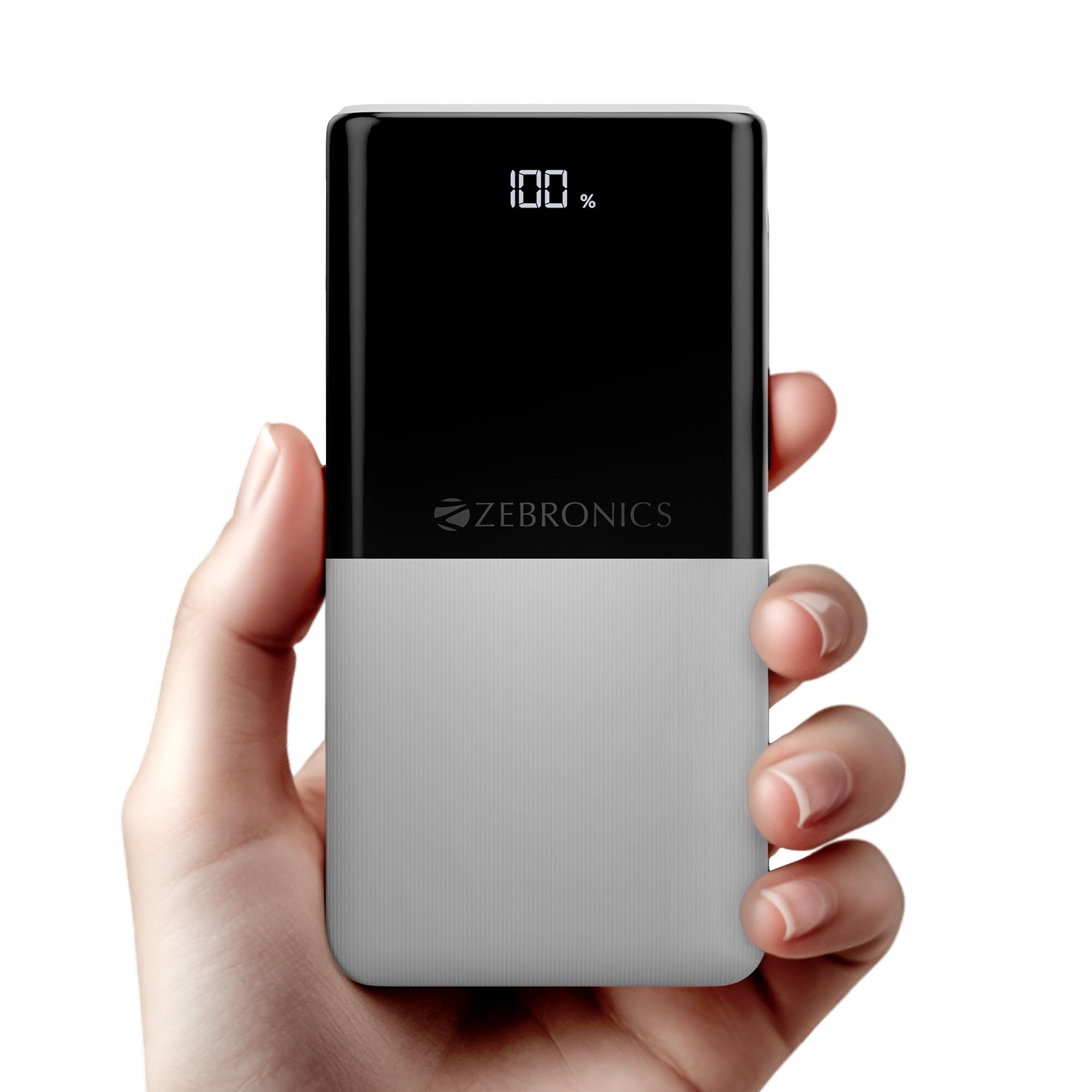
Image: The ZEBRONICS EnergiPod 10R1 Power Bank in white, highlighting its compact and modern design.
Chii chiri muBhokisi:
- EnergiPod 10R1 Power Bank - 1 unit
- Charging Cable - 1 unit
- Gwaro reQR Code - 1 unit
2. Safety Information
To prevent damage to the power bank or injury to yourself and others, please observe the following safety precautions:
- Usafumure bhangi remagetsi kune tembiricha yakanyanyisa (pamusoro pe45 ° C kana pasi pe0 ° C).
- Dzivisa kudonhedza, kupatsanura, kana kuedza kugadzirisa mudziyo wega.
- Chengetedza bhangi remagetsi kure nemvura, mwando, uye zvinhu zvinobvira moto.
- Shandisa chete certified kuchaja tambo uye adapters.
- Usashandise bhangi remagetsi kana rakuvadzwa kana kuzvimba.
- Chengetedza pasingasvikirwi nevana.
3. Zvigadzirwa zveChigadzirwa
-
10000mAh Kukwanisa: Inopa ample power for multiple charges of smartphones and other devices.

Image: The power bank showing its 10000mAh capacity and 22.5W fast charging output.
- 22.5W Super Fast Charging (PD 3.0 PPS): Inotsigira kuchaja nekukurumidza kune zvishandiso zvinoenderana.
-
Dual Type-C & USB Port: Equipped with multiple output options for versatile charging.

Mufananidzo: Zvakadzama view of the power bank's ports, including Type-C PD 3.0 (Input/Output), USB Output, and Type-C Input.
-
LED Percentage Indicator: Digital display shows the remaining battery percentage uye kuchaja mamiriro.

Image: The power bank's LED display showing 100% charge, along with its physical dimensions.
-
Kuchengetedzwa Kwekuchengetedza: Built-in safeguards against overcharge, overload, and short-circuit.

Image: The power bank depicted with a protective shield, illustrating its short circuit, overcharge, and overload protection features.
- Maonero esimbi: Sleek and compact design with a patterned finish for enhanced grip.
4. Setup
Kuchaja Kwekutanga kwePower Bank:
- Connect the provided USB Type-C charging cable to the Type-C1 input port on the power bank.
- Connect the other end of the cable to a compatible USB wall adapter (not included) or a computer's USB port.
- Iyo LED inoratidzira icharatidza huwandu hwekuchajatage. Allow the power bank to charge until it reaches 100% for optimal initial use.
Zvinokurudzirwa kuchaja bhengi remagetsi zvizere usati washandisa kekutanga.
5. Operating Instructions
Kuchaja Midziyo Yekunze:
- Connect your device's charging cable to one of the power bank's output ports (Type-C1 or USB-A).
- Connect the other end of the cable to your smartphone, tablet, or other compatible device.
- The power bank will automatically begin charging your device. The LED display will show the power bank's remaining charge.
- Bvisa mudziyo wako kana wangochaja zvizere kana kuti kana uchida kurega kuchaja.
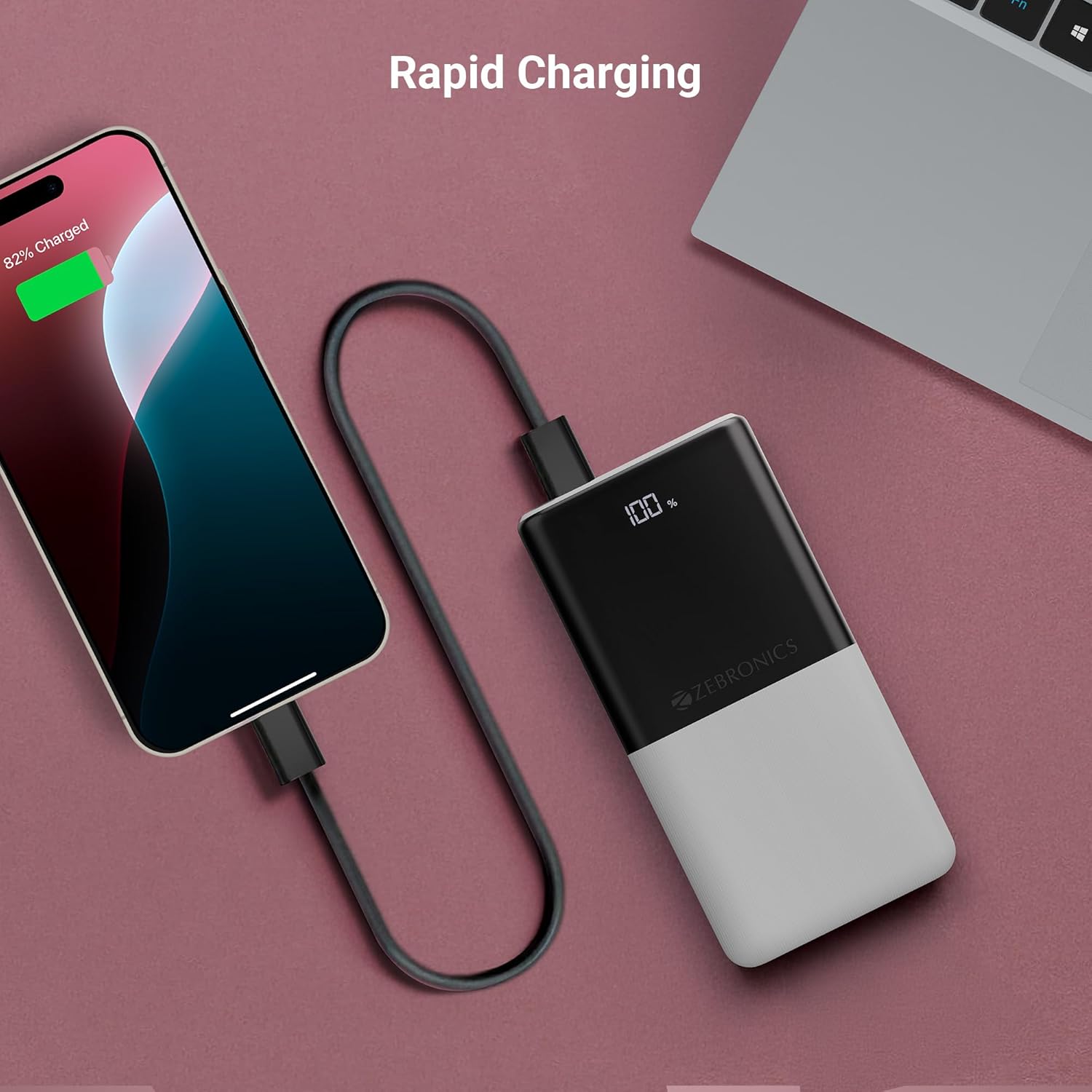
Image: The power bank actively charging a smartphone, demonstrating its rapid charging capability.
Kuchajazve Power Bank:
Refer to the "Initial Charging of the Power Bank" section (Section 4) for instructions on how to recharge your power bank.
6. Kuchengeta
- Kuchenesa: Shandisa jira rakapfava, rakaoma kuchenesa pamusoro pebhangi remagetsi. Usashandise zvinhu zvinochenesa mvura kana zvinhu zvinokwesha.
- Kuchengeta: Chengetedza bhangi remagetsi munzvimbo inotonhorera, yakaoma kure nechiedza chezuva uye tembiricha yakanyanyisa.
- Battery Care: Kuti bhatiri rive rakanaka, dzvanya simba rose wobva waburitsa simba racho kamwe chete pamwedzi mitatu yega yega kana usingarishandise nguva dzose.
7. Kugadzirisa matambudziko
Matambudziko Anowanikwa uye Mhinduro:
-
Power Bank Isiri Kuchaja:
- Ita shuwa kuti tambo yekuchaja yakabatana zvakachengeteka kune ese emagetsi bhangi uye sosi yemagetsi.
- Edza imwe tambo yekuchaja kana adapta yemadziro yakasiyana.
- Tarisa kuti magetsi ari kushanda.
-
Mudziyo Hauchabhadhari kubva kuPower Bank:
- Check if the power bank has sufficient charge (refer to the LED display).
- Ensure your device's charging cable is properly connected to both the power bank and your device.
- Edza tambo yekuchaja yakasiyana kana imwe chiteshi chekuburitsa magetsi chakasiyana pabhangi remagetsi.
- Simbisa kuti mudziyo wako unoenderana nezvinobuda nebhanga remagetsi.

Image: The power bank demonstrating its compatibility by charging both a tablet and a smartphone simultaneously.
-
LED Display Not Working or Inconsistent:
- Ita shuwa kuti bhangi remagetsi rakachajwa zvakakwana.
- Kana dambudziko rikaramba riripo mushure mekuchaja, taura nerutsigiro rwevatengi.
8. Zvinotsanangurwa
| Brand | ZEBRONIKE |
| Model Name | EnergiPod 10R1 |
| Item Model Number | ZEB-PB 12 |
| Battery Capacity | 10000 mAh |
| Output Power | 22.5W (Max) |
| Type-C1 Port Output | DC 5V/3A, 9V/2.22A, 12V/1.67A, 3.3~11V/2A (PPS) |
| USB-A Kubuda | DC 5V/3A, 9V/2A, 12V/1.85A |
| Type-C1 Input Port | DC 5V/3A, 9V/2A, 12V/1.5A |
| Type-C2 Input Port | DC 5V/2.4A |
| Connector Type | USB Type C |
| Inokurudzirwa Zvishandiso | Phone, Tablet |
| Item Weight | 230 g |
| Package Dimensions | 16.8 x 9.9 x 2.4 cm |
| Nyika Yekwakabva | India |
9. Warranty uye Tsigiro
Ruzivo rwewaranti:
The ZEBRONICS EnergiPod 10R1 Power Bank comes with a standard manufacturer's warranty. Please refer to the QR Code Guide included in the box or visit the official ZEBRONICS websaiti kune yakadzama waranti mazwi uye mamiriro.
Tsigiro yeVatengi:
If you encounter any issues or have questions regarding your power bank, please contact ZEBRONICS customer support. Contact details can typically be found on the official ZEBRONICS websaiti kana mune chigadzirwa kurongedza.
For online support, you may visit the Chitoro cheZEBRONICs paAmazon.


