Introduction to Your Google Pixel 9a
This manual provides detailed, step-by-step instructions to help you navigate your new Google Pixel 9a smartphone with ease. Designed for both first-time Pixel users and those upgrading from a previous model, this guide covers essential functions, customization options, and troubleshooting tips to ensure the best user experience.
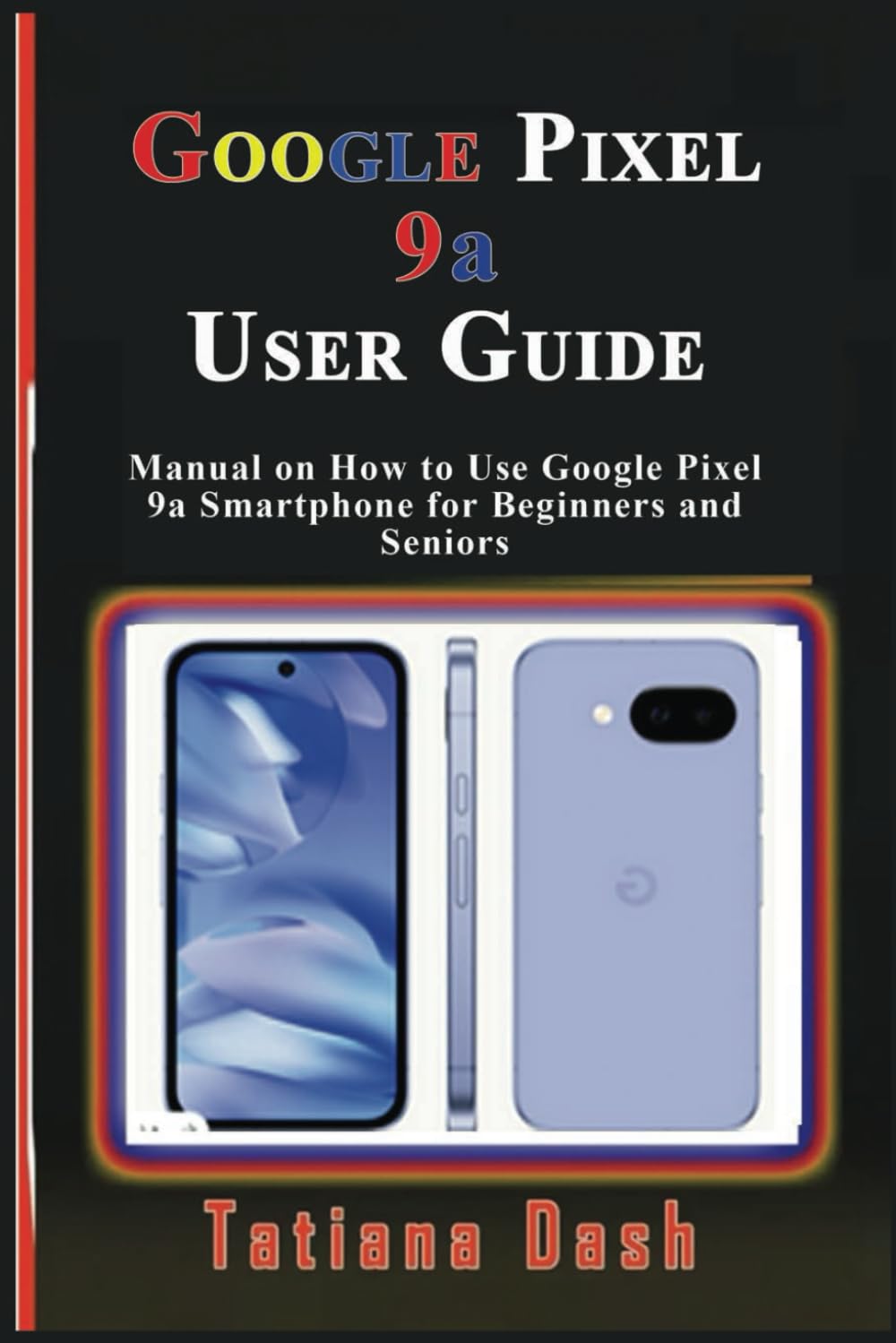
Image: Front cover of the Google Pixel 9a User Guide. This image displays the title and author of the manual.
1. Device Setup
Begin your Pixel 9a experience by setting up your device and configuring your network settings.
1.1 Kugadzika Kwekutanga Kwemudziyo
- Power On: Press and hold the power button until the Google logo appears.
- Sarudzo yeMutauro: Sarudza mutauro waunoda kubva pane rondedzero.
- Batanidza kuWi-Fi: Select an available Wi-Fi network and enter the password if required.
- Kopa Zvishandiso & Data: Follow the on-screen prompts to transfer data from an old device or set up as new.
- Saina muakaundi yeGoogle: Isa zvitupa zveakaundi yako yeGoogle kana gadzira account nyowani.
1.2 eSIM or SIM Card Settings
- Physical SIM: Insert your nano-SIM card into the SIM tray using the provided SIM ejector tool.
- Kushanda kwe eSIM: Enda ku Settings > Network & internet > SIMs uye tevera mirairo yekuwedzera eSIM profile.
2. Operating Your Pixel 9a
Familiarize yourself with the core functionalities and interface of your smartphone.
2.1 Mastering the Interface
- Sikirini Yemba: Learn to navigate between home screens, add widgets, and organize apps.
- Zviratidzo zveKufamba: Understand swipe gestures for home, back, and recent apps.
- Kurumidza Zvirongwa: Swipe down from the top of the screen to access essential settings like Wi-Fi, Bluetooth, and flashlight.
- Zviziviso: Manage and respond to notifications from the notification shade.
2.2 Sarudzo dzekugadzirisa
- Wallpapers: Change your home and lock screen wallpapers via Settings > Wallpaper & style. Explore AI wallpapers for unique designs.
- Madingindira Apply different themes to alter the overall look and feel of your device.
- widgets: Add widgets to your home screen for quick access to information and functions.
- Display Settings: Adjust brightness, dark theme, night light, and screen timeout in Settings > Ratidza.
2.3 Calls, Messages, & Contacts
- Kufona: Shandisa iyo Foni app kufonera manhamba kana kusarudza vekufonera.
- Kugadzira Voicemail: Configure your voicemail service through your carrier's instructions.
- Google Messages: Send and receive text messages, including RCS chats, using the Messages app.
- Managing Contacts: Add, edit, and organize contacts in the Contacts app. Sync contacts with your Google Account for backup.
2.4 Connectivity Essentials
- Wi-Fi: Batanidza kune wireless network kuburikidza Settings > Network & internet > Internet.
- Nharembozha Enable or disable mobile data and manage data usage in Settings > Network & internet > SIMs.
- Bluetooth: Pair with Bluetooth devices like headphones or speakers via Zvirongwa > Zvishandiso zvakabatana.
- Kugovera Pedyo: Share files quickly with nearby Android devices.
- Personal Hotspot: Turn your Pixel 9a into a Wi-Fi hotspot to share your mobile data connection.
- USB & Bluetooth Tethering: Share your internet connection with other devices via USB cable or Bluetooth.
2.5 Google Camera & Photos
- Kutora Mifananidzo: Vhura app yeKamera wobva wadzvanya bhatani rekuvhara.
- Kamera Modes: Explore various modes such as Portrait, Night Sight, Panorama, and Video.
- Google Photos: Automatically back up your photos and videos to Google Photos for secure storage and easy access across devices.
3. Battery & Performance Optimization
Optimize your device's battery life and overall performance.
- Sevha Bhatiri: Bvumira modhi yeBattery Saver mu Settings > Battery > Battery Saver to extend battery life by limiting background activity.
- Adaptive Battery: This feature learns your usage patterns to prioritize power for apps you use most.
- Manage Storage: Regularly check and free up storage space via Zvirongwa > Kuchengeta kuchengetedza kushanda kwakakwana.
- Digital Wellbeing: Use Digital Wellbeing features to monitor and manage your screen time and app usage.
4. Privacy & Security
Protect your personal information and secure your device.
- Tsvaga Mudziyo Wangu: Set up Find My Device to locate, lock, or erase your phone remotely if it's lost or stolen.
- Safe Browsing: Ensure Safe Browsing is enabled in your browser settings to protect against malicious webnzvimbo.
- App mvumo: Review and manage app permissions in Settings > Apps > See all apps > [App Name] > Permissions.
- Privacy Dashboard: Access the Privacy Dashboard to see which apps have accessed your location, camera, or microphone recently.
5. Troubleshooting & Updates
Solutions for common issues and information on software updates.
5.1 Matambudziko Akajairika & Mhinduro
- App Crashes: Clear app cache/data or reinstall the app.
- Matambudziko Ekubatanidza: Toggle Wi-Fi/Bluetooth off and on, restart your device, or reset network settings.
- Mudziyo Haudairi: Perform a soft reset by holding the power button for about 30 seconds.
5.2 Device Reset
- Dzorerazve Simply restart your phone.
- Hard Reset (Factory Data Reset): Enda ku Settings> System> Reset sarudzo> Bvisa data rese (factory reset). Yambiro: Izvi zvichadzima data rese riri pamudziyo wako. Tanga wachengeta ruzivo rwakakosha.
5.3 Zvigadziriso zveSoftware
Your Pixel 9a will receive regular software updates to improve performance, add new features, and enhance security. Check for updates in Settings> System> System update.
6. Tips, Tricks & Hidden Features
Discover advanced functionalities to enhance your Pixel 9a experience.
- Quick Tap: Assign custom actions to a double-tap on the back of your phone.
- Maitiro: Automate tasks based on specific conditions (e.g., turn on Wi-Fi when you arrive home).
- Hidden Pixel 9a Features: Explore unique Pixel-exclusive features for photography, AI, and more.
- Comparison to Pixel 8a: Understand the key improvements and differences if you are upgrading from a Pixel 8a.

Image: Back cover of the Google Pixel 9a User Guide. This image shows the ISBN barcode and publishing details.
ISBN-13: 979-8315618027
7. Zvinotsanangurwa
Key technical specifications for the Google Pixel 9a User Guide (Paperback).
| Feature | Detail |
|---|---|
| ASIN | B0F2MZQW46 |
| Muparidzi | Yakabudiswa |
| Zuva rekuburitswa | Kurume 26, 2025 |
| Mutauro | Chirungu |
| Kudhinda kureba | 60 mapeji |
| ISBN-13 | 979-8315618027 |
| Item Weight | 5 ounces |
| Dimensions | 6 x 0.14 x 9 inches |
8. Warranty uye Rutsigiro Ruzivo
Information regarding product warranty and customer support is not available in the provided data for this user manual. Please refer to the official Google Pixel 9a documentation or Google's support website for warranty details and assistance.