1. Nhanganyaya
Welcome to the MUSE S Athena, an advanced brain-sensing headband designed to help you understand and improve your mental fitness. This device utilizes cutting-edge EEG (Electroencephalography) and fNIRS (functional Near-Infrared Spectroscopy) sensors to provide real-time biofeedback, guiding you towards deeper meditation, improved focus, and enhanced sleep.
This manual provides essential information for setting up, operating, and maintaining your MUSE S Athena headband. Please read it thoroughly before first use to ensure optimal performance and safety.

Figure 1: The MUSE S Athena headband and its accompanying mobile application interface.
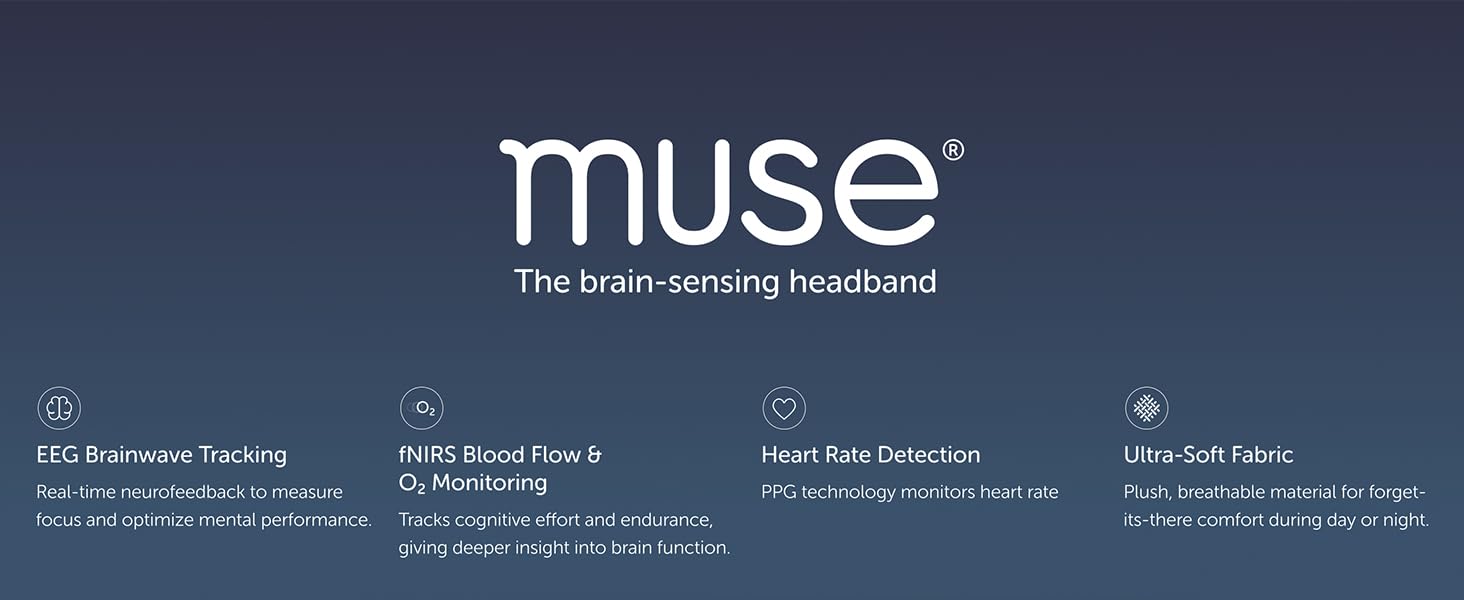
Mufananidzo 2: Kupfuuraview of MUSE S Athena's core functionalities.
2. Package Zviri mukati
Ensure all items are present in your MUSE S Athena package:
- MUSE S Athena Brain Sensing Headband
- USB-C Kuchaja Cable
- Quick Start Guide
- Kuchengetedzwa uye Kudzora Ruzivo
3. Mudziyo Pamusoroview
The MUSE S Athena headband is designed for comfort and functionality, featuring multiple sensors and an adjustable strap.
3.1 Zvikamu
- Sensor Module: Houses the EEG and fNIRS sensors, located at the front of the headband.
- Adjustable Strap: Soft, stretchable fabric for comfortable wear during day or night.
- Chiratidzo che LED: Displays battery status and connection.
- USB-C Chiteshi: Zvekuchaja mudziyo.
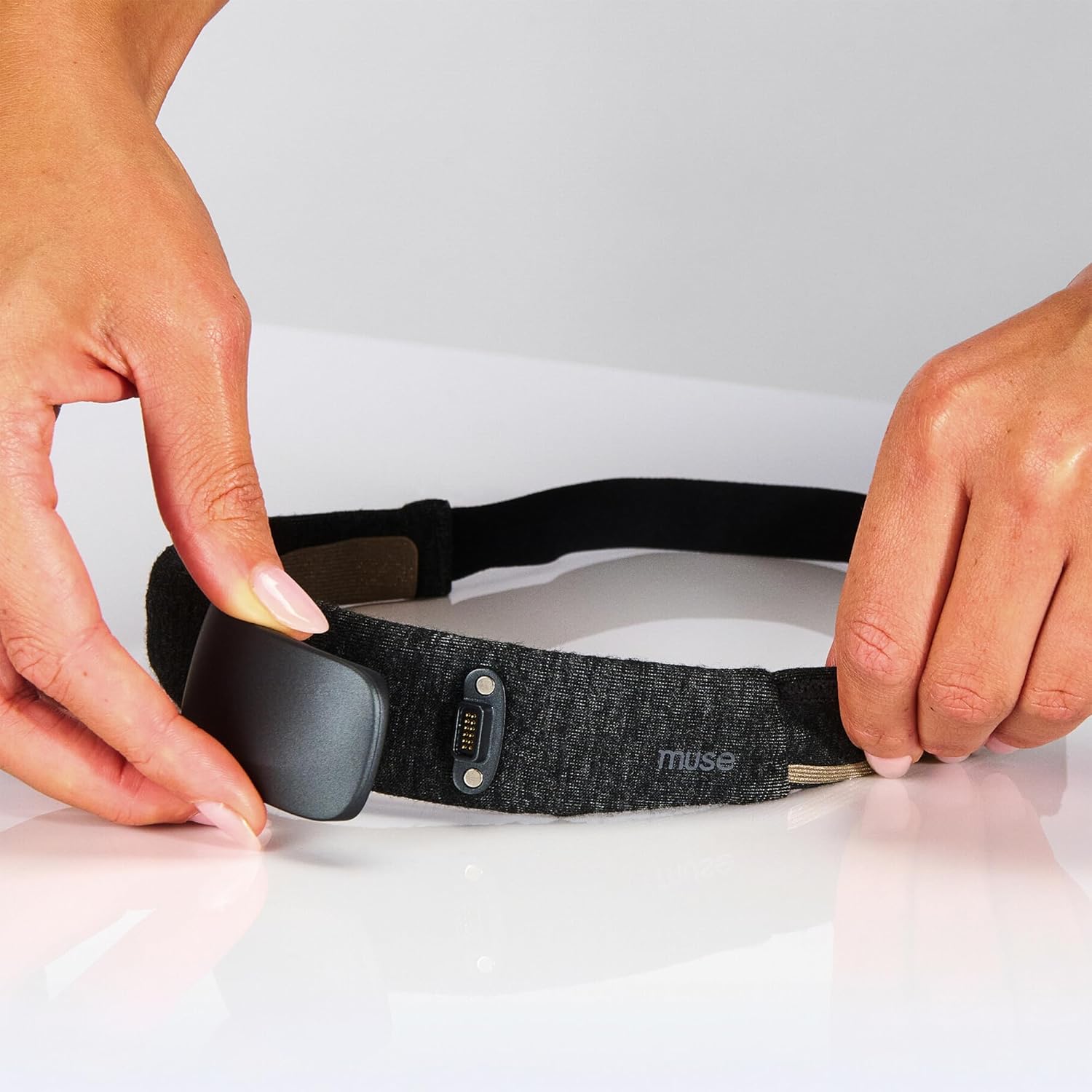
Figure 3: Attaching the sensor module to the headband.

Mufananidzo 4: Detailed view of the headband's sensor technology and comfort features.
4. Setup
4.1 Kuchaja bhandi remusoro
Before first use, fully charge your MUSE S Athena headband. Connect the provided USB-C cable to the headband's charging port and plug the other end into a USB power adapter (not included).
- Iyo LED chiratidzo inoratidza kuchaja mamiriro.
- A full charge provides approximately 10 hours of battery life.
4.2 Kuiswa kweApp uye Kubatanidza
The MUSE S Athena requires the Muse app for full functionality.
- Download the Muse app from your smartphone's app store (compatible with iPhone 12 or later, Android Pixel 6/equivalent or higher).
- Gadzira account kana kupinda.
- Ensure your headband is charged and powered on.
- Gonesa Bluetooth pane yako smartphone.
- Follow the in-app instructions to pair your MUSE S Athena headband via Bluetooth BLE 5.3, 2.4 GHz.
5. Operating Instructions
5.1 Kupfeka bhandi remusoro
Place the soft, adjustable headband on your head, ensuring the sensor module rests comfortably on your forehead. Adjust the strap for a snug fit that allows the sensors to make good skin contact.
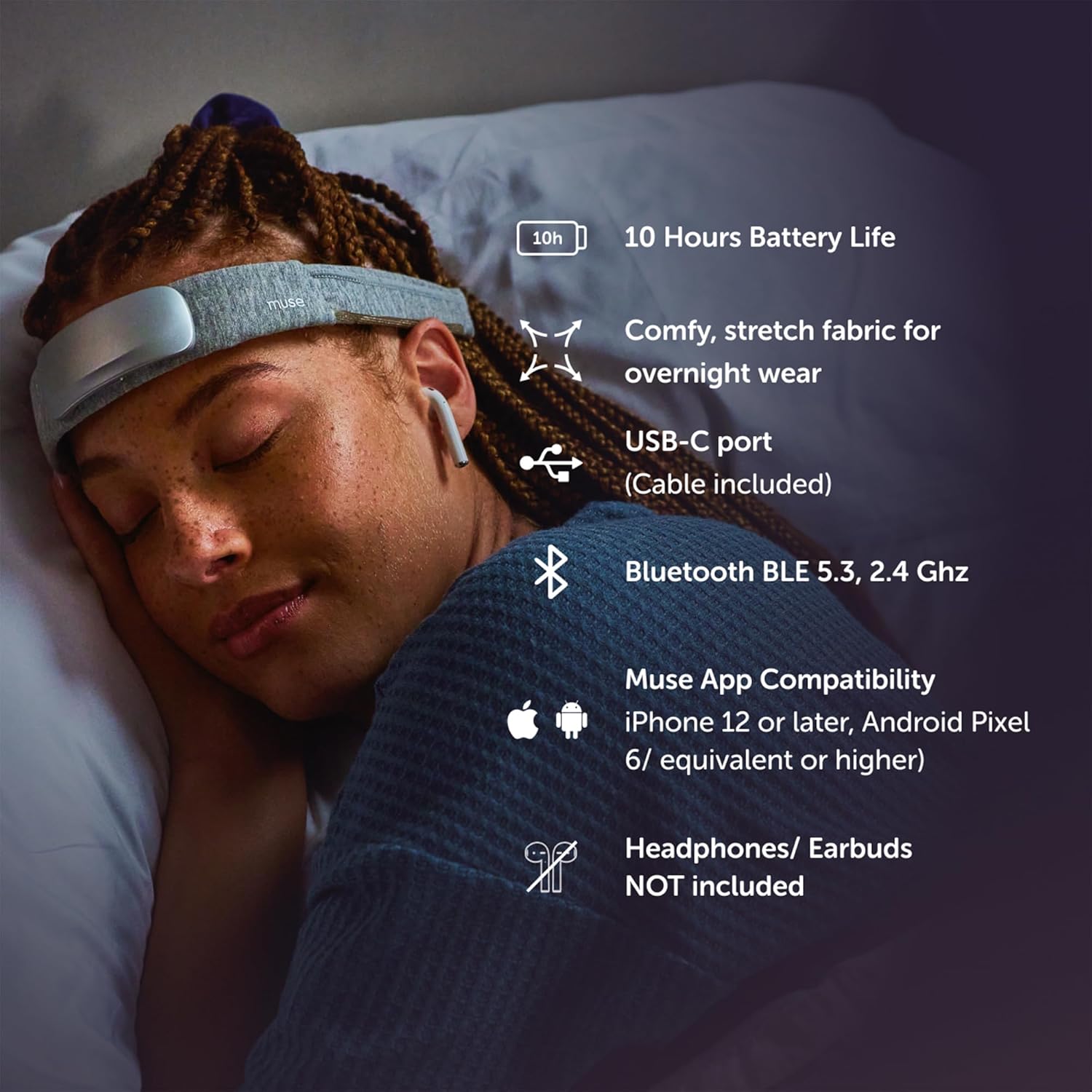
Figure 5: Proper placement of the MUSE S Athena headband for sleep tracking.
5.2 Using the Muse App
The Muse app is your interface for selecting experiences and tracking progress.
- Mind Biofeedback (EEG): Learn focused attention through real-time audio feedback that responds to your brain activity.
- Endurance & Strength (EEG + fNIRS): Train your brain to sustain peak cognitive effort and reduce fatigue.
- Breath Biofeedback (PPG + Gyroscope): Build confidence and control over your breath to energize or relax.
- Sleep Tracking & DSP (EEG + PPG + Accelerometer): Tracks hope stages, deep sleep intensity, and positions. Offers real-time digital sleeping pills to aid sleep.
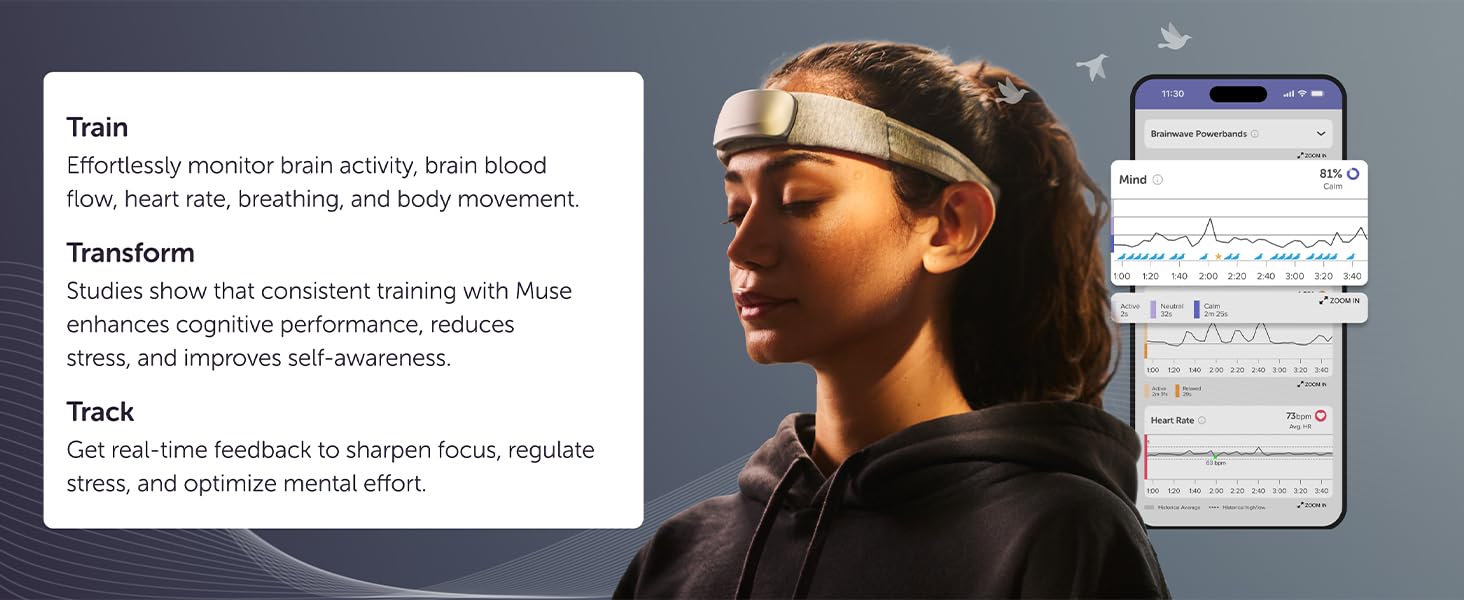
Figure 6: The four core experiences available with your headband purchase.
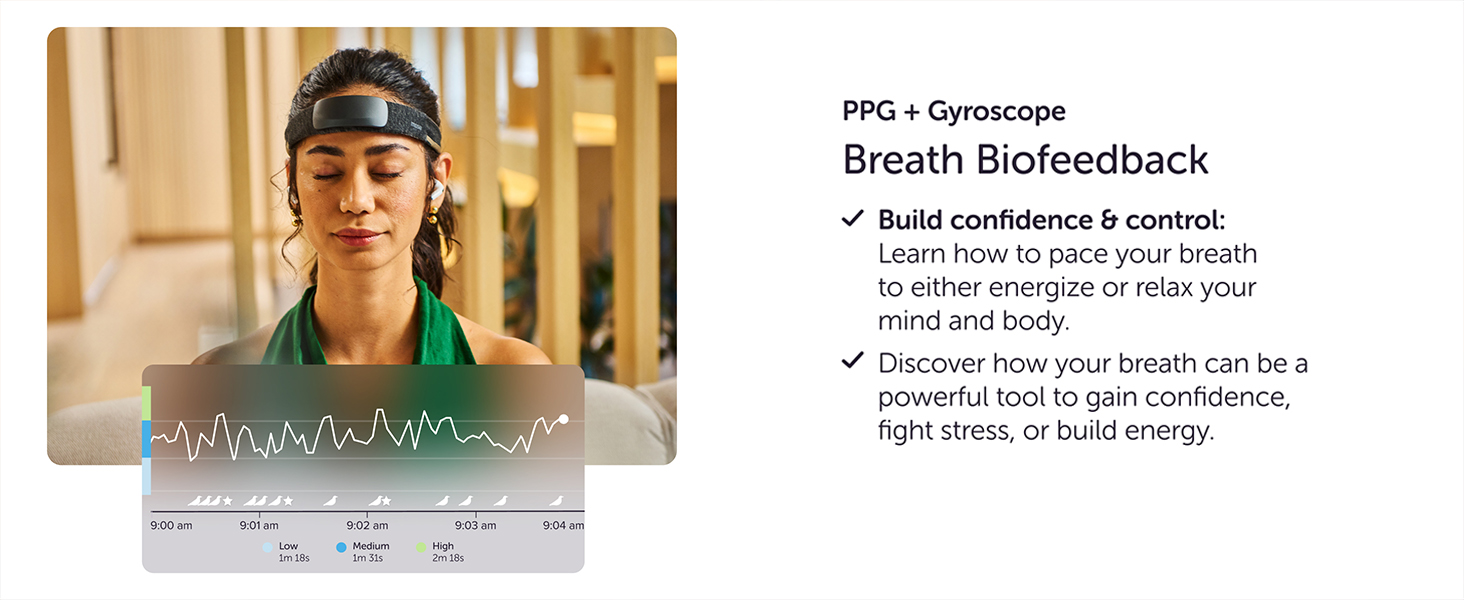
Figure 7: Accelerated learning through real-time feedback in the Muse app.
5.3 Session Management
- Select your desired meditation, sleep, or brain training experience from the app.
- Follow the on-screen prompts for sensor calibration.
- Begin your session. The app will provide real-time audio feedback.
- After your session, review your calm/sleep score, brain activity, effort, and performance insights.
Official Product Video: Bio/Brain Sensing Headband for Focus and Relaxation
Vhidhiyo 1: Kuperaview of the MUSE S Athena's brain-sensing capabilities for focus and relaxation.
Official Product Video: Brain Spa Sleep Aid
Video 2: A brief demonstration of a sleep aid device, showcasing features that may be similar to Muse S Athena's sleep functions.
6. Kuchengeta
6.1 Kuchenesa
To maintain optimal sensor performance and hygiene:
- Wipe the sensor module gently with a soft, damp jira mushure mekushandisa kwega kwega.
- Ensure no moisture enters the charging port or other openings.
- The fabric headband can be hand-washed with mild soap and air-dried. Remove the sensor module before washing the fabric.
6.2 Kuchengeta
Store your MUSE S Athena in a cool, dry place away from direct sunlight and extreme temperatures.
7. Kugadzirisa matambudziko
If you encounter issues with your MUSE S Athena, try the following:
- Hapana Simba: Iva nechokwadi chekuti bhandi remusoro rakazara.
- Nyaya dzekubatanidza: Verify Bluetooth is enabled on your device and the headband is within range. Try restarting both the headband and your smartphone.
- Poor Sensor Signal: Adjust the headband to ensure good skin contact with all sensors. Clean the sensors if necessary.
- App Haisi Kupindura: Close and restart the Muse app. If the issue persists, reinstall the app.
For further assistance, refer to the official MUSE support resources.
8. Zvinotsanangurwa
| Brand | MUSE |
| Model | Muse S Athena |
| Color | Nhema |
| Inowirirana Devices | Mafonifoni |
| Item Weight | 0.75 Pondo |
| Hupenyu hwebhatiri | 10 Maawa |
| Sensor Type | EEG, fNIRS |
| Tsanangudzo Yebhatiri | Lithium-ion |
| UPC | 629230731111 |
| Mugadziri | MUSE |
| Size | One Size |
| Item Package Dimensions L x W x H | 9.76 x 3.58 x 1.5 inches |
| Package Weight | 0.13 makirogiramu |
| Zuva Rokutanga Kuwanikwa | Kubvumbi 10, 2025 |
9. Safety Information
Ndokumbira utarise zvinotevera nhungamiro yekuchengetedza:
- Usashandise mudziyo uchityaira kana kushandisa michina inorema.
- Chengetedza mudziyo kure nemvura uye tembiricha yakanyanyisa.
- Consult a healthcare professional before use if you have any pre-existing medical conditions, especially neurological disorders.
- Mudziyo uyu hauna chinangwa chekuongorora, kurapa, kurapa, kana kudzivirira chero chirwere.
- Chengetedza pasingasvikirwi nevana.
10. Warranty uye Tsigiro
For warranty information, technical support, or to access additional resources, please visit the official MUSE website or contact their customer service. Details can typically be found in the packaging or on the brand's online store.
Visit the MUSE Store kune zvimwe zvigadzirwa uye ruzivo.


