1. Nhanganyaya
Welcome to the user manual for your new TECNO POVA Curve 5G smartphone. This guide provides essential information on setting up, operating, maintaining, and troubleshooting your device. Please read this manual carefully to ensure optimal performance and longevity of your smartphone.

Figure 1: TECNO POVA Curve 5G smartphone, front and back.
2. Chii chiri muBhokisi
Upon unboxing your TECNO POVA Curve 5G, please verify that all the following items are included:
- TECNO POVA Curve 5G Smartphone
- Power Adapter (45W Fast Charger)
- USB Cable
- SIM Tray Ejector
- Headset
- Quick Start Guide (gwaro iri)

Figure 2: Key features of the TECNO POVA Curve 5G.
3. Setup
3.1 Kuisa SIM Card neSD Card
- Tsvaga iyo SIM kadhi tireyi padivi pechishandiso chako.
- Isa SIM tray ejector tool mugomba diki padivi petireyi wodzvanya zvinyoro nyoro kusvika tireyi yabuda.
- Isa kadhi rako reNano-SIM uye/kana kadhi remicroSD munzvimbo dzakatarwa dziri patireyi. Iva nechokwadi chekuti matinji egoridhe akatarisa pasi.
- Nyatsopinza tireyi mumudziyo kusvika yadzvanya panzvimbo.
3.2 Kutanga Kubatidza uye Kugadzirisa Kwekutanga
- Press and hold the Power button until the TECNO logo appears.
- Tevedzera mirairo iri pachikirini kuti usarudze mutauro wako, ubatanidze kune network yeWi-Fi, uye ugadzire account yako yeGoogle.
- Iwe unozotungamirwa kuburikidza nekumisikidza kuchengetedza maficha akadai sekuvhura zvigunwe kana kuzivikanwa kwechiso.

Mufananidzo 3: Pazasi view of the device, illustrating port and SIM tray location.
4. Kushandisa mudziyo wako
4.1 Kuratidza uye Navigation
The TECNO POVA Curve 5G features a 144Hz Curved AMOLED display for smooth visuals and vibrant colors. Navigate the interface using touch gestures:
- Top: Sarudza chinhu kana kuvhura a app.
- Rova zvakasimba: Dzvanya nemasikirini kana zvinyorwa.
- Nzwara: Zoom mukati kana kunze pamifananidzo uye web mapeji.
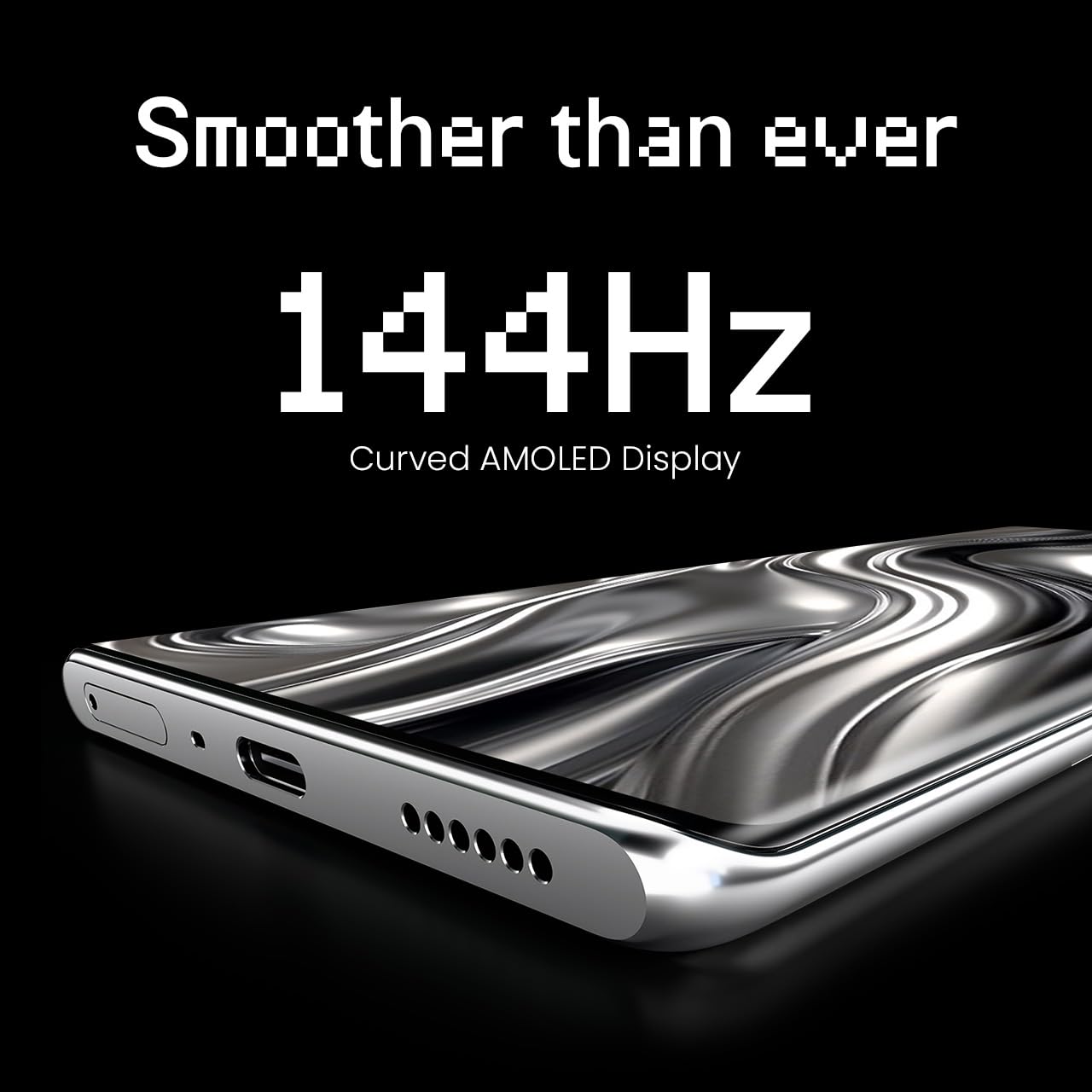
Figure 4: The 144Hz Curved AMOLED Display.
4.2 Kamera Mabasa
Your device is equipped with a 64MP IMX682 Rear Camera. To access the camera, tap the Camera icon on your home screen or lock screen. Key features include:
- Photo Mode: Mifananidzo yakajairika.
- Vhidhiyo Modhi: Rekodha mavhidhiyo emhando yepamusoro.
- Portrait Mode: Create professional-looking photos with blurred backgrounds.
- Night Mode: Enhance photos taken in low-light conditions.
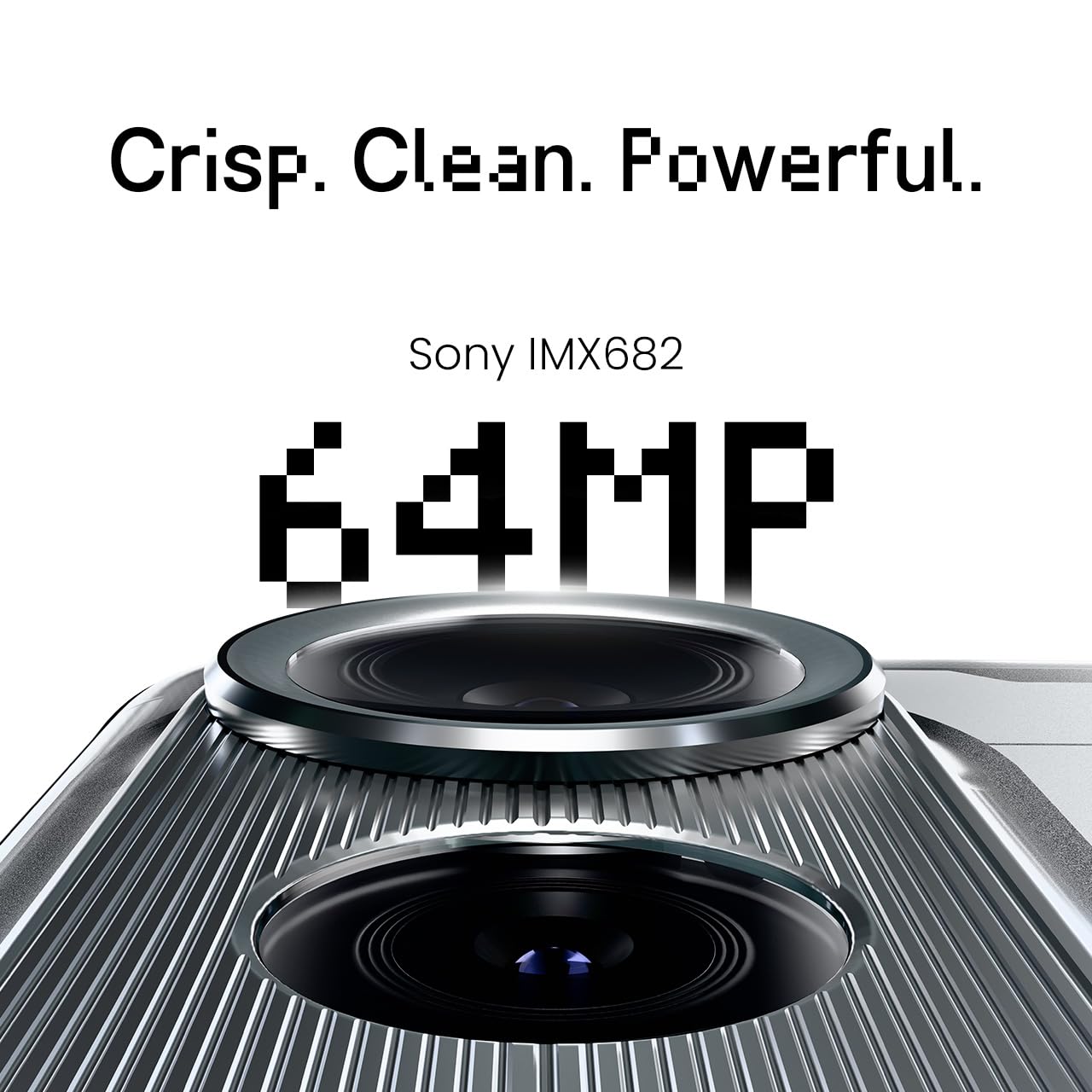
Figure 5: The 64MP IMX682 Rear Camera.
4.3 AI Zvimiro
The TECNO POVA Curve 5G integrates advanced AI capabilities, including support for Indian languages and an AI Call Assistant. These features are designed to enhance user experience and productivity.
- AI with Indian Language Support: Access various functions and communicate in multiple Indian languages.
- AI Call Assistant: Manage calls intelligently, including features like AI Auto Call Answering and AI Voiceprint Suppression.

Figure 6: AI with Indian Language Support.

Mufananidzo 7: Kupfuuraview of AI features.
4.4 Battery Management and Charging
The device is powered by a 5500mAh battery and supports 45W fast charging. Use the provided power adapter and USB cable for optimal charging speed.
- To charge, connect the USB cable to the phone's USB-C port and the power adapter, then plug into a wall outlet.
- Avoid using non-certified chargers or cables to prevent damage.
4.5 Kubatana
Your TECNO POVA Curve 5G supports 5G cellular networks, Wi-Fi, and Bluetooth. It also features an Intelligent Signal Hub System for improved network reception.
- Wi-Fi: Enda kuZvirongwa> Network & internet> Wi-Fi kuti ubatanidze kune anowanikwa network.
- Bluetooth: Enda kuZvirongwa> Zvishandiso zvakabatana> Bluetooth kuti ubatanidze nemamwe madivayiri eBluetooth.
- Nharembozha Ita shuwa kuti SIM kadhi rako riri kushanda uye nharembozha inogoneswa muZvirongwa> Network & internet> Nharembozha network.

Figure 8: Intelligent Signal Hub System for enhanced network communication.
5. Kuchengeta
5.1 Kuchenesa mudziyo wako
Kuchengeta yako smartphone yakachena uye inoshanda:
- Shandisa jira rakapfava, risina lint kupukuta skrini nemuviri.
- Dzivisa kushandisa makemikari ane hasha, abrasive zvinhu, kana aerosol sprays.
- Usafumure mudziyo kune unyoro hwakawandisa.
5.2 Zvigadziriso zveSoftware
Gara uchitarisa uye uchiisa software itsva kuti uve nechokwadi chekuti mudziyo wako une zvinhu zvitsva, magadzirirwo ekuchengetedza, uye kuvandudzwa kwebasa. Enda kuSettings > System > System update.
5.3 Kuchengeta Battery
Kuwedzera hupenyu hwebhatiri:
- Dzivisa kupisa kwakanyanya.
- Usarega bhatiri richipera nguva zhinji.
- Bvisa charger kana bhatiri razara.
6. Kugadzirisa matambudziko
This section addresses common issues you might encounter with your TECNO POVA Curve 5G.
| Nyaya | Possible Solution |
|---|---|
| Mudziyo haubatike | Ita shuwa kuti bhatiri rachajwa. Dzvanya uye bata bhatani reMasimba kweanenge masekonzi gumi kumanikidza kutangazve. |
| Mapurogiramu ari kuparara kana kutonhora | Clear the cache of the problematic app (Settings > Apps > [App Name] > Storage > Clear cache). Restart the device. |
| Simba retiweki chiratidzo | Check if your SIM card is properly inserted. Move to an area with better network coverage. Restart the device. |
| Bhatiri rinopera nekukurumidza | Reduce screen brightness, close unused apps, disable unnecessary background processes, and check for power-intensive apps in battery settings. |
| Touchscreen haidaire | Tangazve mudziyo. Kana nyaya ikaramba iripo, bata rubatsiro rwevatengi. |
7. Zvinotsanangurwa
Key technical specifications for the TECNO POVA Curve 5G (Model: LJ8K):
- Operating System: Android 15
- RAM: 8 GB (expandable with memory fusion)
- Kuchengeta: 128 GB / 256 GB ROM
- processor: MediaTek Dimensity 7300 Ultimate 5G
- Ratidza: 144Hz Curved AMOLED
- Rear Camera: 64MP IMX682
- Bhatiri: 5500mAh with 45W Fast Charging
- Dimensions: 16.4 x 7.5 x 0.7 cm
- Kurema 177 g
- Kubatana: Bluetooth, Infrared, USB, Wi-Fi, 5G

Figure 9: Processor and Memory details.
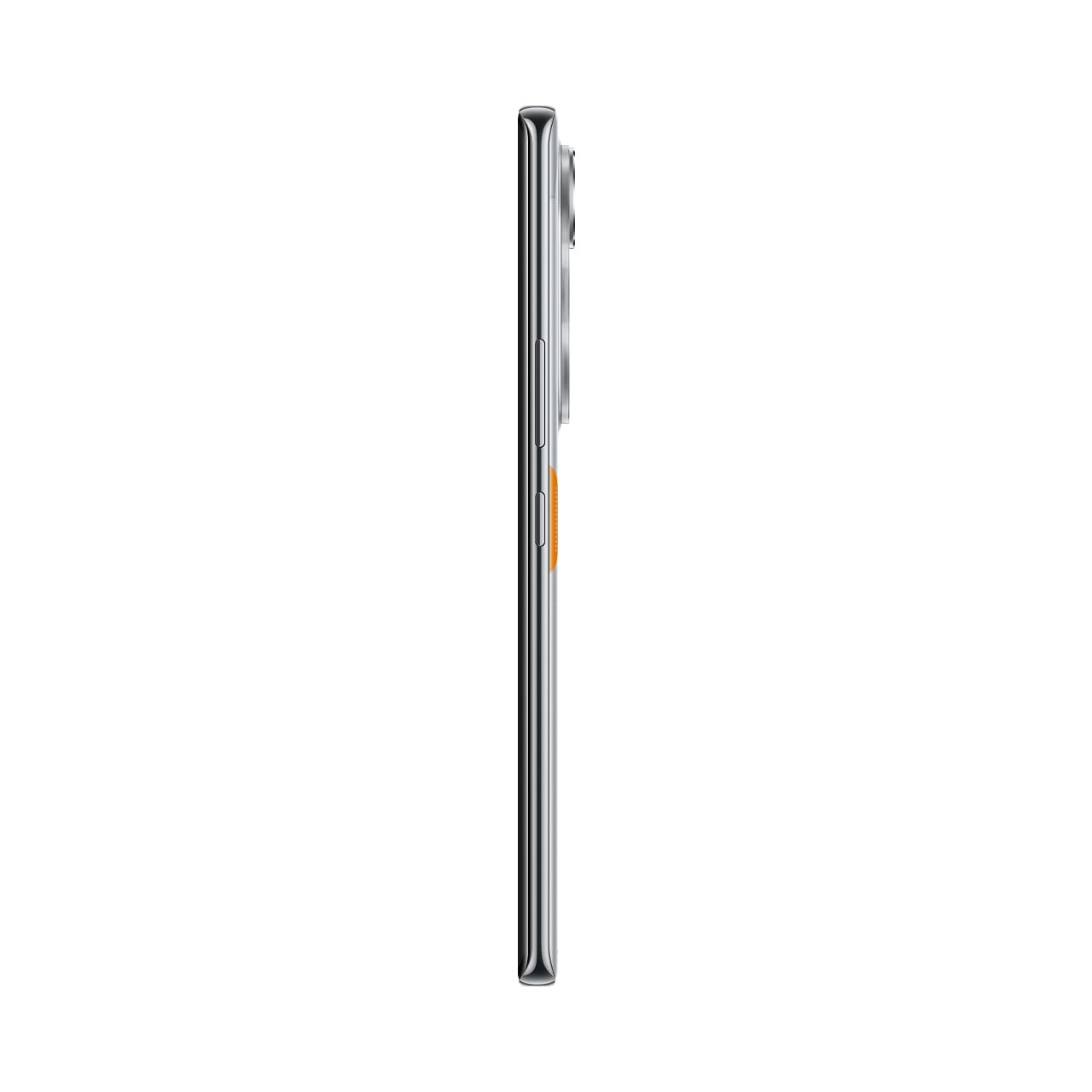
Figure 10: Slim design of the TECNO POVA Curve 5G.
8. Warranty uye Tsigiro
8.1 Ruzivo rweWaranti
Your TECNO POVA Curve 5G smartphone comes with a limited manufacturer's warranty. Please refer to the warranty card included in your product packaging for specific terms, conditions, and duration. Keep your proof of purchase for warranty claims.
8.2 Mutengi Tsigiro
For technical assistance, service, or further inquiries, please visit the official TECNO website or contact their customer support. Details can typically be found on the manufacturer's websaiti kana mune waranti zvinyorwa.


