1. Nhanganyaya
Thank you for choosing the Eigsupia N18 Bluetooth Headset. This manual provides detailed instructions for setting up, operating, and maintaining your new wireless headset. Please read this manual thoroughly before use to ensure optimal performance and longevity of the product.

Figure 1: Eigsupia N18 Bluetooth Headset, USB Dongle, and Charging Case with included ear tips.
2. Chii chiri muBhokisi
- Bluetooth Headset (x1)
- Kubhadharisa Kesi (x1)
- USB Type-C Cable (x1)
- Bhuku reMirayiridzo (x1)
- Gwaro Rinokurumidza (x1)
- Ear Tips (S/M/L, x5 pairs)

Figure 2: All items included in the Eigsupia N18 Bluetooth Headset package.
3. Chigadzirwa Pamusoroview
3.1 Zvikamu
- Musoro wemusoro: Features an adjustable ear hook and microphone boom.
- Nyaya yekuchaja: Portable case with an LED digital display for battery status.
- USB Dongle: For wireless connection to non-Bluetooth enabled devices like desktop computers.
3.2 Zvidzore uye zviratidzo
The headset features intuitive controls for managing calls and audio playback.
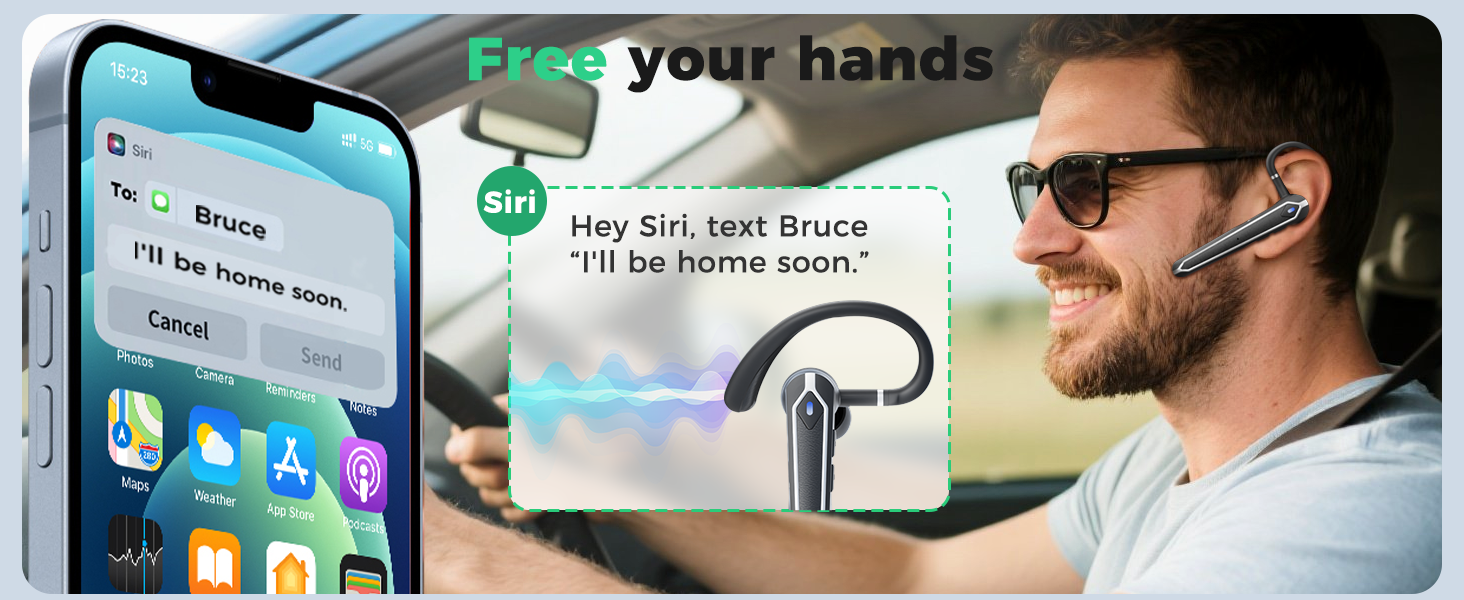
Figure 3: Multi-function button layout and controls.
- Multi-function Button (Side Button):
- Click x1: Answer Call
- Click x2: Pause/Play audio
- Click x3: Activate Voice Assistant (Siri, etc.)
- Press 2s: Mute/Unmute (during call), Hang up/Reject Call, Power On
- Press 5s: Power OFF
- Volume Up Button (Closest to ear):
- Click x1: Volume +
- Press 2s: Next Song
- Volume Down Button (Closest to mouthpiece):
- Click x1: Volume -
- Press 2s: Previous Song
- Chiratidzo che LED: Flashes red and blue when pairing, solid blue when connected.
4. Setup
4.1 Charging the Headset and Case
Before first use, fully charge the headset and charging case. The charging case features an LED digital display that shows the battery percentage.
- Place the headset into the charging case. The headset will magnetically secure itself and begin charging.
- Batanidza Type-C yekuchaja tambo kune yekuchaja kesi uye sosi yemagetsi.
- Chiratidziro che LED chiri pabhokisi chicharatidza kufambira mberi kwekuchaja.

Figure 4: The 430mAh charging case with LED display, indicating battery level.
4.2 Pairing with a PC (using USB Dongle)
The N18 headset comes with a USB dongle for seamless connection to computers without built-in Bluetooth.
- Insert the USB dongle into an available USB-A port on your computer. The dongle will light up, indicating it's powered on.
- Take the headset out of its charging case. It will automatically power on and enter pairing mode (LED indicator flashes red and blue).
- The headset will automatically connect to the USB dongle. Once connected, the headset's LED indicator will stop flashing.

Figure 5: The USB dongle provides wireless functionality to non-Bluetooth devices.
4.3 Pairing with a Mobile Phone/Tablet
The N18 headset utilizes Bluetooth 5.4 for a stable and fast connection with your mobile devices.
- Take the headset out of its charging case. It will automatically power on and enter pairing mode (LED indicator flashes red and blue).
- On your mobile phone or tablet, go to Bluetooth settings and ensure Bluetooth is enabled.
- Tsvaga available devices. Select "N18" from the list.
- Once connected, the headset's LED indicator will stop flashing, and a voice prompt will confirm the connection.

Figure 6: Bluetooth 5.4 technology ensures a stable and wide-ranging connection.
4.4 Multi-Device Connection
The N18 headset can connect to two Bluetooth devices simultaneously, allowing for seamless switching between them.
- Connect the headset to the first device (e.g., your phone) as described in Section 4.3.
- Dzima Bluetooth pamudziyo wekutanga. Headset ichapinda zvakare mumodhi yekuwirirana.
- Connect the headset to the second device (e.g., your laptop via Bluetooth or dongle).
- Re-enable Bluetooth on the first device. The headset will automatically reconnect to both devices.

Figure 7: The headset can easily switch between two connected devices.
5. Operating Instructions
5.1 Kupfeka Headset
The N18 headset is designed for comfort and flexibility. The in-ear part can be rotated 45 degrees, the ear hook can be rotated 360 degrees, and the microphone handle can be rotated 180 degrees to fit either ear.

Figure 8: Adjustable ear hook and earpiece for a secure and comfortable fit.
5.2 Call Management
- Pindura Call: Single-click the Multi-function Button.
- Pedzisa/Kuramba Kufona: Long-press the Multi-function Button for 2 seconds.
- Nyarara/Dzora Long-press the Multi-function Button for 2 seconds during a call.
5.3 Audio Playback
- Tamba/Kumbomira: Double-click the Multi-function Button.
- Next Track: Long-press the Volume Up Button for 2 seconds.
- Previous Track: Long-press the Volume Down Button for 2 seconds.
5.4 Kudzora Inzwi
- Wedzera Vhoriyamu: Single-click the Volume Up Button.
- Deredza Vhoriyamu: Single-click the Volume Down Button.
5.5 Izwi Mubatsiri
- Shandisa Izwi Mubatsiri: Triple-click the Multi-function Button.
6. Zvimiro
6.1 Ergonomic Dhizaini
The N18 headset is designed for extended wear, featuring a lightweight and durable build. The adjustable ear hook and earpiece ensure a comfortable and secure fit for various users.

Figure 9: The ergonomic design provides comfort for long periods of wear.
6.2 Bluetooth 5.4 Kubatana
Equipped with the latest Bluetooth 5.4 chip, the N18 offers faster pairing, more stable performance, and a wider transmission range, ensuring uninterrupted audio and calls.

Figure 10: Upgrade to Bluetooth 5.4 for enhanced connectivity and lower latency.
6.3 ENC Noise Reduction and Superior Sound Quality
The headset features ENC (Environmental Noise Cancellation) dual microphones and a 13mm high-fidelity driver. This combination effectively blocks up to 90% of background noise, ensuring clear voice transmission even in noisy environments, and delivers clear audio for listening.

Figure 11: ENC dual microphones provide clear and pure sound by reducing external noise.
6.4 Long-lasting Battery and LED Display
The wireless headset offers up to 13 hours of talk time and 90 hours with the 430mAh charging case. The charging case's LED digital display intuitively shows the remaining power, eliminating battery anxiety.

Figure 12: Monitor your headset's battery level directly on your connected device.
6.5 Kudzivirira Mvura kweIPX5
The headset is rated IPX5 water-resistant, meaning it can easily handle sweat and light rain, ensuring long-lasting durability for various activities.
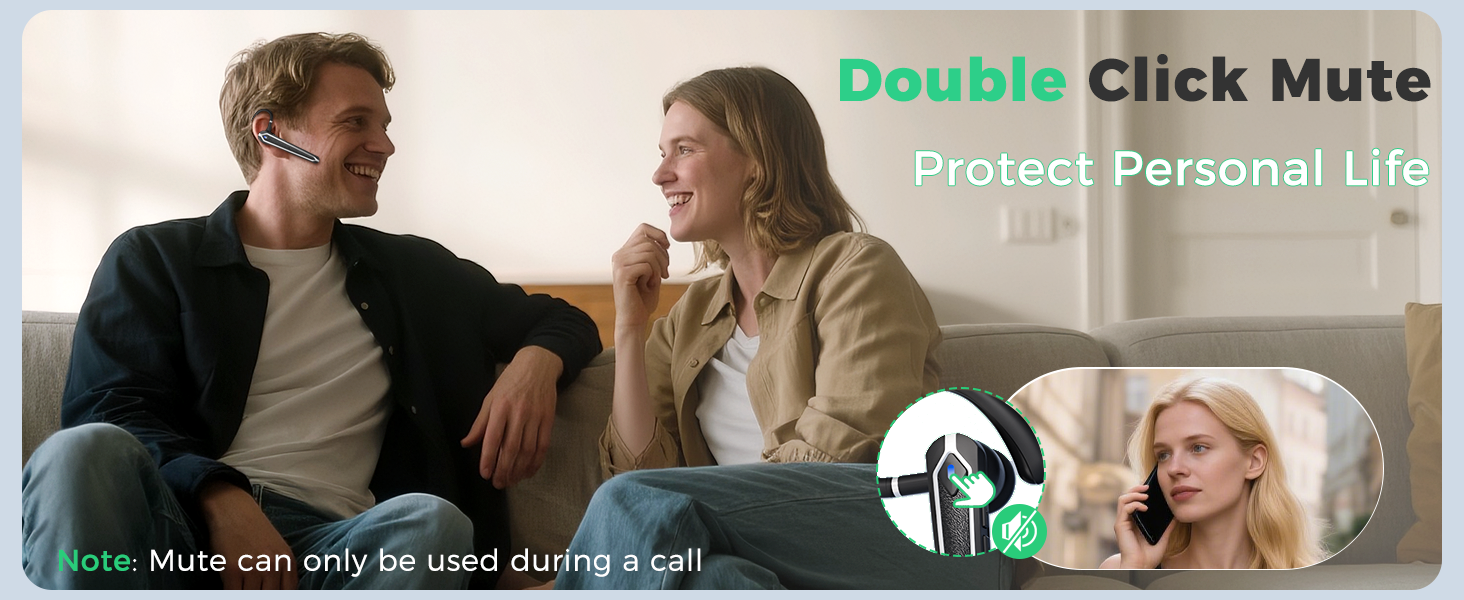
Figure 13: IPX5 water resistance for protection against sweat and light rain.
7. Mashandisiro Ekushandisa
The Eigsupia N18 Bluetooth Headset is versatile and suitable for various applications:
- Business & Office Work: Make communication clearer and work more efficient during meetings and calls.
- Kutyaira: Focus on driving, hear navigation and phone calls clearly, and ensure driving safety with hands-free operation.
- Kufamba: Enjoy audio and calls on the go without interruption.
- Kushandisa Pamba: Enjoy immersive music or take calls casually at home.
- Leisure & Sports: Listen to music while staying aware of your surroundings.
8. Kugadzirisa matambudziko
If you encounter any issues with your Eigsupia N18 headset, please refer to the following common solutions:
- Haikwanise Kubatidza: Ensure the headset is fully charged. Place it in the charging case to check the battery level.
- Haikwanise Kubatanidza:
- Ensure the headset is in pairing mode (LED indicator flashing red and blue).
- Dzima uye gonesazve Bluetooth pane chako kifaa.
- If using the USB dongle, ensure it is properly inserted and its indicator light is on.
- Edza kutangazve mahedhifoni nemudziyo wako.
- Hapana Ruzha / Husina Hunhu Hwakanaka:
- Tarisa huwandu hwevhoriyamu pane ese mahedhifoni uye mudziyo wako wakabatana.
- Ita shuwa kuti headset yakanyatso batana kune yako kifaa.
- Swedera pedyo nemudziyo wako kudzivirira kukanganiswa kana matambudziko ekufamba kwenzvimbo.
- Clean the ear tips and earpiece to ensure no obstructions.
- Maikorofoni Haisi Kushanda:
- Ensure the microphone is not muted (check the mute function).
- Check microphone settings on your connected device (PC or phone).
9. Zvinotsanangurwa
| Model Name | N18 |
| Kubatana Technology | Bluetooth |
| Bluetooth Version | 5.4 |
| Bluetooth Range | 15 Mamita |
| Noise Control | Environmental Ruzha Kanzura (ENC) |
| Audio Driver Size | 13 mamirimita |
| Kuchaja Case Battery | 430mAh |
| Nguva Yekutaura | Up to 13 hours (Headset), Up to 90 hours (with Charging Case) |
| Mvura Resistance Level | IPX5 (Isingapindi mvura) |
| Inowirirana Devices | Cellphones, Desktops, Laptops, Tablets, Telephones |
| Material | Acrylonitrile Butadiene Styrene (ABS), Polycarbonate (PC) |
| Item Weight | 5.6 ounces |
10. Warranty uye Tsigiro
Eigsupia provides comprehensive support for your N18 Bluetooth Headset:
- 12-Mwedzi Warranty: Your product is covered by a 12-month warranty from the date of purchase.
- Hupenyu hwese Tsigiro yehunyanzvi: Access to lifetime technical assistance for any product-related queries.
- 24H Customer Service: Dedicated customer service available 24 hours for your convenience.
For further assistance, please refer to the contact information provided in your Quick Guide or visit the official Eigsupia store.


