Nhanganyaya
This manual provides essential information for the proper setup, operation, and maintenance of your Auusda 16-inch FHD Laptop, Model T161N. Please read this manual thoroughly before using your device to ensure optimal performance and longevity. Keep this manual for future reference.
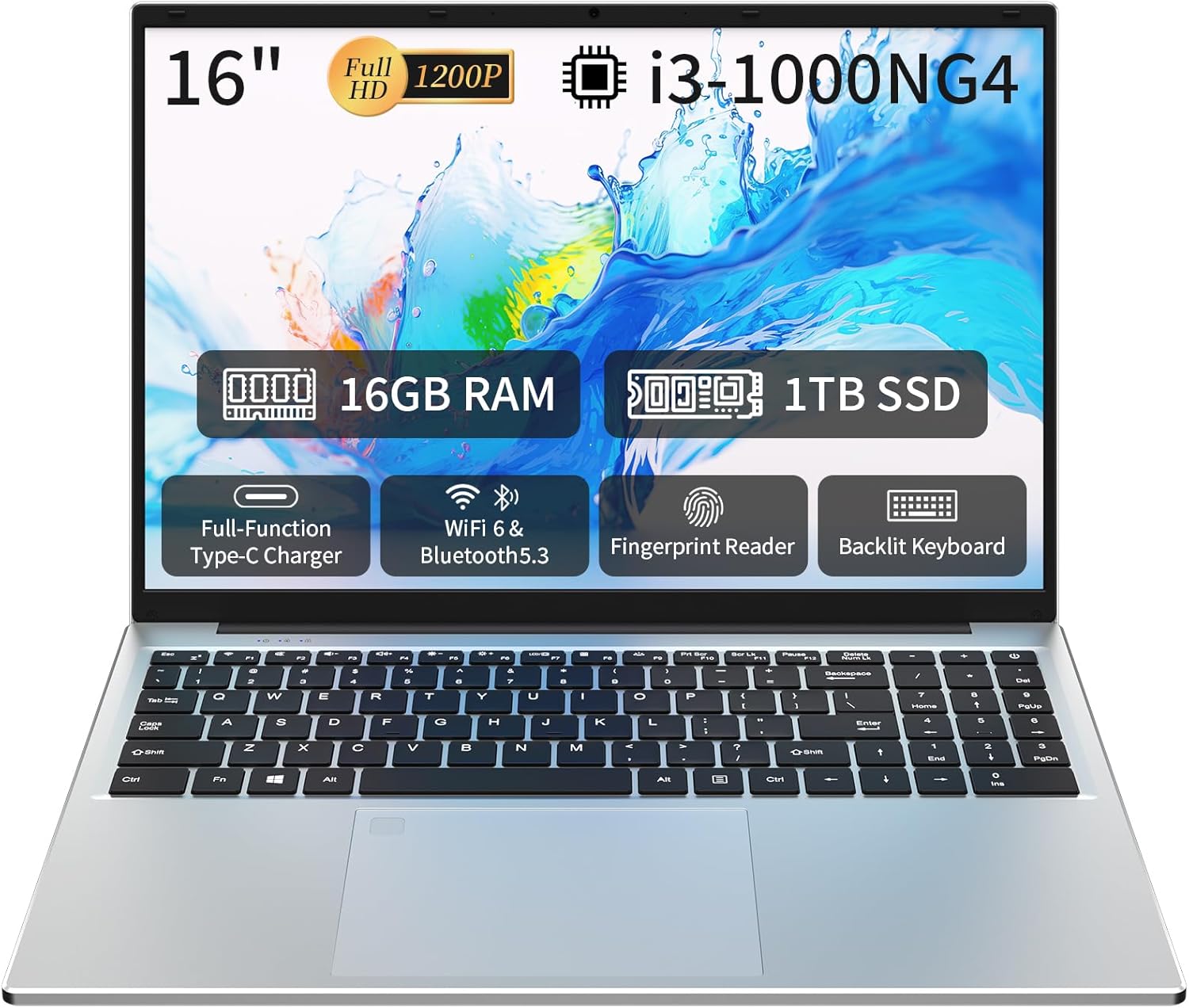
Image: The Auusda 16-inch FHD Laptop, showcasing its 16-inch Full HD display, 16GB RAM, 1TB SSD, i3-1000NG4 processor, Full-Function Type-C port, Wi-Fi 6 & Bluetooth 5.3, Fingerprint Reader, and Backlit Keyboard.
Chii chiri muBhokisi
Iva nechokwadi chekuti zvinhu zvese zviripo mupakeji:
- 1 x Auusda 16-inch FHD Laptop
- 1 x charger
- 1 x Kavha yeKibhodhi
- 1 x Bhuku reMirayiridzo

Image: A visual representation of the items included in the product packaging, alongside the laptop's physical dimensions (14.17 x 9.76 x 0.71 inches).
Product Overview
Key Features
- processor: Intel Core i3-1000NG4, up to 3.2 GHz
- Memory: 16GB DDR4 RAM
- Kuchengeta: 1TB SSD
- Ratidza: 16-inch Full HD (1920x1200) IPS display with 180° vieweng angle
- Operating System: Windows 11 Pro
- Kubatana: Wi-Fi 6, Bluetooth 5.3
- Zviteshi: Full-Function Type-C (charging, data, 4K video), 2x USB 3.0, 1x USB 2.0, Mini HDMI, 3.5mm Standard Headphone Jack, DC 3.5 power input
- Chengetedzo: Fingerprint Reader
- Kiyibhodhi: Backlit keyboard with numeric keypad
- Bhatiri: 5000mAh Lithium Battery (11.4V)
processor uye Performance
The laptop is equipped with an Intel Core i3-1000NG4 processor, providing efficient performance for multitasking and everyday computing tasks. The 16GB DDR4 RAM ensures smooth operation, while the 1TB SSD offers fast boot-up times and ample storage capacity.
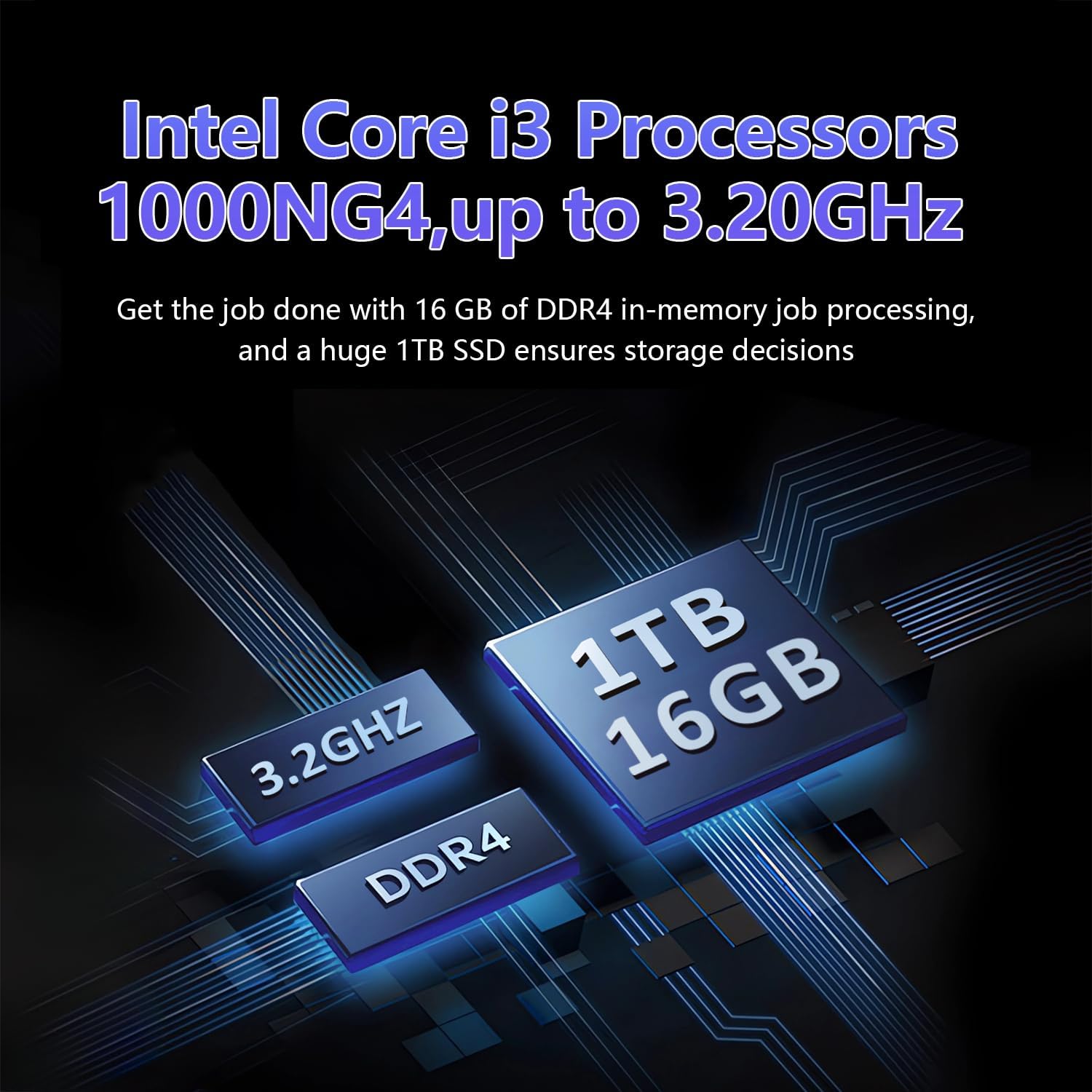
Image: A visual representation of the Intel Core i3-1000NG4 processor, 16GB DDR4 RAM, and 1TB SSD, highlighting their roles in the laptop's performance.
Display
The 16-inch Full HD (1920x1200) IPS display offers clear and vibrant visuals. Its 180° viewing angle allows for flexible positioning and comfortable collaboration.
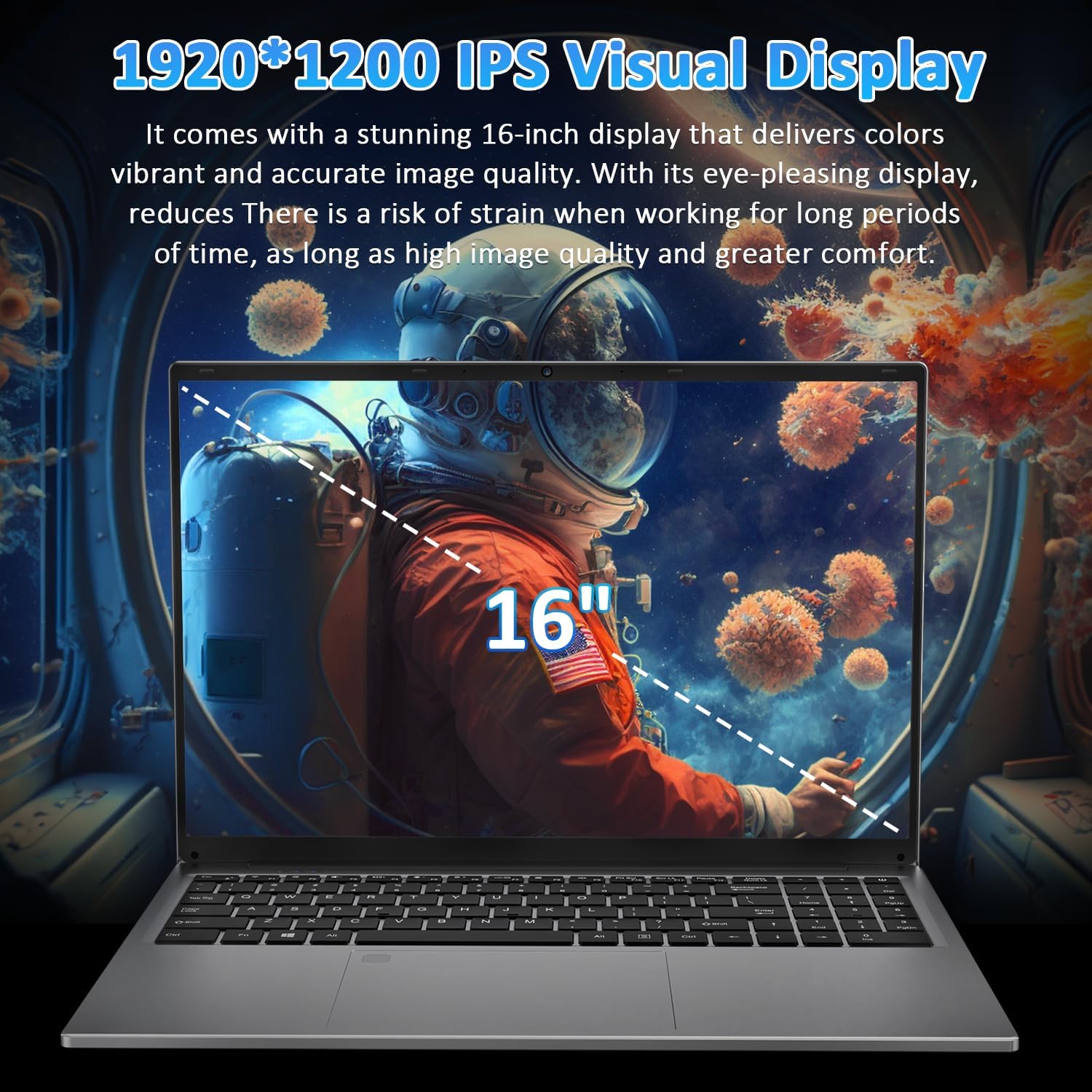
Image: The laptop's 16-inch 1920x1200 IPS display, illustrating its visual quality and size.
Ports uye Kubatana
The laptop features a variety of ports for versatile connectivity, including a Full-Function Type-C port for charging, data transfer, and 4K video output. Dual USB 3.0 ports, a USB 2.0 port, a Mini HDMI port, and a 3.5mm headphone jack are also available.
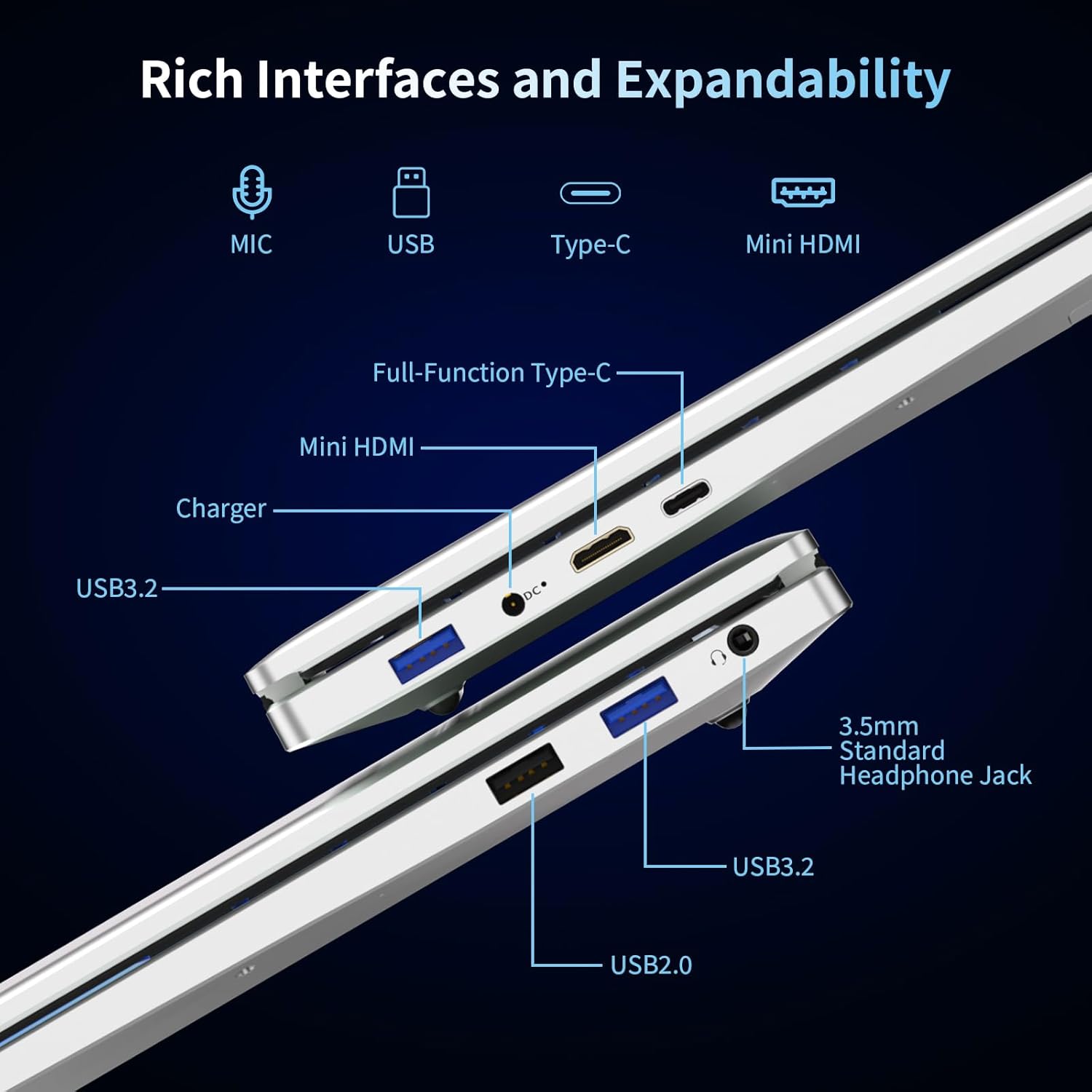
Mufananidzo: Yakadzama view of the laptop's left and right sides, showing the arrangement and types of available ports for external connections.
Keyboard and Security
The integrated backlit keyboard enhances typing in low-light conditions. A dedicated numeric keypad is included for data entry. For enhanced security, the laptop features a fingerprint reader for quick and secure access.

Image: The laptop's keyboard area, illustrating the backlit keys, integrated numeric keypad, and the fingerprint unlock sensor.
Bhatiri
The laptop is powered by a 5000mAh Lithium battery, designed to provide extended usage time.

Image: The laptop with an overlay indicating its 5000mAh battery capacity and 11.4V rating.
Gadzirira
1. Kutanga Kuchaja
- Connect the provided charger to the laptop's DC 3.5 power input port.
- Batanidza charger mudura remagetsi.
- Allow the laptop to charge for at least 30 minutes before initial use, or until the battery indicator shows a sufficient charge.
2. Powering On
- Vhura chivharo chelaptop.
- Press the power button located on the keyboard.
- Tevedza mirairo yepa-screen kuti upedze Windows 11 Pro yekutanga kuseta, kusanganisira kusarudzwa kwemutauro, network yekubatanidza, uye kugadzira account yemushandisi.
Operating Instruction
Using Windows 11 Pro
Your laptop comes pre-installed with Windows 11 Pro. Familiarize yourself with the operating system's interface and features. Microsoft provides extensive online documentation and tutorials for Windows 11.
Kubatanidza kuWi-Fi
- Click the Wi-Fi icon in the taskbar.
- Sarudza network yako yaunoda kubva pane iyo rondedzero.
- Pinda password yetiweki kana ukakurudzirwa uye tinya 'Batanidza'.
Kushandisa Bluetooth Devices
- Go to 'Settings' > 'Bluetooth & devices'.
- Ensure Bluetooth is turned 'On'.
- Select 'Add device' and follow the instructions to pair your Bluetooth device.
Fingerprint Reader
To set up fingerprint login:
- Go to 'Settings' > 'Accounts' > 'Sign-in options'.
- Under 'Windows Hello Fingerprint', click 'Set up' and follow the on-screen prompts to register your fingerprint.
Backlit Keyboard
The backlit keyboard can be toggled on or off, and its brightness adjusted, using specific function keys (refer to your keyboard layout for the exact key combination, often Fn + F key).
Kubatanidza External Displays
Use the Mini HDMI port or the Full-Function Type-C port to connect an external monitor or projector. Press Windows kiyi + P to select display modes (Duplicate, Extend, Second screen only).

Mufananidzo: Eksamples of the laptop's versatility in various usage scenarios, including office tasks, daily browsing, online education, and gaming.
Maintenance
Kuchenesa
- Shandisa jira rakapfava, risina lint kuchenesa skrini nekunze.
- Pazvibodzwa zvakasindimara, zvishoma dampsn jira nemvura kana screen cleaner. Dzivisa makemikari ane hasha.
- Ita shuwa kuti Laptop yakadzimwa uye kuburitswa isati yachenesa.
Battery Care
- Dzivisa kuburitsa bhatiri zvakazara nguva zhinji.
- Store the laptop in a cool, dry place if not used for extended periods, with the battery charged to about 50%.
- Shandisa chete charger yakapihwa.
Software Updates
Regularly check for and install Windows updates to ensure system stability, security, and performance.
Kugadzirisa matambudziko
Laptop Does Not Power On
- Ita shuwa kuti charger yakabatana zvakachengetedzeka kune ese ari maviri laptop uye inoshanda simba rekubuda.
- Tarisa kuti magetsi emagetsi ari kushanda nekuisa imwe mudziyo.
- Allow the laptop to charge for some time before attempting to power it on again.
Hapana Wi-Fi Connection
- Tarisa kana Wi-Fi yakagoneswa muWindows marongero.
- Tangazve router yako uye modem.
- Ensure you are selecting the correct network and entering the correct password.
Screen is Blank or Flickering
- Tangazve laptop.
- If an external display is connected, try disconnecting it.
- Update your display drivers through Windows Update or the manufacturer's website.
Slow Performance
- Vhara zvisina basa zvikumbiro zvinomhanya kumashure.
- Tarisa uye isa chero zvakamirira Windows updates.
- Mhanya kuchenesa dhisiki uye kupatsanura (yeHDD, kwete kudikanwa kweSSD).
- Tarisa uone malware kana mavhairasi.
Zvinotsanangurwa
| Feature | Tsanangudzo |
|---|---|
| Model Name | T161N |
| processor | Intel Core i3-1000NG4 (up to 3.2 GHz) |
| RAM | 16GB DDR4 SDRAM |
| Hard Drive | 1TB SSD |
| Screen Size | 16 inches |
| Display Resolution | Full HD (1920x1200) IPS |
| Graphics Coprocessor | Iris Plus Graphics G4 48EUs |
| Operating System | Windows 11 Pro |
| Wireless Kubatana | Wi-Fi 6, Bluetooth 5.3 |
| Ports | Full-Function Type-C, 2x USB 3.0, 1x USB 2.0, Mini HDMI, 3.5mm Headphone Jack, DC 3.5 |
| Bhatiri | 5000mAh Lithium Battery (11.4V) |
| Item Weight | 5.26 makirogiramu |
| Product Dimensions | 14.17 x 9.76 x 0.71 inches |
| Color | Sirivha |
Warranty uye Support
Warranty yemugadziri
Your Auusda laptop comes with a 2-Gore Mugadziri Wevimbiso. This warranty covers defects in materials and workmanship under normal use. Additionally, a Mutemo wemazuva makumi mapfumbamwe wekudzorera zvinhu pasina matambudziko is provided for your peace of mind.
Kuwedzera Kutsigira
Enjoy 3-month extended support and access to 24-awa basa revatengi kuti tikubatsirei nemibvunzo kana matambudziko.
Bata Rutsigiro
For support, please provide your order number and a video demonstrating the problem to the following email address:
Email: Auusda.ltd@gmail.com
Alternatively, you can log in to your Amazon account, navigate to 'Your Orders', and select 'Ask questions' for assistance.


