Nhanganyaya
Ndatenda nekutengaasing the CHEREEKI Digital LED Alarm Clock. This manual provides detailed instructions for setting up and operating your new alarm clock. Please read it thoroughly before use and keep it for future reference.
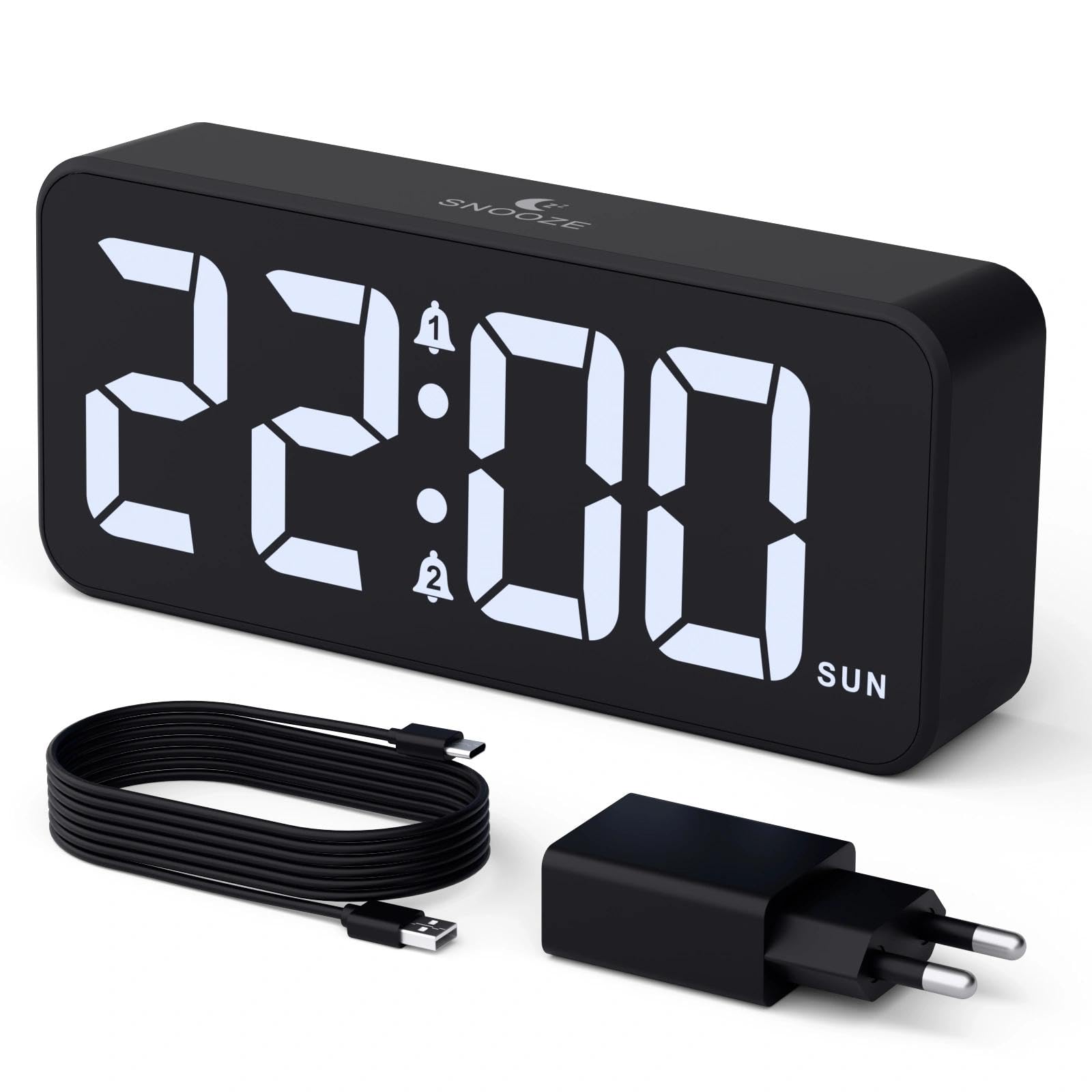
Image: The CHEREEKI Digital LED Alarm Clock, showcasing its large LED display and key features.
Safety Information
- Ensure the power adapter and cable are compatible with the device's voltage requirements (5V/1A or 5V/2A).
- Usaisa mudziyo kumvura kana kunyorova kwakanyanya.
- Rega kuisa mudziyo pedyo nekupisa kana muzuva rakananga.
- Usaedze kupatsanura kana kugadzirisa mudziyo wega. Bata rutsigiro rwevatengi kana paine matambudziko.
- Chengetedza pasingasvikirwi nevana.
Package Zviri mukati
- CHEREEKI Digital LED Alarm Clock
- Power Adapter (5V/1A or 5V/2A)
- Waya yekuchaja yeUSB (1.5m)
- User Manual
- CR2032 Backup Battery (pre-installed or included)

Image: Illustration of the items included in the product package.
Product Layout and Controls

Image: Rear panel of the alarm clock with labels for all buttons and ports.
- Bhatani reNguva: Press to enter time setting mode.
- Alarm 1 Bhatani: Press to set Alarm 1.
- Alarm 2 Bhatani: Press to set Alarm 2.
- Kumusoro / Kuderera Mabhatani: Adjust values during setting.
- Dimmer Knob: Rotate to adjust display brightness (0-100%).
- Vhoriyamu Knob: Rotate to adjust alarm volume (10 levels).
- USB Output Port: Yekuchaja midziyo yekunze.
- Type-C Input Port: For power supply to the alarm clock.
- Bhatani reDST: For Daylight Saving Time adjustment.
- Battery Compartment: Houses the CR2032 backup battery.
Gadzirira
1. Simba Connection
The alarm clock operates solely on AC power. Connect the provided USB cable to the Type-C input port on the back of the clock and plug the adapter into a standard wall outlet (5V/1A or 5V/2A). The display will light up.

Image: The alarm clock connected to a power source via its adapter.
2. Backup Battery
A CR2032 backup battery is included to retain time and alarm settings during power outages. This battery does not power the display or alarm functions; it only preserves memory. Ensure the battery is correctly installed in the compartment on the back of the clock.

Image: Close-up of the backup battery compartment, indicating its purpose to retain settings during power loss.
Operating Instruction
Kuronga Nguva
- Press the "TIME SET" button. The hour digits will flash.
- Use the "UP" or "DOWN" buttons to adjust the hour.
- Press "TIME SET" again to confirm the hour and move to minute setting. The minute digits will flash.
- Use the "UP" or "DOWN" buttons to adjust the minutes.
- Press "TIME SET" once more to confirm the minutes and exit time setting mode.
Kugadzirisa Maaramu (Ararm 1 neArarm 2)
This clock supports two independent alarms with three scheduling options.
- Press the "ALARM 1" or "ALARM 2" button. The alarm hour digits will flash.
- Use the "UP" or "DOWN" buttons to adjust the alarm hour.
- Press the respective alarm button again to confirm the hour and move to minute setting. The minute digits will flash.
- Use the "UP" or "DOWN" buttons to adjust the alarm minutes.
- Press the alarm button again to select the alarm schedule:
- Mazuva evhiki: Muvhuro kusvika Chishanu
- Kupera kwevhiki: Mugovera kusvika Svondo
- Zuva nezuva: Muvhuro kusvika Svondo
- Press the alarm button once more to confirm the schedule and exit alarm setting mode.
- To enable/disable an alarm, press the "ALARM 1" or "ALARM 2" button briefly outside of setting mode. An alarm icon will appear/disappear on the display.

Image: The alarm clock demonstrating dual alarm settings with various scheduling options.
Snooze Basa
When the alarm sounds, touch the top of the clock to activate the 5-minute snooze function. The alarm will temporarily stop and sound again after 5 minutes. To turn off the alarm completely, press any other button on the back of the clock.
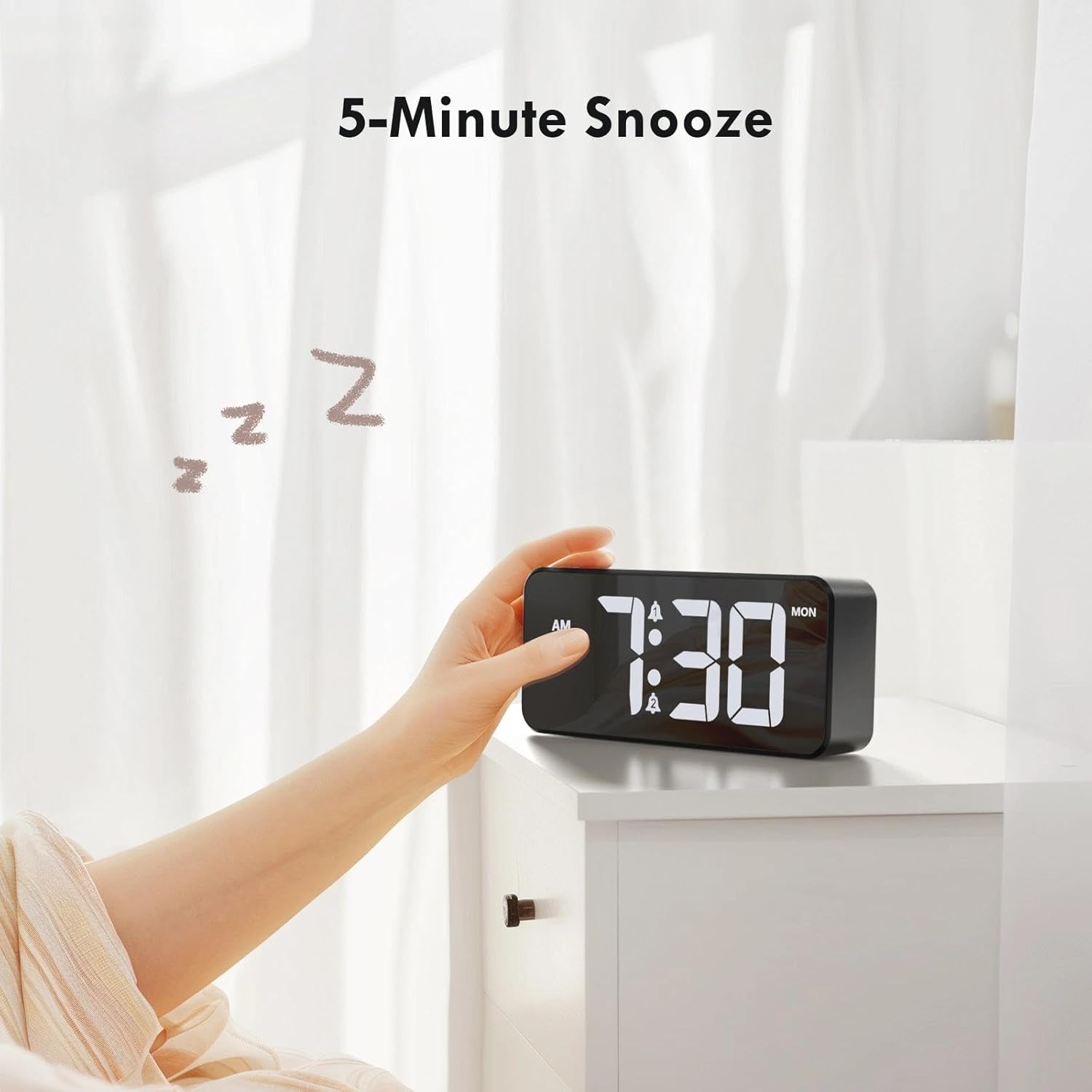
Image: A user activating the snooze function by touching the top of the alarm clock.
Kugadzirisa Kupenya Kwekuratidzwa
Rotate the "DIMMER" knob on the back of the clock to adjust the display brightness from 0% (off) to 100% (maximum brightness). This allows for comfortable viewing mune chero mamiriro ekuvhenekesa.

Image: Visual representation of the adjustable brightness feature and the dimmer knob.
Kugadzirisa Alarm Volume
Rotate the "VOLUME" knob on the back of the clock to select one of the 10 available alarm volume levels. Choose a volume that suits your preference.

Image: The volume control knob and a visual scale indicating adjustable volume levels.
12/24 Hora Format
To switch between 12-hour and 24-hour time formats, press and hold the "TIME SET" button for a few seconds until the format changes. In 12-hour format, "AM" or "PM" indicators will be displayed.

Image: The alarm clock showing both 12-hour and 24-hour time display options.
USB Kuchaja Port
The USB-A output port on the back of the clock allows you to charge other devices, such as smartphones or tablets. Simply connect your device's charging cable to this port.

Image: The alarm clock charging a smartphone via its integrated USB port.
Masikati Kuchengetedza Nguva (DST)
To adjust for Daylight Saving Time, press the "DST" button on the back of the clock. This will advance or set back the time by one hour. Press it again to revert.
Maintenance
- Chenesa pamusoro pewachi nejira rakapfava, rakaoma. Usashandise zvinochenesa zvinokuvadza kana zvinonyungudutsa.
- Chengetedza mudziyo usina guruva nemarara.
- If the backup battery needs replacement, use a CR2032 coin cell battery. Ensure correct polarity.
Kugadzirisa matambudziko
| Dambudziko | Zvinogona Kukonzera | Solution |
|---|---|---|
| Display yadzimwa. | Not connected to power; Dimmer set to 0%. | Ensure the clock is plugged into a working power outlet. Rotate the Dimmer knob to increase brightness. |
| Alarm hainzwi. | Alarm not activated; Volume set to minimum. | Press the ALARM 1/2 button to activate the alarm (icon should appear). Rotate the Volume knob to increase volume. |
| Magadzirirwo akarasika mushure mekubatidza magetsitage. | Backup battery is dead or missing. | Replace the CR2032 backup battery. |
| Kuchaja USB hakusi kushanda. | Clock not powered; Device cable faulty. | Ensure the alarm clock is powered. Try a different USB cable or device. |
Zvinotsanangurwa
- Brand: CHEREEKI
- Muenzaniso: B0FHHKMP1X
- Ruvara: Nhema
- Ratidza Rudzi: Digital LED
- Material: Acrylonitrile Butadiene Styrene (ABS)
- Zviyero zvechigadzirwa: 14.5 x 3.81 x 6.5 masendimita (5.7 x 1.5 x 2.5 inches)
- Chinhu Weight: 230 magiramu (0.5 lbs)
- Kunobva Simba: Wired Electric (5V/1A or 5V/2A adapter)
- Backup Battery: CR2032 (for memory retention only)
- Special Features: Adjustable Brightness, Dual Alarm, Snooze, USB Charging Port, 12/24H Format, Adjustable Volume, Day of Week Display
Warranty uye Support
This CHEREEKI Digital LED Alarm Clock comes with a Hupenyu hwese Warranty. For any product inquiries, technical support, or warranty claims, please contact CHEREEKI customer service through the retailer where you purchased the product or visit the official CHEREEKI websaiti yeruzivo rwekusangana.
Ndapota chengetedza humbowo hwako hwekutenga nekuda kwewaranti.
