1. Nhanganyaya
Thank you for choosing the HTC N15 Wireless Clip-On Earbuds. These open-ear earphones are designed to provide audio while allowing you to remain aware of your surroundings. This manual provides detailed instructions for setup, operation, and maintenance to ensure optimal performance and longevity of your device.

Image 1.1: HTC N15 Wireless Clip-On Earbuds and Charging Case.
2. Package Zviri mukati
Ndapota tarisa zviri mupakeji kana wabvisa zvinhu mubhokisi. Kana paine zvinhu zvisipo kana kuti zvakakuvara, taura nerutsigiro rwevatengi.
- 1 Pair HTC N15 Clip-On Earbuds
- 1 Kubhadharisa Kesi
- 1 USB-C Kuchaja Cable
- 1 Mushandisi Manual (gwaro iri)
Video 2.1: Unboxing the HTC N15 Wireless Clip-On Earbuds, showing the earbuds, charging case, and USB-C cable.
3. Chigadzirwa Pamusoroview
3.1 Zvinhu Zvine Manzwiro Enzeve
- Dhizaini Yenzeve Yakavhurika: Inobvumira kuziva nharaunda.
- Kukwana kweClip-On: Secure and comfortable for various activities.
- Kubata Kudzora: Intuitive control for audio and calls.
- Yakavakirwa-mukati Maikorofoni: For clear communication.
- Huremu: Imwe neimwe earbud inorema ingangoita 4.7g.
- Mutyairi we13mm: Kuti ruzha rwuwedzere kunaka.
3.2 Zvinhu zveKesi yekuchaja
- USB-C yekuchaja Port: Kuti zvive nyore kuchaja.
- Chiratidzo chebhatiri: LEDs show charging status and battery level.

Mufananidzo 3.1: Pamusoroview of HTC N15 earbuds and charging case, highlighting battery life and Type-C charging port.
4. Setup
4.1 Kuchaja maEarbuds uye Case
Usati watanga kushandisa, chaja zvizere maearbud nekesi yekuchaja.
- Isa maearbuds muchesi yekuchaja.
- Batanidza tambo yekuchaja ye-USB-C kuchiteshi chekuchaja pane kesi uye kune sosi yemagetsi.
- The LED indicators on the case will illuminate to show charging status. A full charge for the case takes approximately 1.5 hours.
- Mahedhifoni aya anopa maawa masere ekutamba nekuchaja kamwe chete, uye bhokisi rekuchaja rinotamba kusvika maawa makumi mana.

Image 4.1: Visual representation of charging times and battery life for the HTC N15 earbuds and case.
4.2 Kubatanidza neChishandiso
The HTC N15 earbuds use Bluetooth 6.0 for fast and stable connections.
- Ita shuwa kuti maearbuds akachajwa uye ari mukati mekesi yekuchaja.
- Vhura bhokisi rekuchaja. Ma earbuds anopinda otomatiki mu pairing mode, inoratidzwa nemwenje ye LED inopenya.
- Pamudziyo wako (smartphone, piritsi, laptop), enda kuBluetooth marongero uye batidza Bluetooth.
- Tsvaga available devices and select "HTC NE15" from the list.
- Kana yabatanidzwa, ma LED e earbud anomira kupenya, uye uchanzwa ruzha rwekusimbisa.
Maearbud anozobatana otomatiki kumudziyo wekupedzisira wakabatana kana abviswa mubhokisi, kana Bluetooth yakabatidzwa pamudziyo.

Image 4.2: The HTC N15 earbuds offer flexible connectivity with various devices including notebooks, TVs, desktops, watches, phones, and iPads.
5. Kupfeka Mirayiridzo
Kuti ruzha rwuve rwakanaka uye runyaradze, iva nechokwadi chekuti mahedhifoni akapfekwa nemazvo.
- Ziva Kuruboshwe (L) uye Kurudyi (R) mahedhifoni.
- Confirm the direction of the earbud, ensuring the clip is oriented to hook over the top of your ear.
- Gently clip the earbud onto the thinnest part of your ear, sliding it down until it feels secure.
- Adjust the earbud tip to align with your ear canal for the best sound experience and comfort.

Image 5.1: Step-by-step guide on how to properly wear the HTC N15 Clip-On Earbuds for a secure and comfortable fit.

Image 5.2: Illustration of the ergonomic open-ear clip design and wearing tips for optimal sound alignment.
6. Operating Instructions
The HTC N15 earbuds feature smart touch controls for easy management of audio and calls.

Image 6.1: Diagram illustrating the touch control functions for the HTC N15 earbuds.
6.1 Kudzora Mumhanzi
- Tamba/Kumbomira: Dzvanya kaviri chero earbud.
- Rwiyo Runotevera: Triple-click the Right (R) earbud.
- Rwiyo Rwapfuura: Triple-click the Left (L) earbud.
- Vhoriyamu Kumusoro: Click the Right (R) earbud.
- Vhoriyamu Pasi: Click the Left (L) earbud.
6.2 Call Control
- Pindura/Pedzisa Kufona: Click either earbud.
- Ramba Kufona: Dzvanya uye bata chero earbud kwemasekonzi maviri.
6.3 Voice Assistant & Game Mode
- Shandisa Izwi Mubatsiri: Hold the Left (L) earbud for 2 seconds.
- Game Mode: Hold the Right (R) earbud for 2 seconds to activate low-latency mode.

Image 6.2: The HTC N15 earbuds feature a low-latency Game Mode, reducing audio delay to 40ms for an improved gaming experience.
7. Kuchengeta
7.1 Kuchenesa
- Garai kuchenesa maearbud nekesi yekuchaja nejira rakapfava, rakaoma, risina lint.
- Usashandise abrasive cleaners, doro, kana makemikari zvinonyungudutsa.
- Ita shuwa kuti kuchaja macontact pane ese maearbuds uye makesi akachena uye akaoma.
7.2 Kuchengeta
- Chengetedza maearbuds mukesi yavo yekuchaja kana isiri kushandiswa kuadzivirira uye kuti agare aine chaji.
- Dzivisa kuchengeta mu tembiricha yakanyanyisa kana mwando wepamusoro.
7.3 Mvura uye Dust Resistance
The HTC N15 earbuds are rated IP45 for water and dust resistance. This means they are protected against dust ingress and low-pressure water jets from any direction. They are suitable for workouts and light rain but should not be submerged in water.
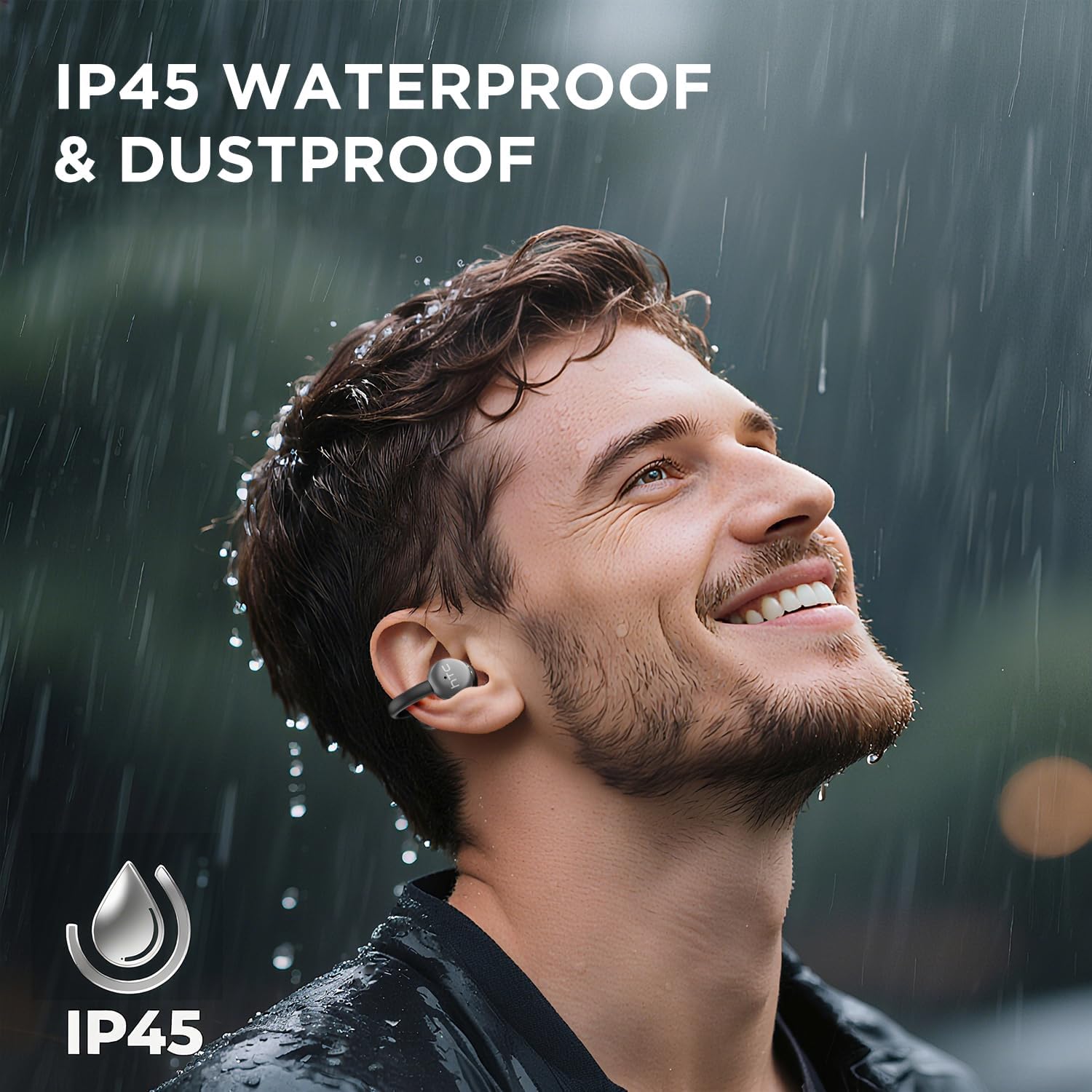
Image 7.1: The HTC N15 earbuds are IP45 rated, offering protection against dust and water splashes, making them suitable for outdoor activities.
8. Kugadzirisa matambudziko
| Dambudziko | Zvinogona Kukonzera | Solution |
|---|---|---|
| Maearbuds haasi kubatanidza | Low battery; Bluetooth off on device; Earbuds not in pairing mode; Interference. | Charge earbuds and case. Ensure Bluetooth is enabled on your device. Place earbuds in case, close, then open to re-enter pairing mode. Move closer to your device. |
| Hapana ruzha kana kuti ruzha rwakaipa | Volume too low; Earbuds not properly seated; Device not connected; Dirty earbuds. | Increase device volume. Adjust earbuds for a proper fit. Reconnect earbuds to your device. Clean earbuds as per maintenance section. |
| Maearbuds haasi kuchaja | Charging cable not connected properly; Dirty charging contacts; Faulty cable/adapter. | Ensure USB-C cable is securely connected. Clean charging contacts. Try a different USB-C cable or power adapter. |
| Kubata kunodzora kusadaira | Earbuds not active; Moisture on touch surface; Software glitch. | Ensure earbuds are active and connected. Wipe touch surface dry. Place earbuds back in case, close, then reopen to reset. |
9. Zvinotsanangurwa
| Feature | Tsanangudzo |
|---|---|
| Model Name | HTC NE15 |
| Bluetooth Version | 6.0 |
| Kubatana Technology | Wireless (Bluetooth) |
| Earbud Type | Clip-On, Open-Ear |
| Kukura Kwemutyairi | 13mm |
| Kudzora Nzira | Bata |
| Maikorofoni | Yakavakwa-mukati |
| Single Charge Playtime | Kusvikira kumaawa makumi maviri nemashanu |
| Yese Yekutamba (nekesi) | Kusvikira kumaawa makumi maviri nemashanu |
| Case Fast Charging | Approx. 1.5 maawa |
| Kuchaja Port | USB-C |
| Kuramba Mvura | IP45 (Mvura uye Dust Resistant) |
| Kurema kwenzeve | Approx. 4.7g (imwe neimwe) |
| Inowirirana Devices | Smartphones, Tablets, Bluetooth-enabled Devices (iOS, Android) |
| UPC | 768649989642 |
10. Warranty uye Tsigiro
HTC provides customer support for its products. If you encounter any issues or have questions not covered in this manual, please contact our support team.
- Tsigiro yeVatengi: 7*24 Live Chat Support is available. Refer to the product packaging or official HTC websaiti kuti uwane ruzivo.
- Ruzivo rwewaranti: Please retain your proof of purchase for warranty claims. Specific warranty terms and conditions may vary by region. Refer to the warranty card included in your package or the official HTC websaiti kuti uwane ruzivo rwakadzama.


