1. Nhanganyaya
Ndatenda nekutengaasing the LG 43 inch UHD AI UA73 4K Smart TV. This television combines stunning 4K Ultra High Definition visuals with advanced Artificial Intelligence features and the intuitive webOS25 platform. Enjoy vibrant colors, sharp details, and smart functionalities including AI-powered search and voice control. This manual provides essential information for setting up, operating, and maintaining your new television.
2. Safety Information
Ndapota verenga mirairo yese yekuchengetedza zvakanaka usati washandisa TV yako. Chengeta bhuku rino kuti ugozorishandisa mune ramangwana.
2.1 Kuchengetedzwa Kwemagetsi
- Usaremedze madziro emadziro kana tambo dzekuwedzera.
- Ita shuwa kuti tambo yemagetsi yakanamirwa zvakachengetedzeka muTV uye nepamadziro.
- Usabate plug yemagetsi nemaoko akanyorova.
2.2 Kuiswa
- Place the TV on a stable, level surface or mount it securely to a wall using a compatible VESA mount.
- Ita shuwa kuti pave nemhepo yakakwana yakatenderedza TV kudzivirira kupisa.
- Keep the TV away from direct sunlight, heat sources, and moisture.
2.3 Kuchenesa
- Bvisa TV usati wachenesa.
- Use a soft, dry cloth to clean the screen and exterior. Do not use liquid cleaners or sprays directly on the TV.
3. Package Zviri mukati
Tarisa kuti zvinhu zvese zviripo mubhokisi:
- LG 43 inch UHD AI 4K Smart TV (Model 43UA73006LA)
- AI Magic Remote Control
- Power Cord
- Chigadziko cheTV (zvidimbu zviviri) uye Skuruu
- User Manual and Regulatory Information
- Batteries for Remote Control (AA x 2)
4. Setup
4.1 Unpacking and Stand Installation
- Bvisa TV nokungwarira kubva mupakeji yayo. Zvinokurudzirwa kuti pave nevanhu vaviri padanho iri.
- Isa skrini yeTV-pasi panzvimbo yakapfava, yakati sandara kudzivirira kukuvara.
- Attach the stand pieces to the TV using the provided screws, ensuring they are securely fastened. Refer to the diagram in the quick setup guide for specific screw locations.
- Alternatively, if wall-mounting, follow the instructions provided with your VESA-compatible wall mount kit.
4.2 Kubatanidza Peripherals
Connect external devices such as Blu-ray players, game consoles, or soundbars to the appropriate ports on the back of the TV.
- HDMI Ports: Kuti uwane vhidhiyo neodhiyo zvine hungwaru.
- USB Ports: Yekubatanidza USB midziyo yekuchengetedza.
- Antenna/Cable Input: Yekubatanidza antenna kana cable TV.
- Optical Digital Audio Out: Zvekubatanidza kune soundbar kana audio receiver.
4.3 Yekutanga Simba Pa uye Network Connection
- Batanidza tambo yemagetsi muTV wobva waisa mudura repamadziro.
- Dzvanya bhatani remagetsi paremote control kana paTV.
- Follow the on-screen instructions for the initial setup wizard. This will guide you through language selection, time zone, and network connection.
- Sarudza yako Wi-Fi network uye isa password, kana batanidza tambo yeEthernet yekubatanidza waya.
5. Kushanda
5.1 AI Magic Remote Control
The AI Magic Remote allows for intuitive control of your TV, including point-and-click navigation and voice commands.
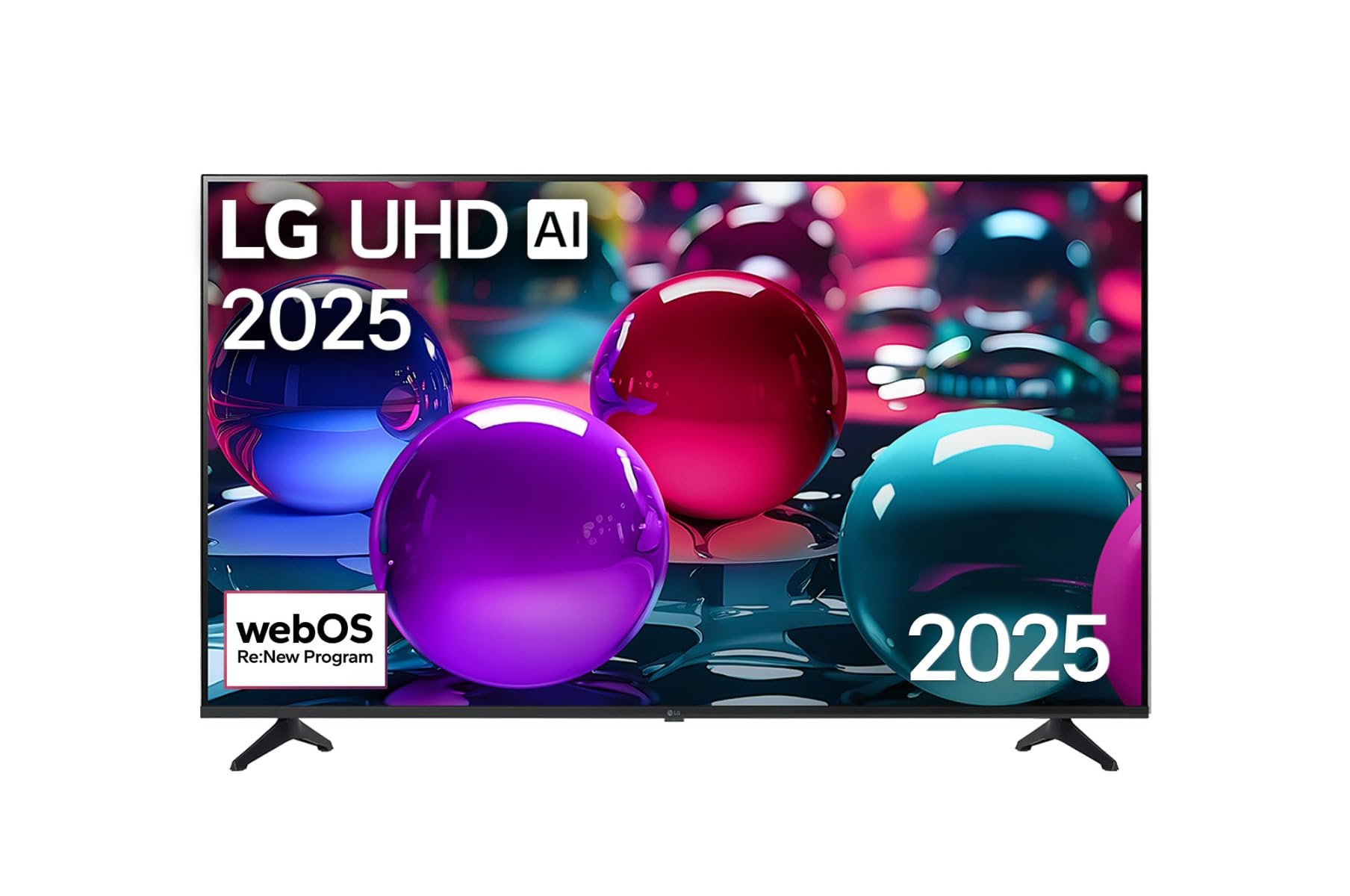
This image displays the LG 43 inch UHD AI 4K Smart TV, highlighting its webOS Re:New Program and Artificial Intelligence features. The accompanying AI Magic Remote is shown with a speech bubble indicating 'Just speak!', emphasizing its voice control capabilities.
- Bhatani reSimba: Batidza kana kudzima TV.
- Scroll Wheel/OK Button: Inofamba nemamenu uye inosimbisa sarudzo.
- Bhatani reKuraira Izwi: Press and hold to activate AI Search, AI Chatbot, or AI Concierge. Speak your command into the remote.
- Bhatani Repamba: Inopinda pa webOS Home skrini.
- Back Button: Inodzokera kune yakapfuura skrini.
- Vhoriyamu kumusoro/Kudzika: Inogadzirisa inzwi.
- Channel Kumusoro/Kudzika: Anochinja machannel.
5.2 webOS Interface
The webOS Home screen provides quick access to apps, inputs, and settings. Use the Magic Remote to point and click on desired options or navigate with the directional buttons.
- App Launcher: Customize and access your favorite streaming services and applications.
- Input Selector: Switch between HDMI inputs, USB, or live TV.
- Settings: Adjust picture, sound, network, and general TV settings.
5.3 AI Zvimiro
Leverage the power of AI for enhanced TV experience:
- Kutsvaga kweAI: Use voice commands to find content, information, or apps quickly.
- AI Chatbot: Interact with the TV for assistance or information.
- AI Concierge: Receive personalized content recommendations and smart home integration.
6. Kuchengeta
6.1 Kuchenesa TV yako
Kuti TV irambe ichitaridzika uye ichishanda zvakanaka:
- Gara uchisunungura TV usati wachenesa.
- Shandisa jira rakapfava, risina lint kupukuta skrini zvinyoro nyoro. Pazvibodzwa zvakasindimara, zvishoma damppukuta jira nemvura, wobva wapukuta ipapo ipapo.
- Geza furemu yeTV womira nejira rakapfava, rakaoma.
- Do not use abrasive cleaners, alcohol, benzene, or thinners, as these can damage the screen or finish.
6.2 Zvigadziriso zveSoftware
Your LG Smart TV periodically receives software updates to improve performance and add new features. Ensure your TV is connected to the internet to receive these updates automatically. You can also manually check for updates in the TV's settings menu.
7. Kugadzirisa matambudziko
Kana ukasangana nematambudziko neTV yako, tarisa kune anotevera akajairika mhinduro:
| Dambudziko | Possible Solution |
|---|---|
| Hapana simba | Check if the power cord is securely plugged in. Try a different power outlet. |
| Hapana mufananidzo, asi inzwi riripo | Iva nechokwadi chekuti kwasarudzwa nzvimbo chaiyo yekuisa. Tarisa kubatana kwetambo nemidziyo yekunze. |
| Hapana ruzha, asi mufananidzo uripo | Check volume levels and mute settings. Verify audio output settings in the TV menu. |
| Remote control haisi kushanda | Replace batteries. Ensure there are no obstructions between the remote and the TV. Re-pair the Magic Remote if necessary (refer to TV settings). |
| Haikwanisi kubatana neWi-Fi | Tangazve router yako nemodem. Tarisa pasiwedhi yeWi-Fi. Iva nechokwadi chekuti TV iri pedyo nerouter. |
| Zvinetso zvemhando yemifananidzo (semuenzaniso, kusajeka, kukanganisa) | Check the resolution of the input source. Adjust picture settings in the TV menu. |
If the problem persists, please contact LG customer support.
8. Zvinotsanangurwa
| Feature | Detail |
|---|---|
| Brand | LG |
| Model Name | 43UA73006LA |
| Screen Size | 43 inches |
| Display Technology | LED |
| Resolution | 4K UHD (3840 x 2160) |
| Aspect ratio | 16:9 |
| Operating System | webOS25 |
| Special Features | AI Processor, AI Magic Remote, HDR10, Sleep Timer |
| Color | Nhema |
| Item Weight | 6.8 Makirogiramu (14.96 makirogiramu) |
| Product Dimensions | 37.68 x 37.68 x 21.97 inches |
| Zuva Rokutanga Kuwanikwa | Mbudzi 28, 2025 |
9. Warranty & Tsigiro
9.1 Chigadzirwa Chivimbiso
Your LG 43 inch UHD AI UA73 4K Smart TV is covered by a limited manufacturer's warranty. Please refer to the warranty card included in your package for specific terms, conditions, and duration of coverage. Keep your proof of purchase for warranty claims.
9.2 Mutengi Tsigiro
Kuti uwane rubatsiro rwehunyanzvi, kugadzirisa matambudziko kupfuura bhuku rino, kana sevhisi yewaranti, ndapota taura neLG Customer Support:
- Websaiti: Shanyira rutsigiro rwepamutemo rweLG website for FAQs, downloads, and service requests.
- Runhare: Refer to your warranty card or LG's official websaiti yenhamba dzedunhu.